

 |
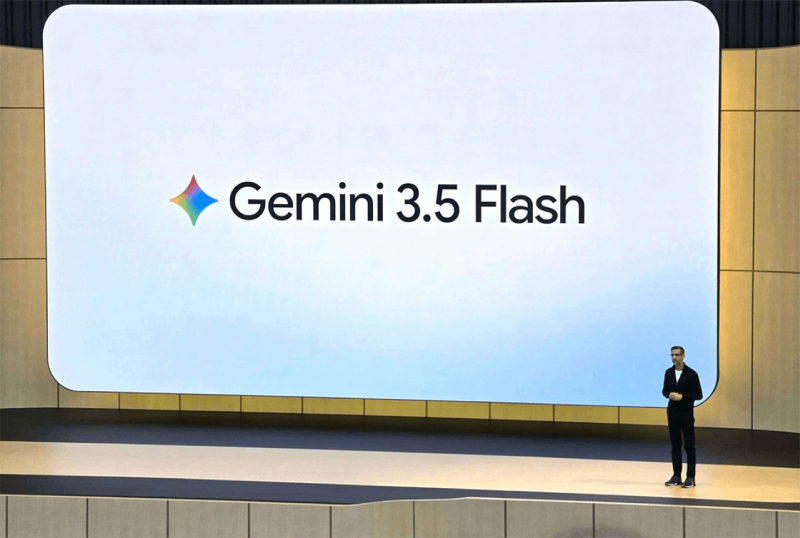
| How to use Gemini 3.5 Flash, the new fast modeling tool. |
At the recent Google I/O, Google introduced Gemini 3.5 Flash, boasting faster processing speeds and smarter AI capabilities for a variety of everyday needs. If you want to know how to use it on your phone or computer, as well as the new features of Gemini 3.5 Flash, let's explore them below.
To experience Gemini 3.5 Flash, you only need to perform a few simple steps on Google Gemini to immediately use the new AI version with faster response times and smarter processing capabilities.
Step 1: First, access the Google Gemini website or application on your computer, then click on the Sign In button in the upper right corner of the screen to begin.
 |
| First, access the Google Gemini website or app. |
Step 2: Select the Google account you want to use. After confirmation, the system will automatically take you to the main interface of the Gemini tool.
 |
| Choose the Google account you want to use. |
Step 3: In the working interface, find the Flash option located right below the content input box and click on it to open the list of AI versions.
 |
| In the working interface, find the Flash section. |
Step 4: Next, select Flash version 3.5 to activate the new AI mode, which offers fast, smooth responsiveness and better support for various tasks.
 |
| Next, select Flash version 3.5 to activate AI mode. |
Step 5: After making your selection, simply enter your question or request into the chat box, press send, and wait for Gemini 3.5 Flash to respond immediately.
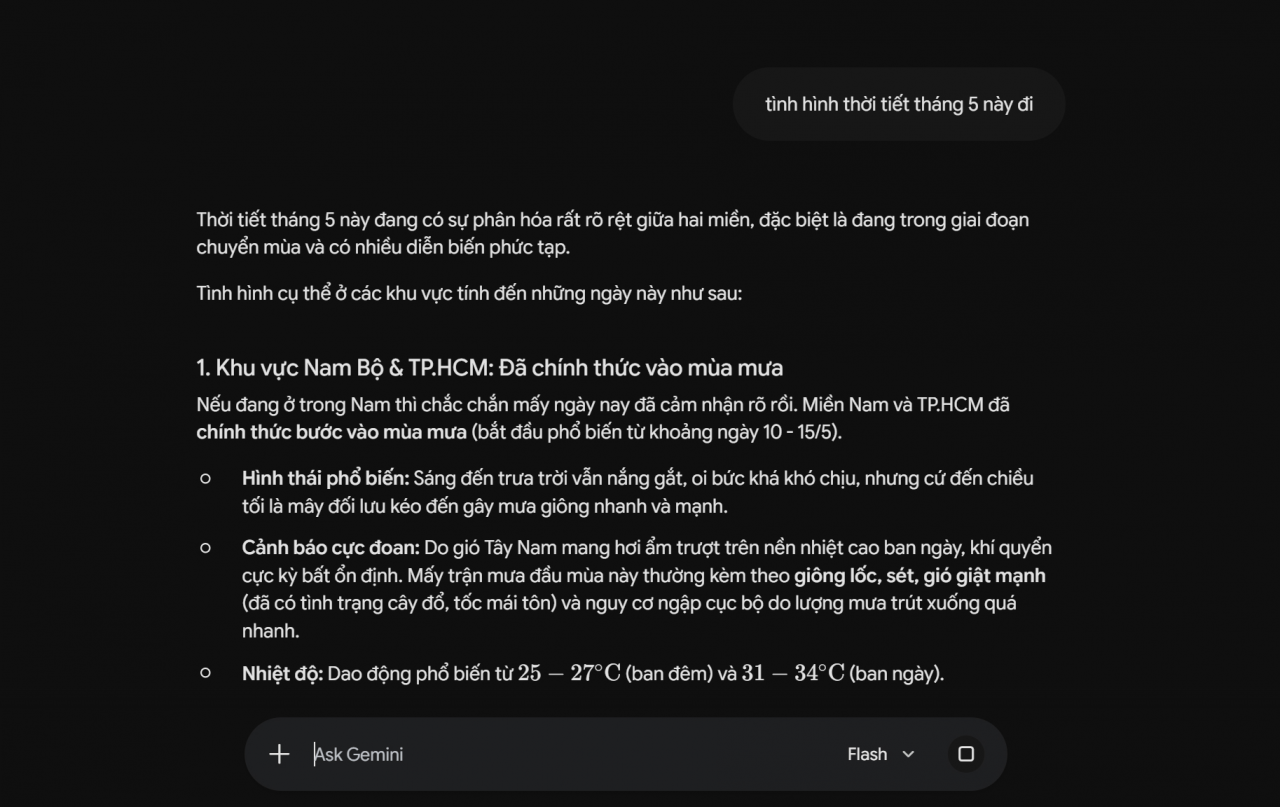 |
| Once you've made your selection, simply enter your question or request into the chat box. |
With just a few basic steps, you can easily use Gemini 3.5 Flash to support your studies, work, and information searching more effectively.
Thus, with just a few simple steps, you can use Gemini 3.5 Flash to support your work, studies, and information searches more quickly. This new AI version not only provides smoother responses but also enhances the daily user experience.
Source: https://baoquocte.vn/cach-su-dung-gemini-35-flash-mo-hinh-moi-nhanh-chong-397117.html


































































































Comment (0)