

iPhones are equipped with a light sensor to detect the surrounding environment and automatically adjust screen brightness accordingly. In theory, this is a useful feature.
However, in practice, it sometimes malfunctions, especially when you're outdoors but partially in the shade. In such cases, the screen may dim unnecessarily, making viewing difficult. Even if you manually increase the brightness, the device may automatically dim it back to its original level.
By simply disabling these two features, you can prevent your iPhone from automatically dimming the screen.
1. Turn off automatic brightness adjustment.
This is the main culprit behind the screen brightness changing automatically. However, this setting is quite well-hidden in the Accessibility settings, so not everyone is aware of it.
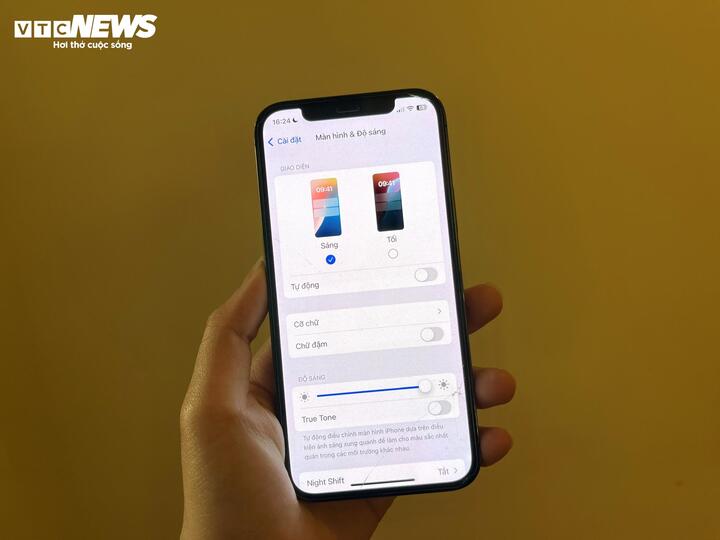
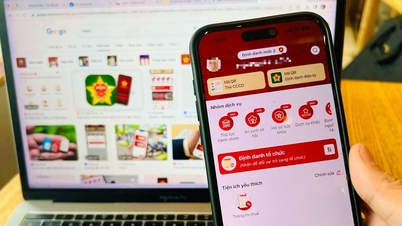
Turning off automatic brightness adjustment helps prevent the iPhone from dimming the screen on its own. (Photo: Khanh Huyen)
Here's how to turn it off:
- Open Settings.
- Select Accessibility
- Go to Display & Text Size
- Scroll to the bottom and turn off Automatic Brightness Adjustment.
After turning it off, the screen will maintain the brightness you set, but if the device continues to adjust, proceed to step two.
2. Turn off True Tone
True Tone is a feature that helps the iPhone screen adapt to ambient light and colors to display more realistic and eye-friendly images. While useful for many, if you don't need it or find the constantly changing screen annoying, you can turn it off.
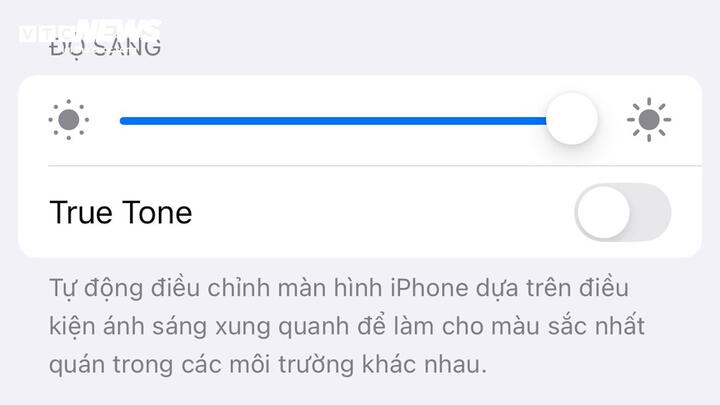
Turning off True Tone has almost completely eliminated the issue of the iPhone automatically adjusting its brightness.
How to do it:
- Go to Settings
- Select Display & Brightness
- Turn off True Tone in the Brightness settings.
Once you've turned off both Auto-Brightness and True Tone, you've almost completely eliminated the iPhone's automatic brightness adjustment. However, there's still one factor that can override all these settings.
3. Be careful about your iPhone overheating.
Even with those two features disabled, the iPhone will still dim the screen if the device gets too hot; this is Apple's mechanism to protect the internal components.
According to Apple's recommendation:
- Use your iPhone in temperatures between 0°C and 35°C.
- Store the device between -20°C and 45°C.
Situations that can easily cause the iPhone to overheat include: leaving the iPhone in a car, using it in direct sunlight, near a swimming pool or beach. When the temperature exceeds a safe limit, the screen will automatically dim to prevent hardware damage.
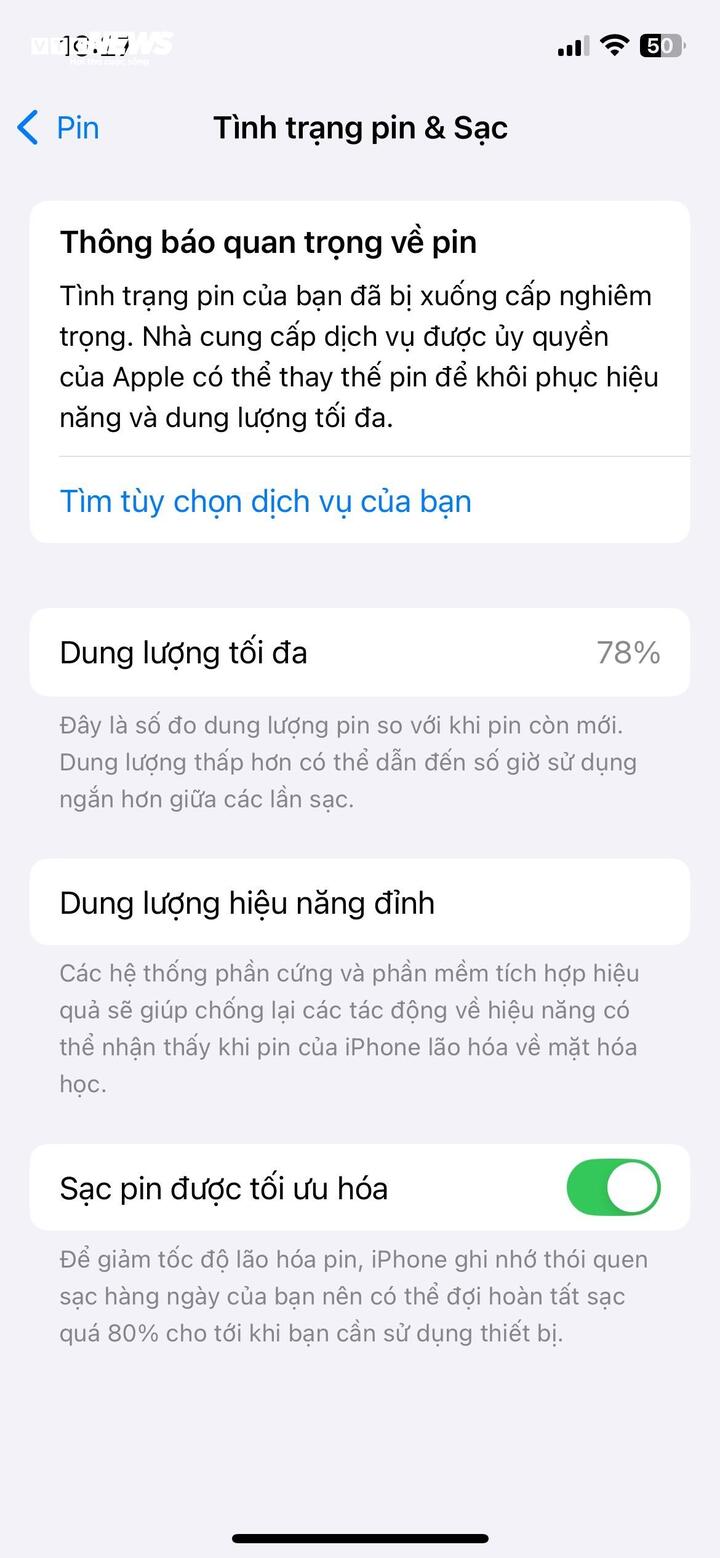
Battery degradation could be the reason why iPhones will still dim their screens if the device gets too hot.
Additionally, the problem could stem from faulty software or a degraded battery.
Check your battery status in Settings > Battery > Battery Health to see if a battery replacement is necessary.
Make sure your device is running the latest version of iOS by going to Settings > General > Software Update .
Automatic brightness adjustment is a "smart" feature, but it's not always suitable for everyone. With a few simple steps, you can easily adjust your iPhone screen brightness to your liking, resulting in a smoother and more comfortable user experience.
Source: https://vtcnews.vn/2-cach-don-gian-giup-iphone-ngung-tu-giam-sang-ar938065.html













































































Comment (0)