

iMessage messages can contain malware that attacks and takes control of iPhones running iOS 15.7 or earlier.
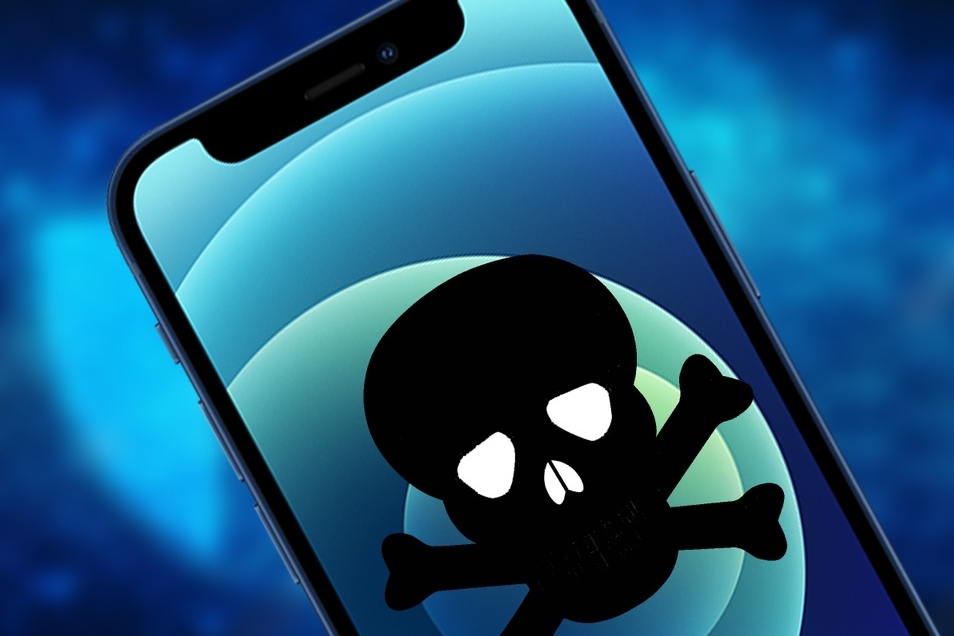
Security risks when texting on iPhone. Photo: MacWorld
According to the latest analysis by Kaspersky, a world- renowned distributor and manufacturer of security software, malware is spreading on iPhones. This malware attacks iPhones running iOS 15.7 through the iMessage application. Alarmingly, it can spread between devices without user interaction.
Specifically, Kaspersky's research team discovered several suspicious behaviors on a range of iOS devices. Therefore, they tracked iPhone user activity using offline backups on the devices to circumvent Apple's security regulations.
Ultimately, they discovered the malware attacking users when they received a text message with a suspicious attachment. This vulnerability exploited a weakness in the device, triggering malicious code to operate without user intervention. The malware then proceeded to connect to a Command-and-Control Server (C&C).
This server will download a sophisticated Advanced Persistent Threat (APT) platform to deliver malware to the target computer, thereby gaining control of the iOS device. This attack will then erase malicious code messages and secretly spread the vulnerability to remain hidden within the device.

Users should be cautious when receiving strange iPhone messages. Photo: Fox News
Kaspersky stated that this malware only attacks iPhones running iOS 15.7 and earlier. If you have updated to iOS 16 or later, your device will be safe. According to Apple Insider, the suspicious malware toolkit cannot survive for long due to the closed ecosystem of iOS. However, devices can still be reinfected after a restart.
Furthermore, when transferring data from one device to another, the iTunes backup may still contain malware, continuing to attack the next device. Experts at Kaspersky say the best way to avoid this malware is to update to iOS 16 or higher.
Users go to the Settings app > General > Software Update. Here, the screen will display the currently installed iOS version and indicate if an update is available. Tap Update to install the latest iOS version.
Additionally, users can also disable automatic message previews to prevent the spread of suspicious content on their device. Go to Settings > Messages > Show Previews and select None to turn off message previews on the lock screen and notification center.
You should also avoid clicking on suspicious links on iMessage, especially if they come from untrusted sources. These links may lead to websites or download files containing security vulnerabilities. Be cautious when receiving text messages or file attachments, and avoid downloading suspicious files as they may contain malware.
Another tip to prevent hackers from accessing your iPhone is to install antivirus software. This software will prevent your device from clicking on any suspicious links or files sent through messaging apps.
Antivirus software can also detect and remove malware already installed on the device, and warn users about phishing emails and ransomware.
According to Zing
Source






![[Infographic] 5 steps to integrate your social security account on VNeID](https://vphoto.vietnam.vn/thumb/402x226/vietnam/resource/IMAGE/2026/03/20/1773958924719_fb_5-buoc.png)













![[Photo] Tran Cam Tu, Standing Member of the Secretariat of the Central Committee, presides over the first meeting of the Central Steering Committee on the Development of Vietnamese Culture.](https://vphoto.vietnam.vn/thumb/1200x675/vietnam/resource/IMAGE/2026/03/19/1773895004549_ndo-br-bnd-1195-2-jpg.webp)














































































Comment (0)