


What causes iPhone keyboard lag?
Keyboard lag - a common issue: This software bug has existed since the iPhone 3G and continues to appear after the iOS 17 update.
Widespread impact: It's not limited to iMessage and WhatsApp, but also affects other apps like Mail and Instagram.
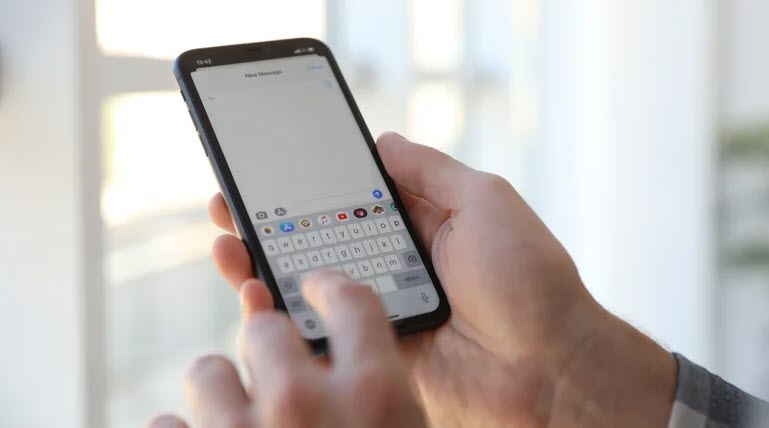
Causes of iPhone keyboard lag
Effective solutions to fix iPhone keyboard lag.
Change keyboard settings:
Remove the extra keyboards, keeping only one to reduce lag.
Turn off options like AutoCorrect and Predictive to test effectiveness.
Recommendation: Try each option one by one to find the root cause.
Reset the keyboard dictionary:
Reset the dictionary to remove added words and shortcuts.
Note: This will erase all personal settings.
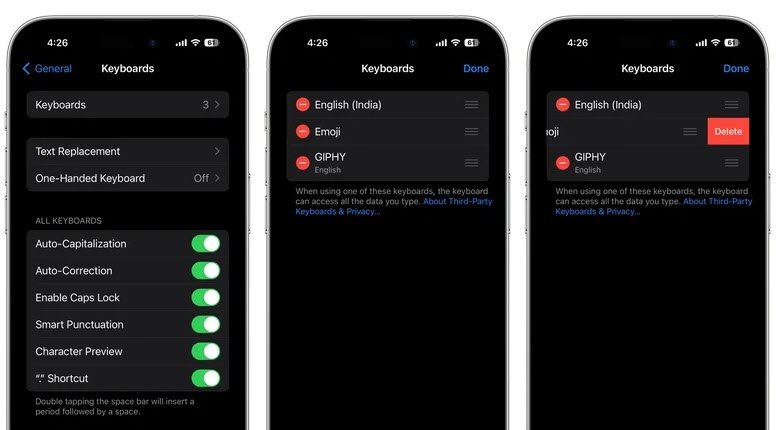
How to reset the keyboard dictionary
Restart or update your iPhone:
Close all background applications before restarting.
Update iOS to ensure the stability of the operating system.
Note: For software issues, regular updates are key.
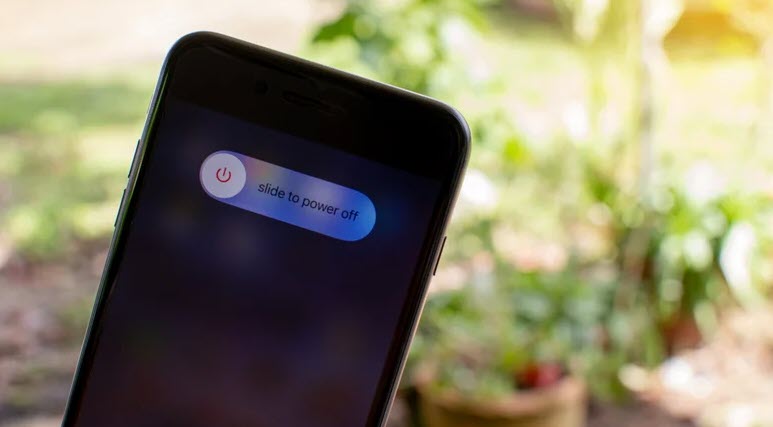
Restart your iPhone
If the above measures still don't resolve the lag issue, users can try using a third-party keyboard such as Gboard or Microsoft Swiftkey, a solution that has helped many people overcome this problem.
Keyboard lag on iPhones isn't a new issue, but there are several ways to fix it that users can try. However, keep in mind that maintaining the latest iOS version and checking for updates regularly is crucial to ensuring the best experience on your iPhone.
According to SlashGear
Source


























































































Comment (0)