

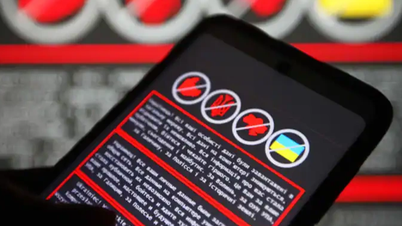
According to SlashGear , Android phones are always at risk of infection from some type of malware. If antivirus utilities are pre-installed, the device will immediately warn you. However, this sometimes doesn't happen, because some powerful malware not only infects the device but can do so in a very sophisticated way, until the user realizes it has completely taken control of the system.
Therefore, you shouldn't rely too much on antivirus programs; instead, you need to be vigilant for signs and symptoms of malware infection. Below are some signs that indicate your Android device is highly likely to be infected.
The antivirus program is not working.
Antivirus programs are designed to detect and eliminate viruses and malware, but that doesn't mean they can't be attacked themselves. In fact, a very common tactic used by malware is to disable or delete a victim's antivirus programs after gaining control of the system, allowing them to continue spreading unimpeded.
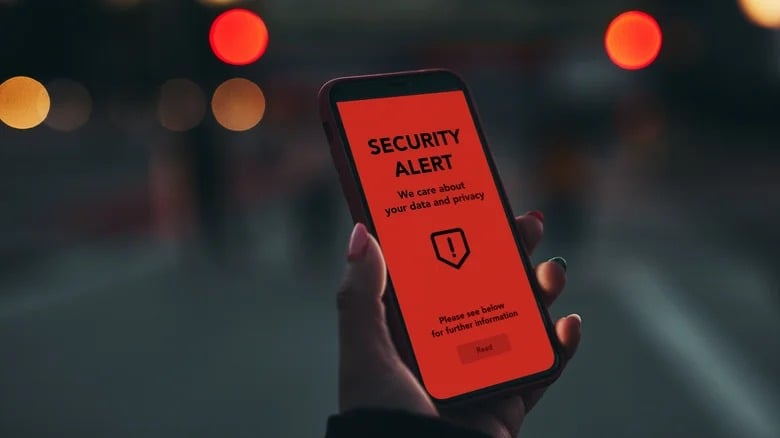
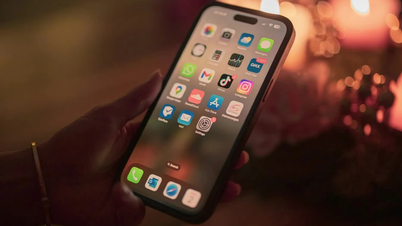
The antivirus program suddenly stopped working.
Screenshot from SlashGear
If you have antivirus software pre-installed on your Android device, make sure it has notifications enabled and permission to scan the system regularly. This is not only good for device security, but if notifications and scans suddenly stop, it's a sign of something unusual.
Storage space was suddenly invaded.
Malware-infected applications often have quite large file sizes, as they contain the application itself, necessary files, and executable files used to steal information and attack Android devices. Therefore, when an application is infected with malware, you may experience a sudden decrease in available storage space on your device.

Malware causes storage memory to run out.
Screenshot from SlashGear
Besides avoiding installing suspicious or unknown apps, you should monitor your phone's app manager and file browser for any sudden decrease in storage space. If an app is taking up a large amount of your phone's storage, that could be a bad sign. Use an antivirus program to scan or remove it from your device.
Performance declines
Similar to storage space, malware-infected applications require a lot of resources to carry out their nefarious activities. In fact, this is a common mistake with most malware: they never rest. Malware activities are constantly running at full capacity, trying to completely take over the victim's phone and exploit their personal information, even when the phone is in sleep mode.
Because of its aggressive exploitation of processing resources, malware often causes a noticeable decrease in phone performance, making all activities take longer.

An unusually slow Android phone can also be a sign of malware.
Screenshot from SlashGear
If it suddenly takes several minutes to open an app or web browser, there might be a malware-infected app "eating up" your device's resources. Check your Android app list and if anything is hogging a large amount of RAM, force stop it and investigate the app.
The web browser is redirecting abnormally.
After infection, in addition to collecting device information and applications, malware can also force the phone's web browser to redirect to or display strange things. For example, you might be bombarded with pop-ups that can't be closed, have strange extensions installed, or have your saved homepage and search engine completely altered.
Web browsers are always a target for malware on Android.
Screenshot from SlashGear
If you are experiencing this issue, you should stop using your browser until the problem is resolved. Make sure your antivirus programs are running correctly and visit the Google Play store for help from useful extensions like Google Play Protect.
Strange messages have been sent from your account.
Once malware has gained tight control over your Android system and private accounts, it can automatically spread through messaging services, such as email or social media applications. Your friends and family may receive strange messages requesting them to download apps or access malicious websites.
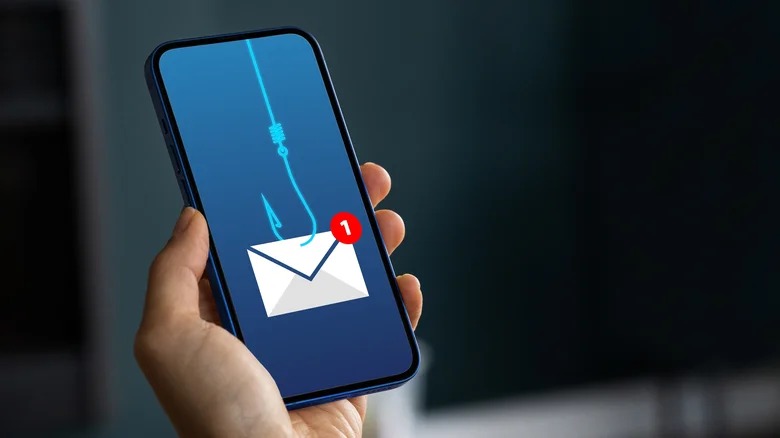
Check your inbox, messages, and messaging apps when alerted by a family member.
Screenshot from SlashGear
If friends and family report receiving strange or disturbing messages from your account, that's a dangerous sign. Check your email and social media apps for recent content and consider changing passwords on all affected accounts. Also, warn everyone not to open any emails from your account in the near future.
Source link


![[Image] National Assembly discusses the implementation of the socio-economic development plan.](https://vphoto.vietnam.vn/thumb/1200x675/vietnam/resource/IMAGE/2026/04/20/1776696707422_ndo_br_img-20260420-185419-jpg.webp)
![[Photo] General Secretary and President To Lam meets with National Assembly delegates from ethnic minorities.](https://vphoto.vietnam.vn/thumb/1200x675/vietnam/resource/IMAGE/2026/04/20/1776696701056_a1-bnd-8331-3342-jpg.webp)
































































































Comment (0)