

Earlier this year, client-side encryption was added to the web version of Gmail, allowing users to read and write encrypted emails directly from their devices.
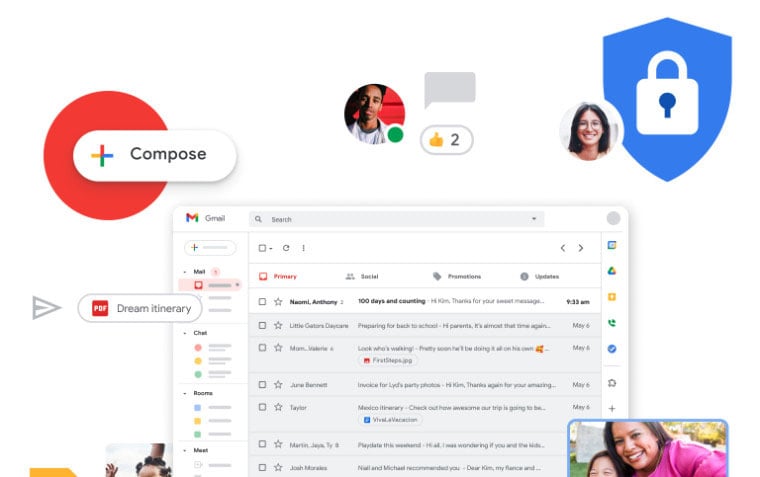
Gmail's client-side encryption is already available on Android and iOS.
Google states that while Workspace encrypts data during storage and transmission using secure cryptographic libraries by design, client-side encryption ensures you maintain full control over your encryption keys and access to your data. Client-side encryption ensures sensitive data within email content and attachments cannot be decrypted by Google servers—you retain control of the encryption keys and the identity services that access them.
This feature is available to Google Workspace Enterprise Plus, Education Plus, and Education Standard users. Client-side encryption is not supported on other Workspace editions such as Essentials, Business Starter, Business Standard Plus, etc. Additionally, this feature is not available for users with personal Google accounts.
This feature allows "users to work with your most sensitive data from anywhere on their mobile device" by using the S/MIME protocol to encrypt and digitally sign emails before sending them to Google servers.
While composing emails on Gmail for Android or iOS, eligible users can enable client-side encryption by tapping the blue lock icon in the subject line. However, this feature is disabled by default, so administrators will need to enable access through the CSE admin interface.
Source link




































































































Comment (0)