

 |
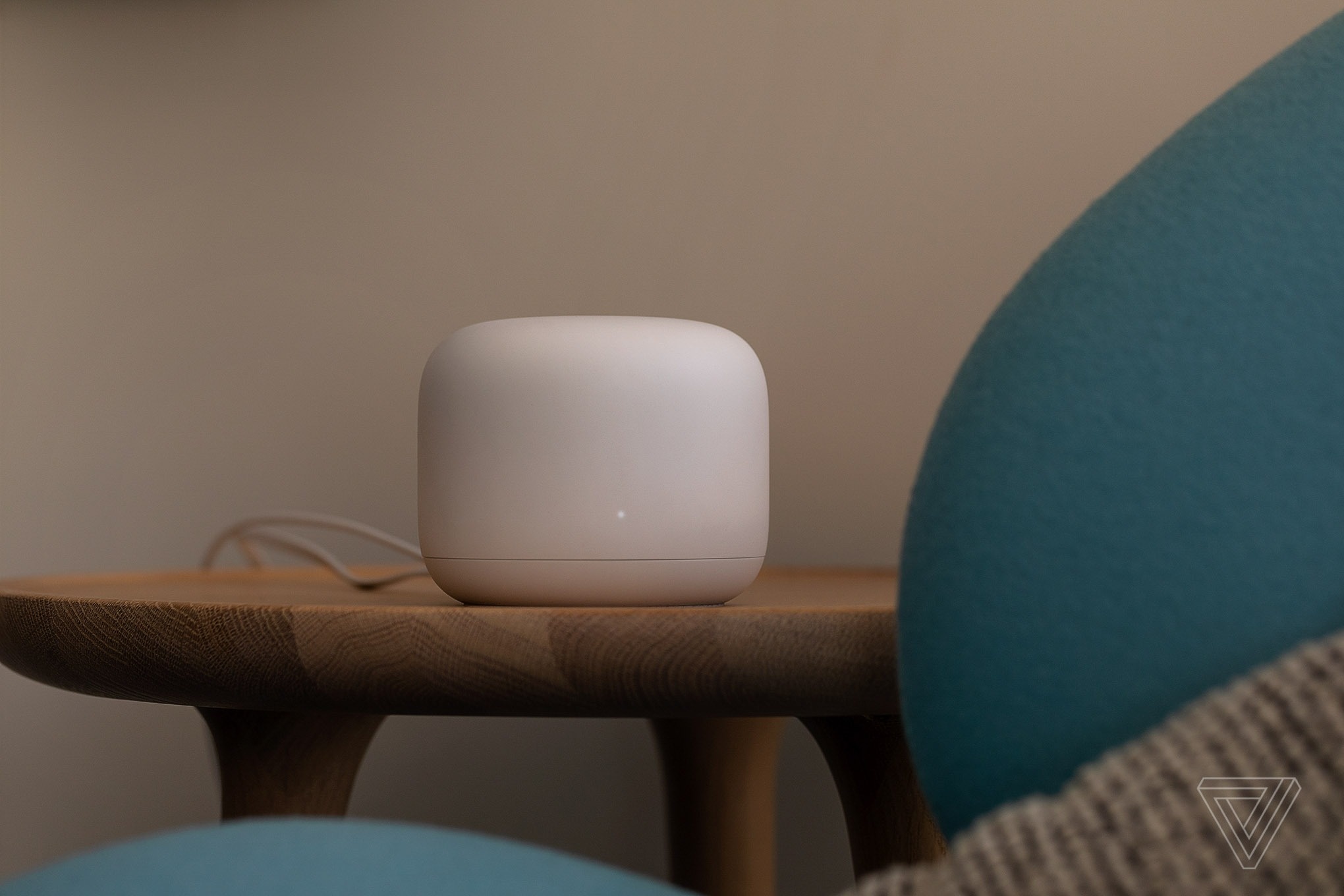
Reposition your router . Placing it in a closet, on a bookshelf, or against a wall can affect Wi-Fi signal. In fact, the optimal router location depends on the layout and design of your home. However, avoid locations such as corners, under cabinets, or in drawers; ideally, place the router as close to the center and as easily visible as possible. Additionally, keep your main devices, such as gaming consoles and laptops, as close to the router as possible. Consider mounting the router on the wall if there isn't a good flat surface around it. If the router has antennas, you can adjust or rotate the angle, then check the signal to find the optimal angle. (Image: The Verge ) |
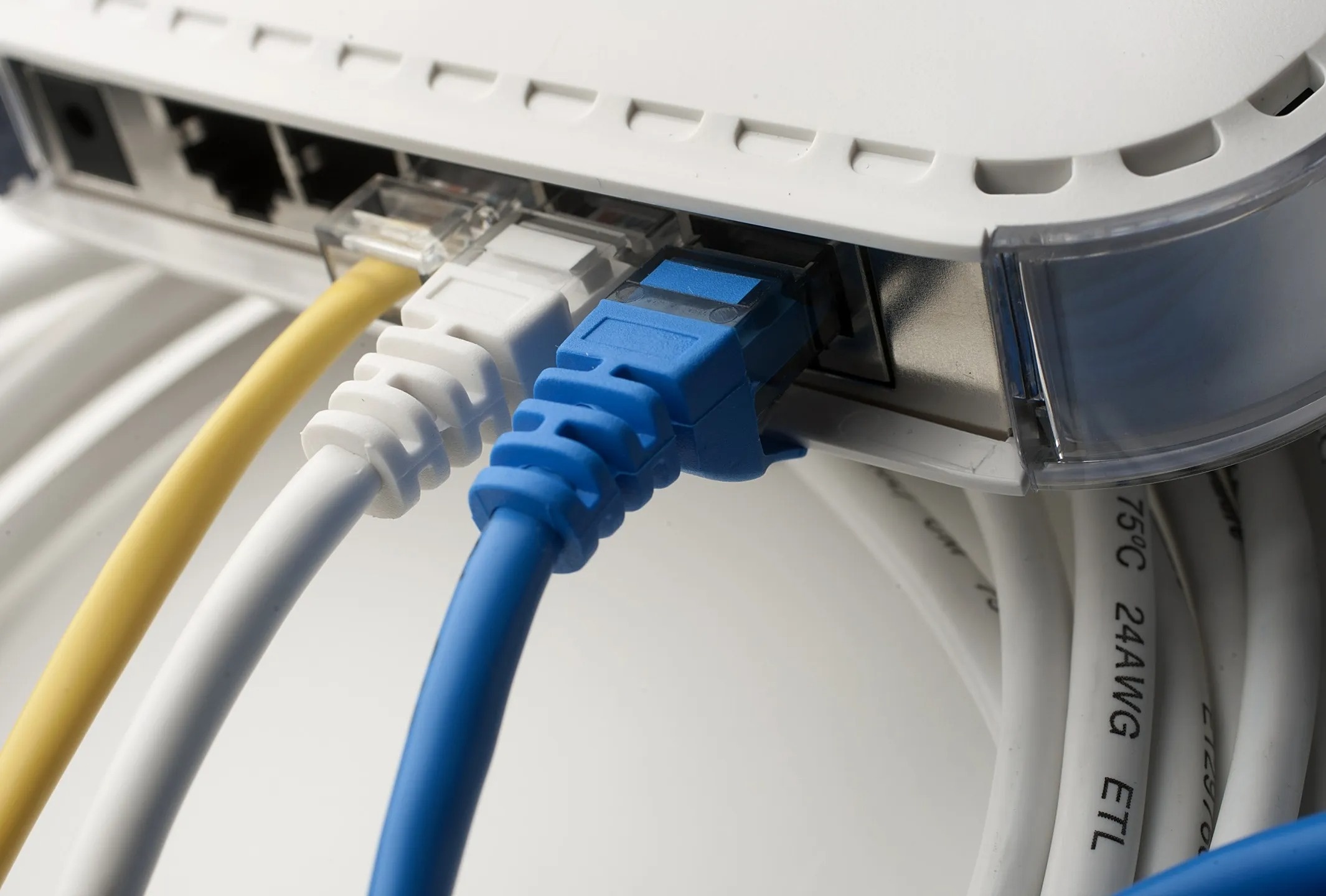 |
Use an Ethernet cable . For fixed devices like desktop computers, gaming consoles, or set-top boxes, consider connecting to the router via an Ethernet cable instead of Wi-Fi. Most modern routers have a spare Ethernet port. With a Wi-Fi mesh system, speeds between routers can be improved by connecting them via Ethernet cables. The downside to this solution is that the wiring and cable management process is quite complex, especially with mesh systems located in many different places. Image: Bloomberg . |
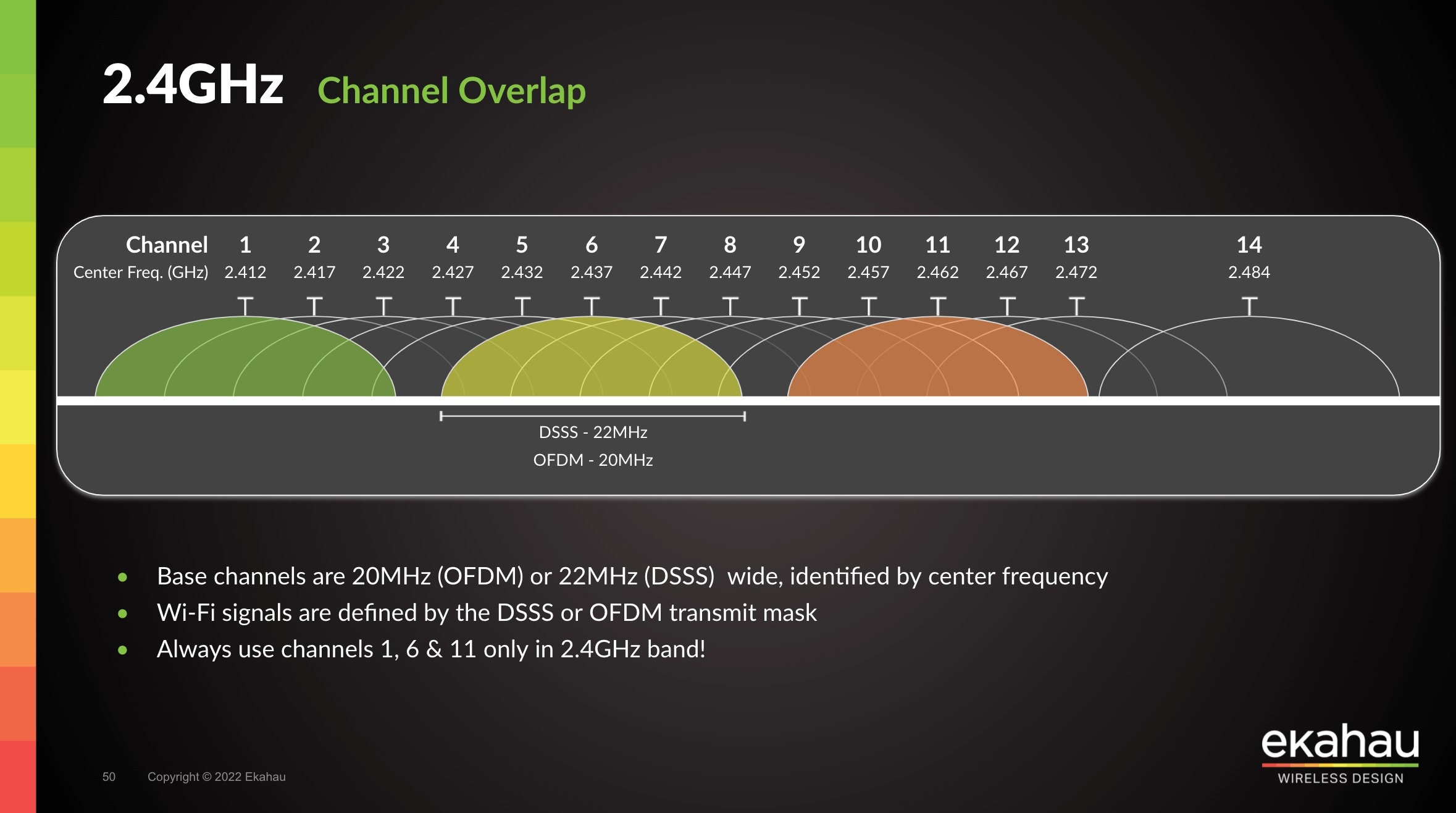 |
Change your Wi-Fi channel . Wi-Fi signals are divided into multiple channels to communicate with devices, and congestion can easily occur if many routers share the same channel. Depending on the router manufacturer, users can refer to the instructions to switch to a different Wi-Fi channel. Channels to try include 1, 6, and 11, as they are less prone to interference when many devices are connected. Some applications, such as Wifi Analyzer, can scan surrounding Wi-Fi networks, helping users find the least used network channel. Image: Ekahau . |
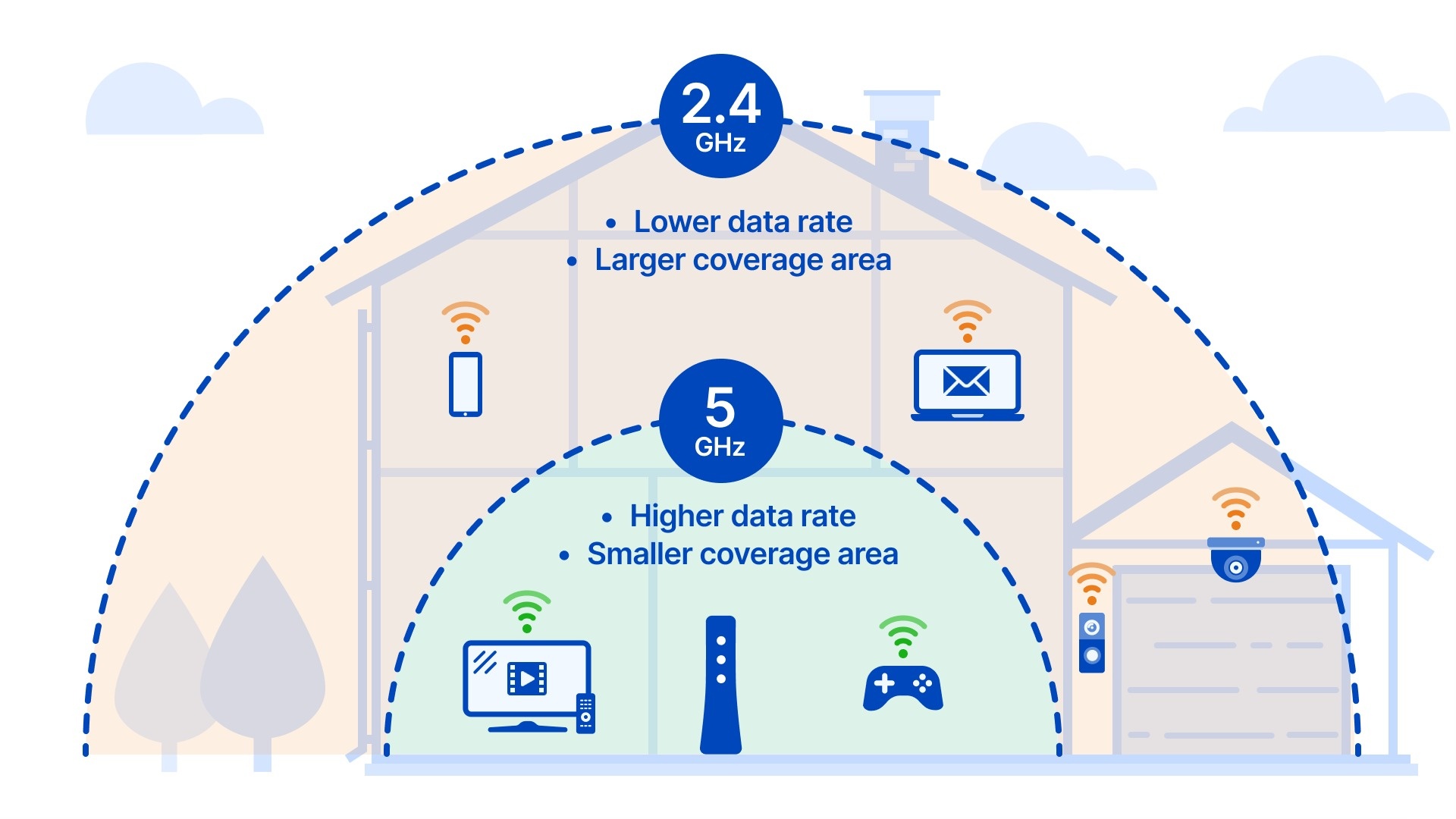 |
Optimizing Wi-Fi Bands . Wi-Fi band is also an important parameter to consider. Most routers today use dual-band technology, capable of broadcasting at 2.4 GHz and 5 GHz frequencies. Newer models with Wi-Fi 6E and Wi-Fi 7 standards add a 6 GHz band. Many routers only broadcast one network name and then use the optimal band depending on the type of device. If allowed, users can separate network names by band to proactively connect compatible devices. For example, the 6 GHz band offers faster speeds but has the shortest coverage range, while 2.4 GHz is slower but has the longest coverage range. Many older devices and smart home products only operate on the 2.4 GHz band. Image: CenturyLink . |
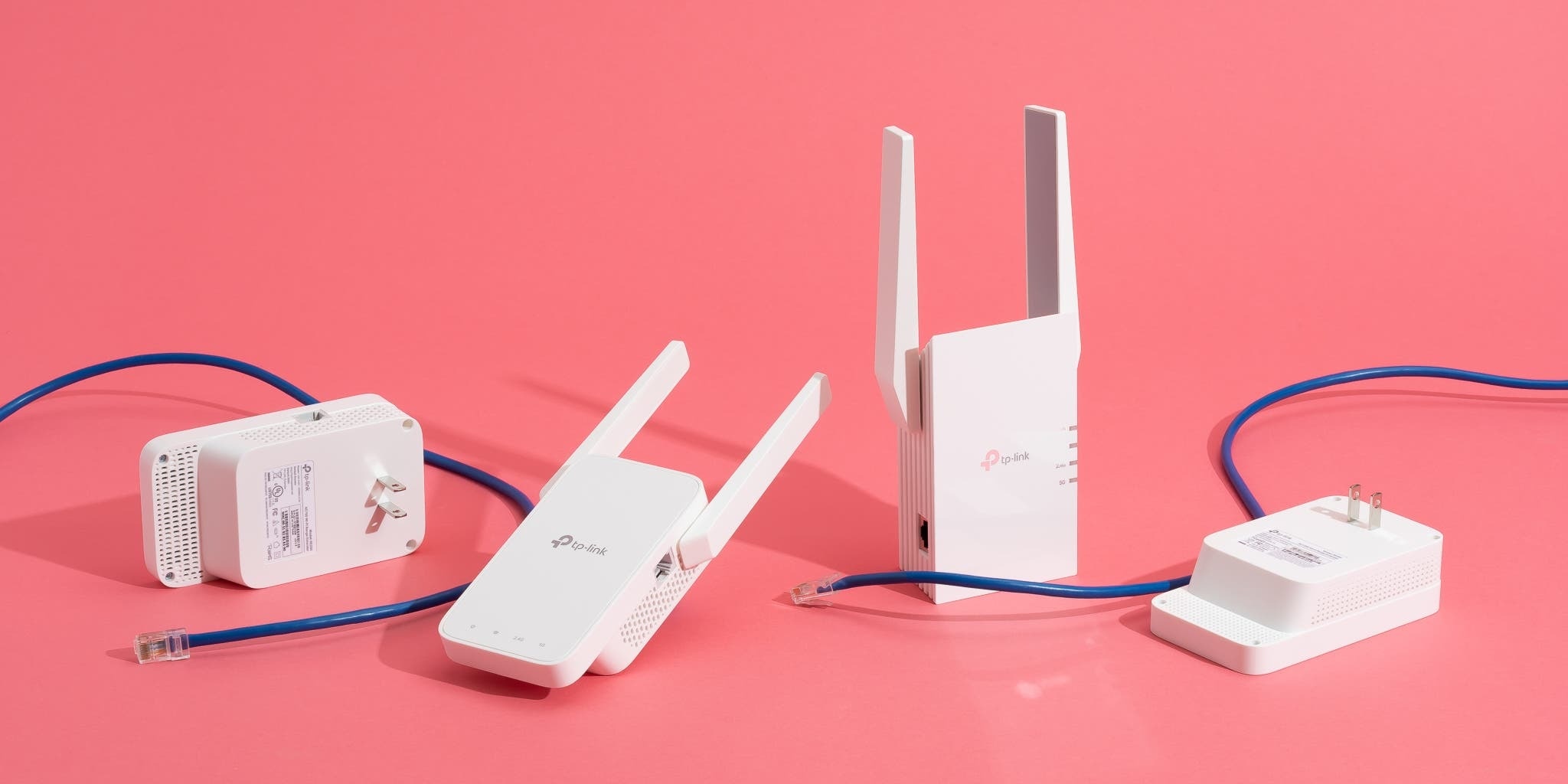 |
Note on using wireless extenders : These are small devices that plug into a power outlet and connect to an existing Wi-Fi network to extend coverage. Many tests have shown that Wi-Fi extenders are indeed effective. However, according to Wired , they are no longer as necessary as, at current prices, users have many other options to upgrade or expand their existing network, especially if using a mesh system. Of course, if budget is limited or the router doesn't support mesh, a wireless Wi-Fi extender is still a suitable option. Image: New York Times . |
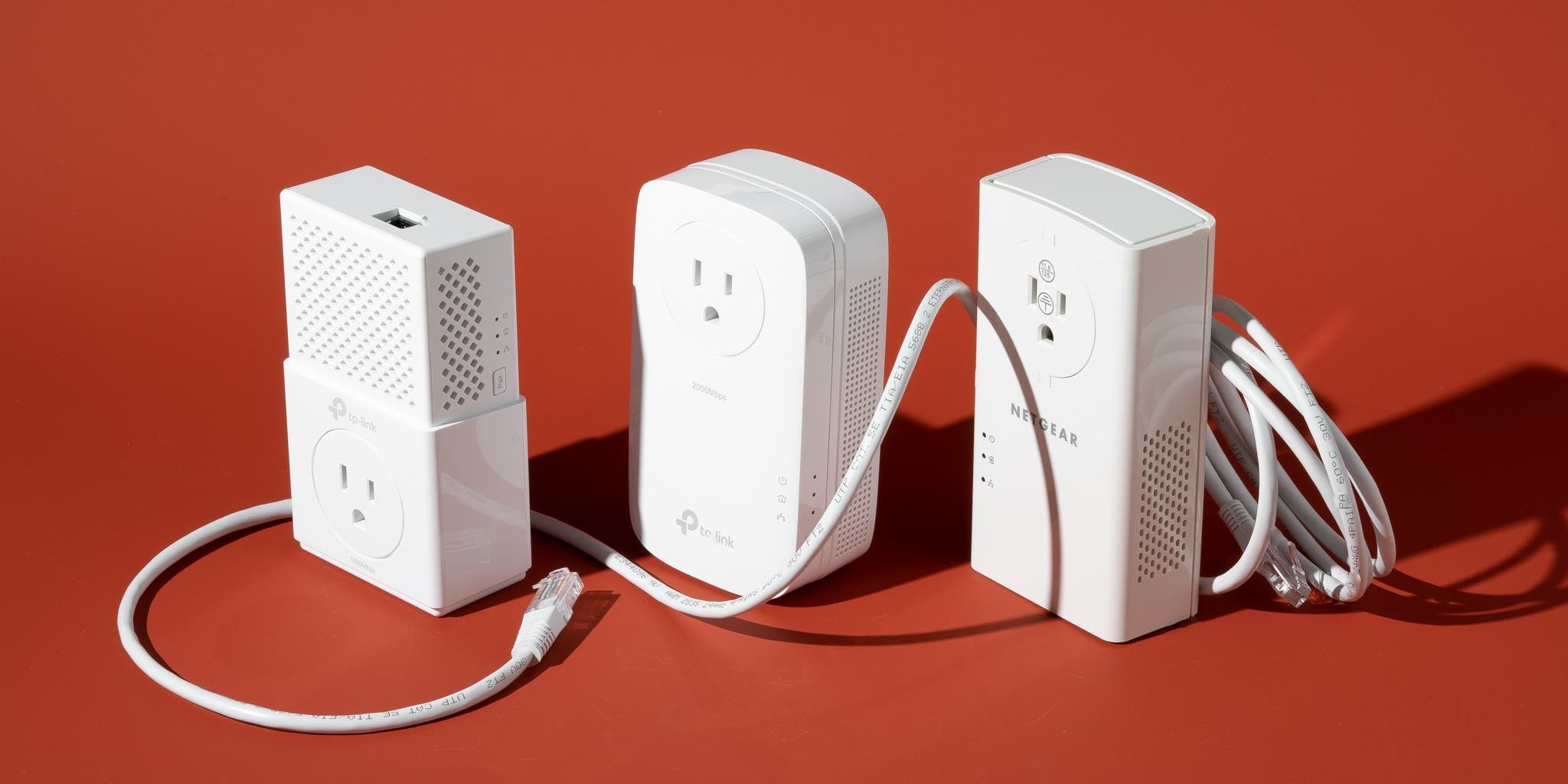 |
Use a Wi-Fi extender over power lines . Another solution is a Wi-Fi extender that uses power lines. In theory, digital signals can travel through electrical wires. Users would plug a network cable from the first extender into the router, then plug a second extender into another electrical outlet in the house, extending the network connection to hard-to-reach locations. While speeds may be slower, this is still a simple solution to extend network coverage. Note that you need to choose the right extender and cable for optimal results. (Image: New York Times ) |
 |
Disconnect unused devices . Having too many devices connected to Wi-Fi simultaneously can slow down the network. Therefore, it's advisable to remove unnecessary devices from the Wi-Fi network by using an Ethernet cable if possible, and disconnect any unused or rarely used devices. Some routers also support prioritizing specific devices or services. Users can enable this option to prioritize speeds for resource-intensive tasks such as gaming or watching movies. (Image: New York Times ) |
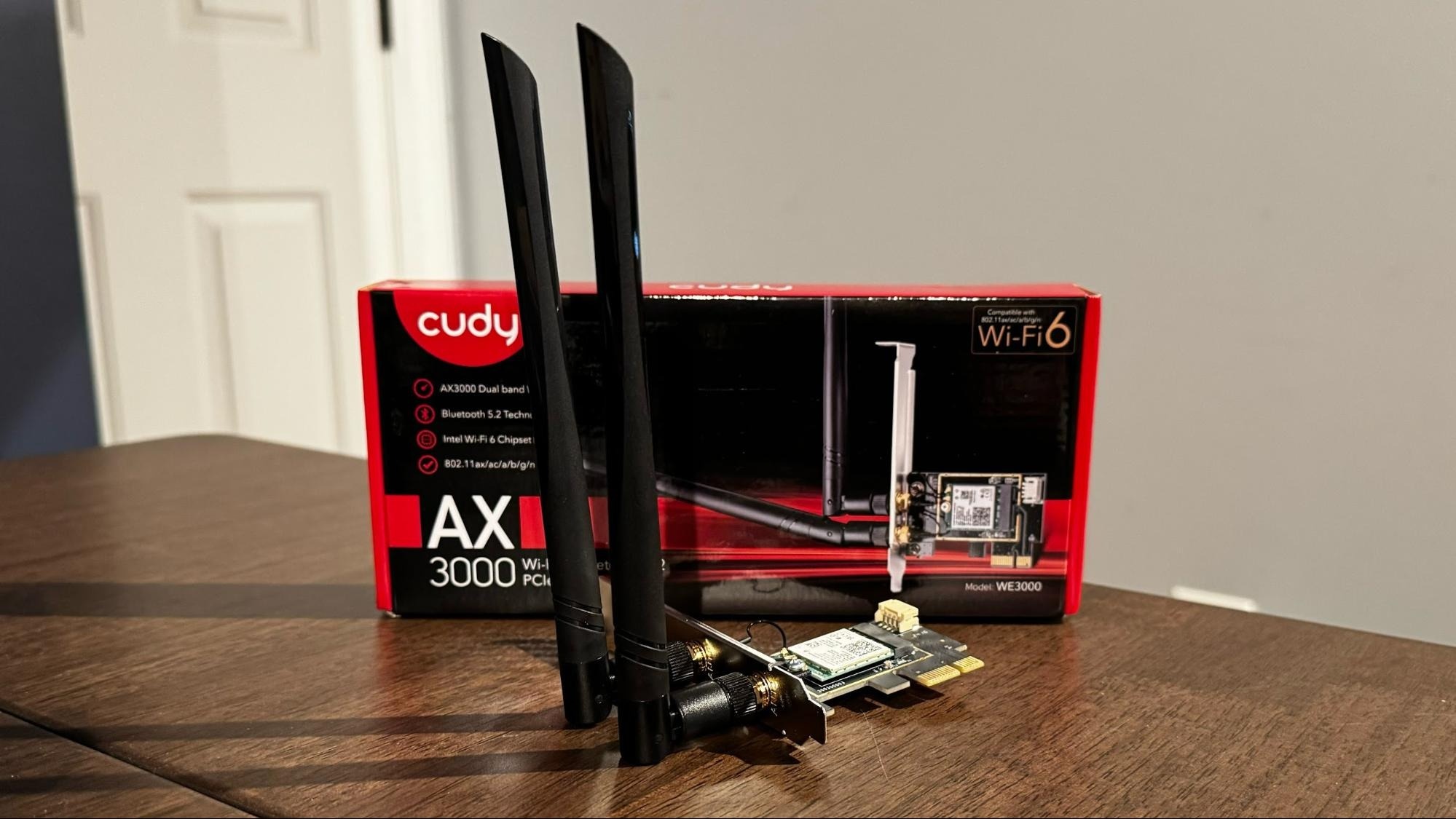 |
Check your computer . If your computer's internet is slow while other devices are working fine, check for background applications or automatic updates that are consuming network resources. Another option is to upgrade your computer's network card, choosing one that supports antennas or is compatible with the latest Wi-Fi standards, making it easier to customize and improve speed. Image: Tom's Hardware . |
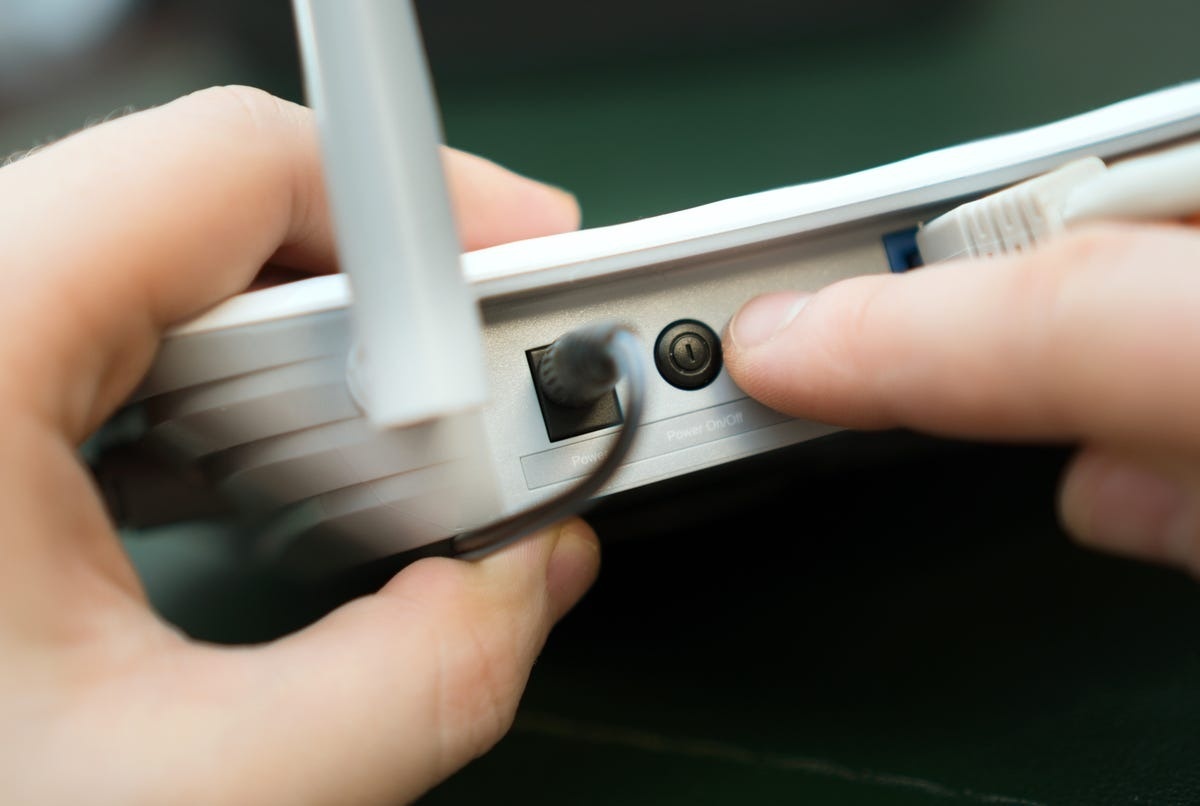 |
Don't restart your router indiscriminately . Speaking to Wired , Sandeep Harpalani, Vice President of Product Management at networking equipment company Netgear, advises against frequently restarting routers unless experiencing connection problems or slow network speeds due to frequency interference. If you're experiencing speed issues with a 2.4 GHz router, a restart might be helpful as the device will select the least interfering channel. Meanwhile, 5 GHz routers can automatically select a channel without frequent restarts. (Image: CNET ) |
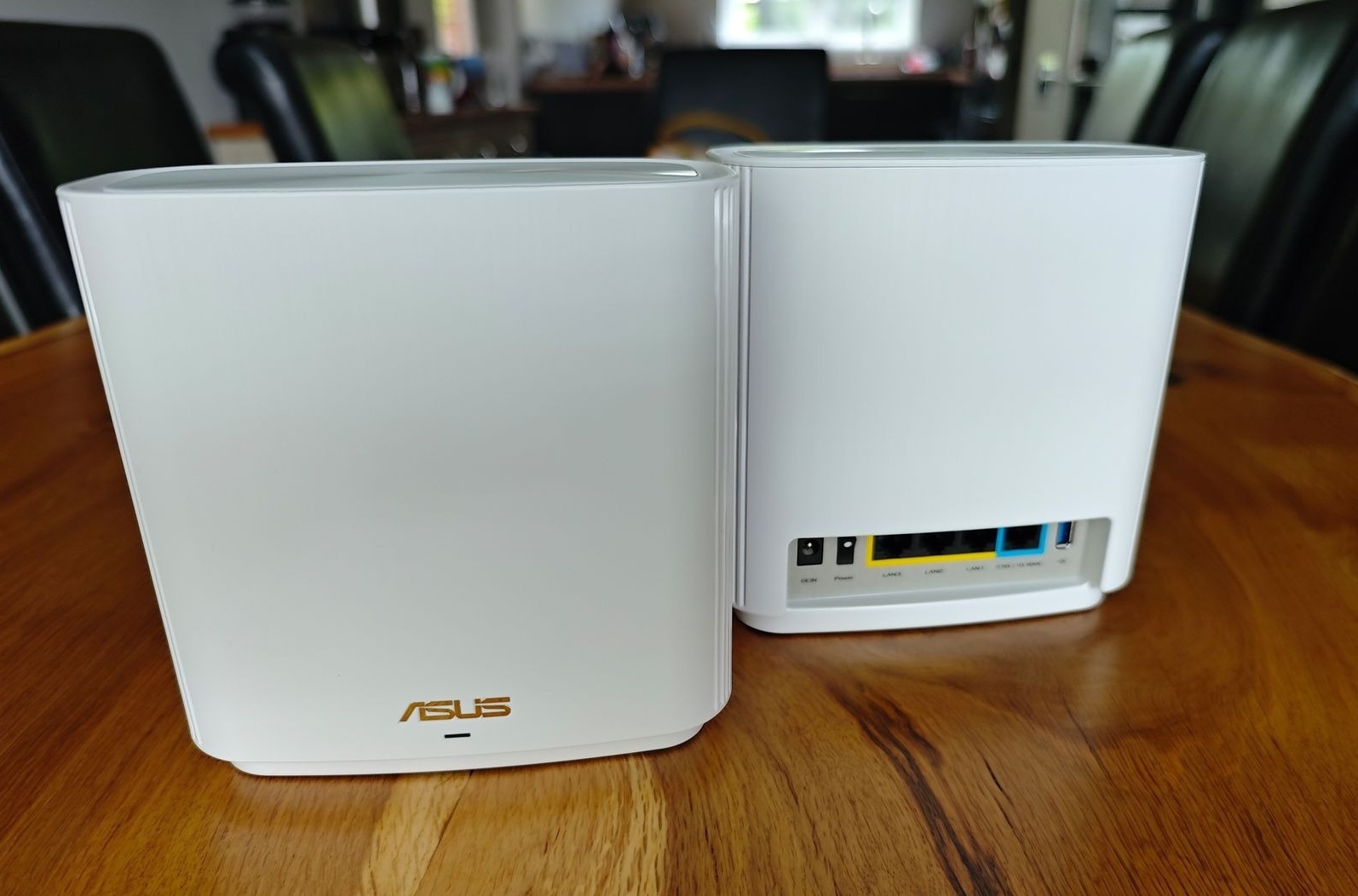 |
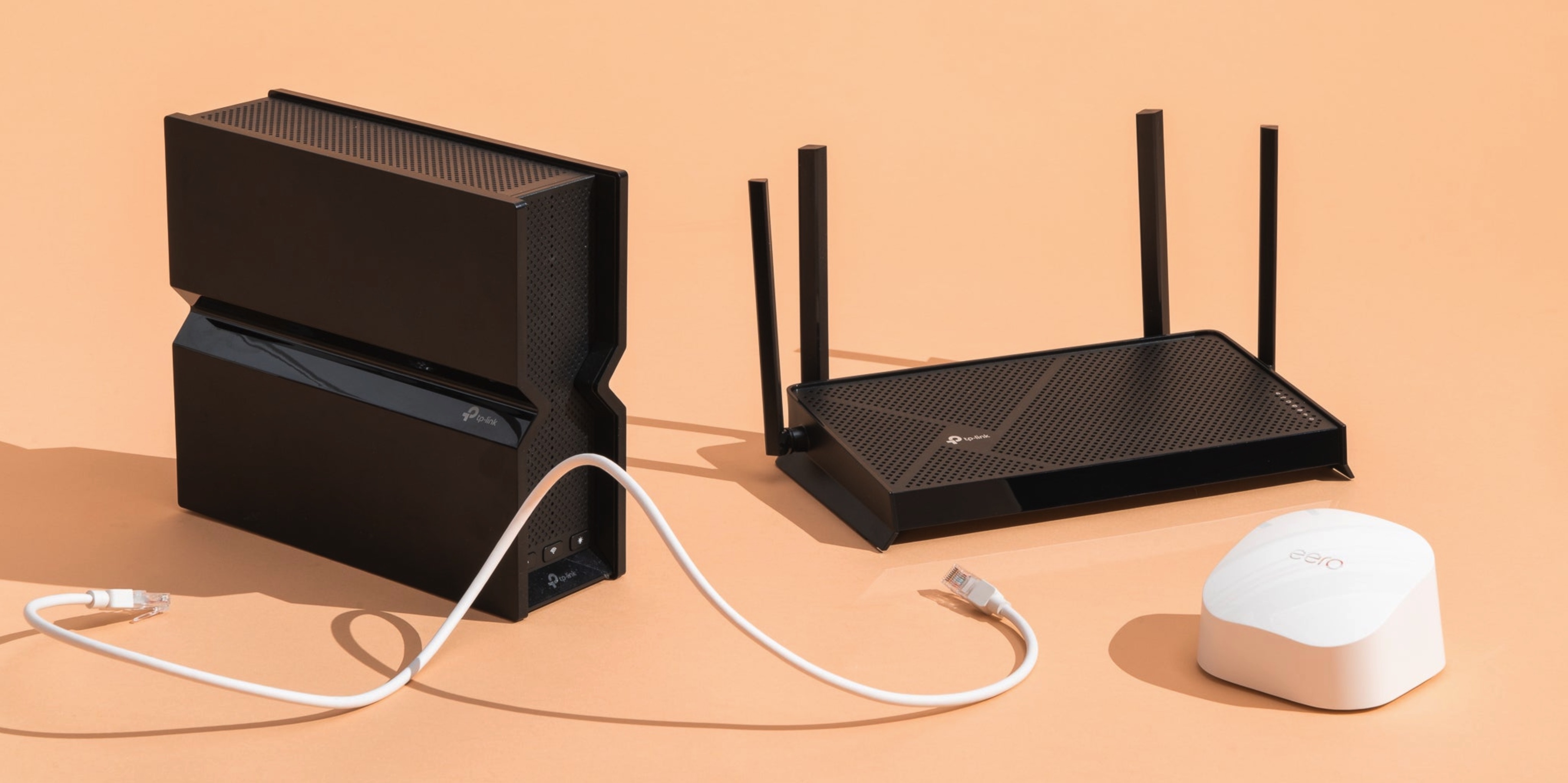
Upgrade your router . If you've tried all the solutions but the speed hasn't improved, you should consider upgrading your router to a newer technology with wider coverage. Depending on the size and design of your house, you can choose a multi-antenna router to actively direct the signal, or a mesh system for large, multi-story houses. Contacting your internet provider is also a worthwhile option if the network is slow for an extended period. Image: Wired . |
Source: https://znews.vn/cach-de-wi-fi-tot-hon-post1621203.html






































































































Comment (0)