

You'll feel frustrated and annoyed if your work or leisure activities are interrupted simply because of slow internet speeds. So how can you fix this? Here are some tips for you in this age of technological advancement.
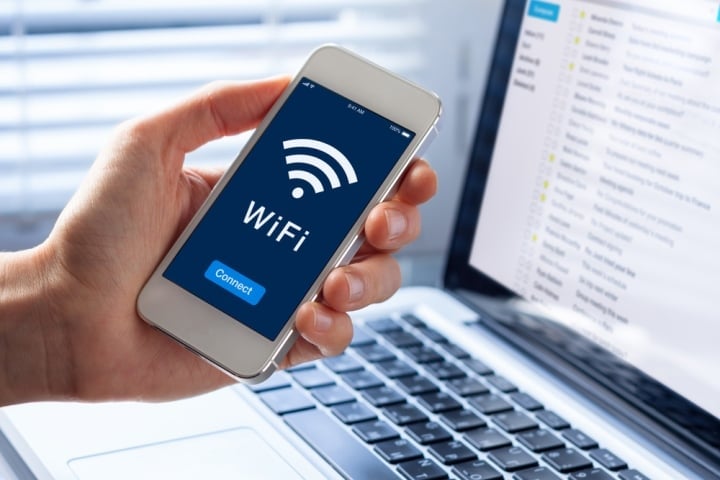
How to fix a very slow internet speed is something not everyone knows. (Image: Shutterstock)
Restart the device
Even with genuine phones equipped with large amounts of RAM, after prolonged use, the device will start to experience stuttering and lag. Restarting not only allows the device to rest for a short time, but also helps to cool it down and improve issues like weak network connections and slow Wi-Fi. Simply pressing the restart button on your phone can resolve these problems immediately.
Check the signal.
When you're using the internet to watch movies or download documents to your phone or computer and the speed is too slow, many people will think it's because the network in that area is slow or outside the range of a Wi-Fi signal. In such cases, you should download the Wi-Fi Analyzer app (for Android) or XYZ (for iOS) to measure whether that area is outside the Wi-Fi coverage range.
If you're in a remote, isolated area surrounded by mountains, or even in the middle of a crowded urban area with buildings all around, the signal might be weak. The WiFi Analyzer and XYZ apps will scan your area to check the signal strength, allowing you to adjust your location accordingly for better WiFi reception.
The reason for slow internet is due to the service provider.
Some of the reasons for slow internet speeds or signal loss could be a burnt-out signal box, a faulty network cable leading into your home, or a broken or damaged cable due to weather conditions.
These objective reasons are beyond the provider's complete control. Network users also cannot fix the problems themselves, so when encountering this issue, you need to contact your network service provider's staff immediately for timely support and repair.
Turn off data saver mode.
While setting up data saver mode is helpful when your phone has low data usage, it can slow down your network speed. Try turning it off; you'll see a significant improvement in your network speed.
For iPhones, go to Settings, then select Cellular, then tap Data, and finally turn off Low Data.
For Android, go to Settings, select Network and Internet, then tap Data Usage, and turn off Data Saver.
Check for network outage issues.
If you're having trouble accessing websites or experiencing errors while browsing Facebook or watching YouTube videos , it's highly likely you're having a network outage or those applications are malfunctioning.
Therefore, before calling your network provider to report the problem or taking your device to a repair shop, you should first check how your applications and websites are functioning by downloading the Downdetector app - a website for detecting problems.
At the same time, quickly close those websites and applications. This will help you identify the connection error and find a way to fix it, making network access smoother.
Restart the router.
Routers are common home networking devices, but they can sometimes become overloaded and cause network interference. If you're experiencing this, try resetting your entire Wi-Fi system to resolve the weak Wi-Fi issue.
This is probably the most common troubleshooting method many people think of. Try restarting or completely shutting down the router for 5 to 10 minutes, removing the battery and power cord (if any), then turning it back on. After that, restart it to reset the entire Wi-Fi system.
Solutions when many people are using your home Wi-Fi without permission.
Too many people connecting to the same Wi-Fi network is also one of the most common reasons for slow internet speeds. The widespread use of free Wi-Fi is common because passwords are often similar, weak, and easily cracked.
Given this situation, the introduction of the Fing app will help you see who is secretly using your home Wi-Fi. Or, if there are additional devices connected to the router, you may also see additional indicator lights appear on the router.
To resolve this issue, first change your password to a strong one. Additionally, if you want to share your internet connection with multiple people, you can consider upgrading your internet speed or changing your internet plan for a faster connection.
NHI NHI (compiled)
Source




![[Photo] Prime Minister Pham Minh Chinh receives the Chinese Ambassador to Vietnam](https://vphoto.vietnam.vn/thumb/1200x675/vietnam/resource/IMAGE/2026/04/05/1775397481797_ndo_br_dsc-5512-jpg.webp)





































































































Comment (0)