

If you leave your TV or computer monitor in one place for a long time, it's bound to get dirty. Even the best TVs are magnets for dust in the air. This can cause glare and blurry images. Laptops that are frequently stuffed into backpacks will also accumulate dust and dirt.
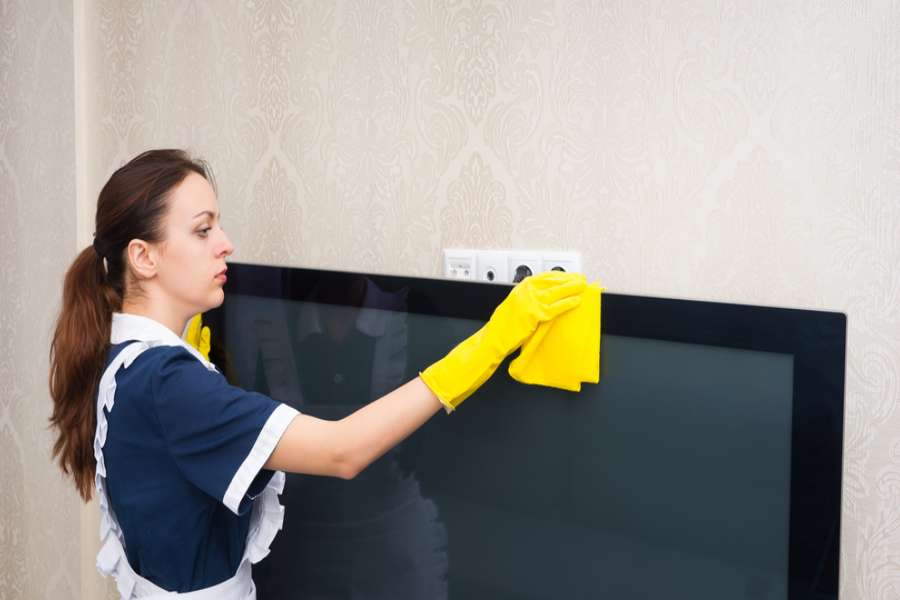
To clean a TV screen, you need a good quality cloth.
Cleaning methods can vary depending on the type of TV or computer monitor. But generally, here are the best ways to clean most screens. Before doing anything, remember to be gentle. Computer monitors and TV screens are both sensitive, and high-end TVs with OLED and QLED screens are often prone to scratches, according to Insider .
First, turn off the TV or monitor and unplug it before cleaning . This will reduce any risk of electrical damage, and a dark screen will make it easier to see dirt, hair, and dust. If you can't unplug the monitor, just turn it off.
Use a soft, dry cloth. A microfiber cloth is a great option. The soft material of this type of cloth attracts dust and hair without scratching or leaving lint. If a soft cloth came with your TV or monitor when you bought it, use it.
Gently wipe the screen in a circular motion: If your TV is wobbly, use one hand to wipe the screen and the other to support the TV. Wipe very gently; do not press down too hard on the screen.
Use distilled water: If you need a more thorough cleaning of your screen, use a small amount of distilled water. Distilled water contains no minerals, reducing the risk of screen damage. Never pour or spray water directly onto the screen. Instead, slightly dampen a cloth and gently wipe away the dirt. For stubborn stains, you can apply a drop of mild dish soap to the cloth. After cleaning, wipe the screen again with a soft, dry cloth for added safety.
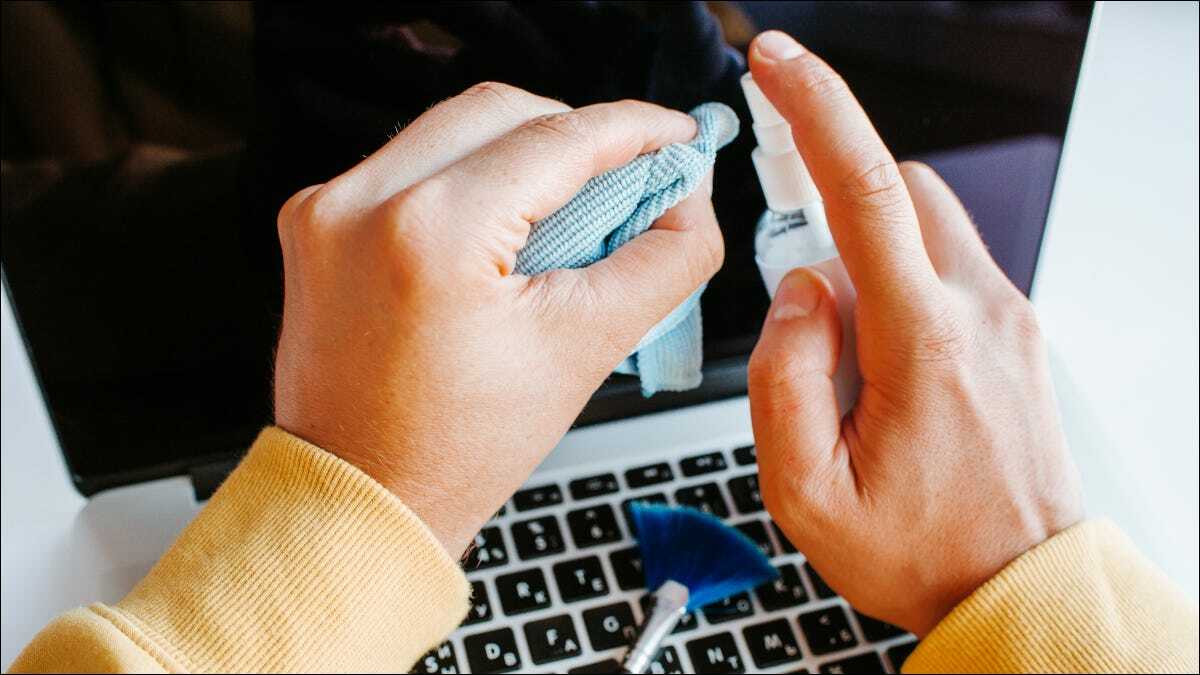
To clean a computer screen, you should use distilled water or a specialized cleaning solution.
Wipe down the edges and back of your TV : Your screen isn't the only area that gets dusty; wipe away any visible dirt on the TV frame and cables, especially on the back. You'll also want to clean the ports and plugs. If you used water, make sure everything is completely dry before plugging it back in.
Avoid using harsh chemicals: Strong chemicals can damage the screen, and any moisture that seeps into the gaps in the device's frame can cause a short circuit and fire. If distilled water isn't enough to clean it, you can use specialized screen cleaning solutions.
Source link




![[Image] National Assembly discusses the implementation of the socio-economic development plan.](https://vphoto.vietnam.vn/thumb/1200x675/vietnam/resource/IMAGE/2026/04/20/1776696707422_ndo_br_img-20260420-185419-jpg.webp)
![[Photo] General Secretary and President To Lam meets with National Assembly delegates from ethnic minorities.](https://vphoto.vietnam.vn/thumb/1200x675/vietnam/resource/IMAGE/2026/04/20/1776696701056_a1-bnd-8331-3342-jpg.webp)




























































































Comment (0)