


What is an ATM PIN?
The PIN (Personal Identification Number), also known as the ATM card password, is a 6-digit identification code provided by the bank to the cardholder. To conduct direct financial transactions using the card at ATMs and POS machines, you must confirm the correct card password.
Please note that to ensure account security, you should not share your card PIN with others. When using an ATM card for direct transactions, you must enter your PIN for the transaction to be completed. Therefore, changing your PIN regularly will help you secure your account more effectively.
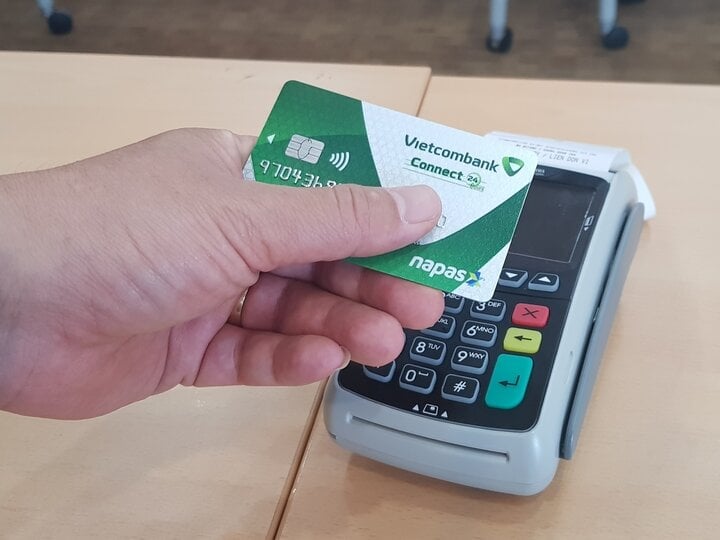
Illustrative image
How to change your Vietcombank PIN on your phone.
To change your PIN on your phone, you need to install and have an account with the VCB Digibank app.
Step 1 : Open the VCB Digibank app on your phone and log in.
Step 2 : Scroll down to find the "Card Service Management" section, select "Other Card Services," and then click "Create New/Change PIN."
Step 3 : Select the type of card you want to change the PIN for, enter the card number and enter the new PIN (6 digits) twice, carefully read the terms and conditions and confirm, then click "Continue".
Step 4: Carefully read the card information for which you want to change the PIN, then select the "SMS OTP" authentication method, and press "Confirm".
Step 5 : Enter the OTP code that the bank just sent to verify. The bank will send a message notifying you that you have successfully changed your Vietcombank PIN.
How to change your Vietcombank PIN directly at an ATM.
In addition to changing your PIN on your phone, you can also change it at Vietcombank ATMs. The steps are as follows:
Step 1 : Insert your card into the card slot of the machine, similar to the process of withdrawing cash.
Step 2 : Select the language for the transaction and enter the default PIN provided by the bank.
Step 3 : Select the "Change PIN" option on the ATM and re-enter the default PIN once more.
Step 4 : Enter your new PIN (6-digit number). Confirm your new PIN again and press "Enter" to complete the process.
Minh Huong (compiled)
Source

![[Photo] General Secretary To Lam presides over a meeting with the Editorial Teams to summarize 100 years of the Party's leadership of the Vietnamese revolution and 40 years of implementing the National Construction Program.](https://vphoto.vietnam.vn/thumb/1200x675/vietnam/resource/IMAGE/2026/03/04/1772601288977_a1-bnd-8134-7576-jpg.webp)














































































Comment (0)