

This key combination has a rich history of performing various tasks across Windows versions, but it currently serves no purpose. Previously in Windows 10, the Win + C shortcut was used to call the Cortana assistant, while in Windows 8, it activated the Charms Bar. However, Microsoft disabled this shortcut in 2023, after the company decided to deactivate Cortana.
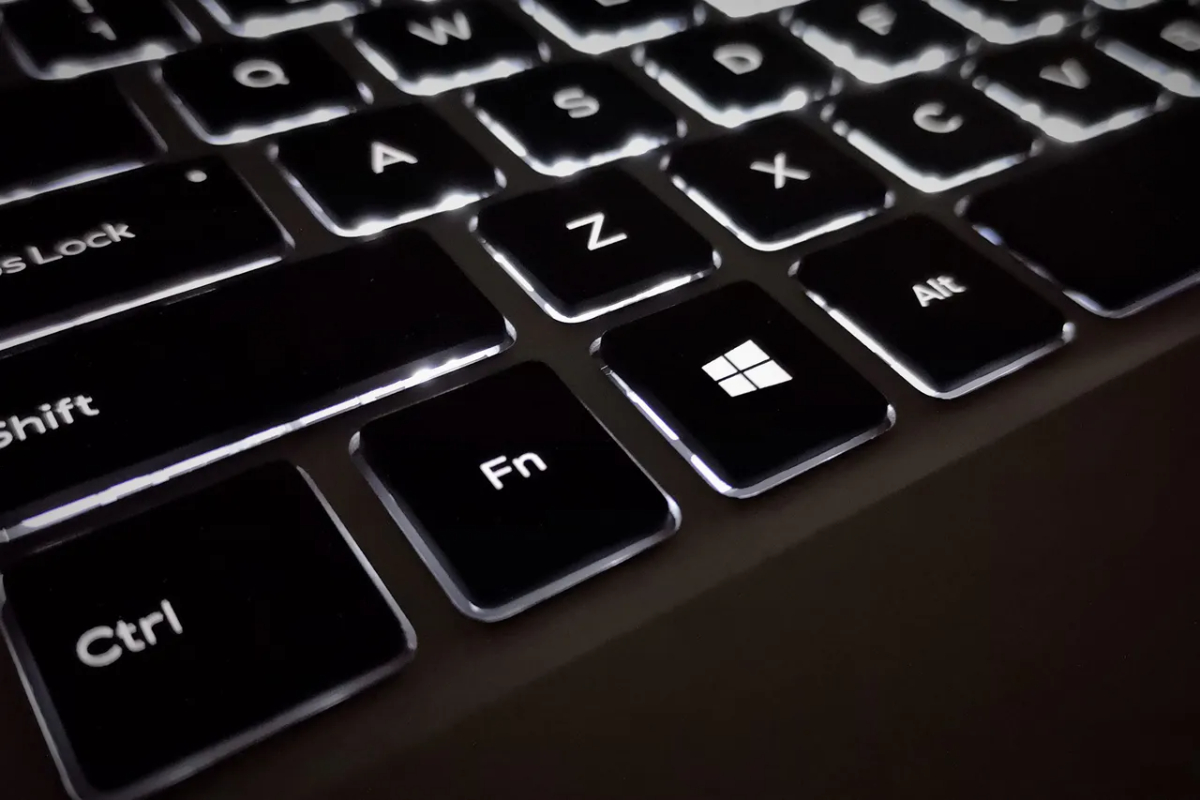
Microsoft wants a specific keyboard shortcut to launch Copilot.
Microsoft is hesitant about using Win + C to activate Copilot.
Win + C was initially intended to be used to activate the Copilot virtual assistant. However, in 2024, Microsoft removed it again, moving to a Copilot experience more like an app. Currently, users can activate Copilot on Windows by pressing Alt + Space or holding down the Copilot key on the keyboard to start a voice conversation with Copilot.
Recently, a user named @phantomofearth discovered a string of code in the latest Windows 11 build, suggesting the Win + C shortcut might return. However, there is currently no official information on whether Microsoft plans to change the Alt + Space shortcut to Win + C.
Demo of changing Windows 11 settings using Dell's Copilot
With ChatGPT and similar applications using this shortcut, it's possible Microsoft wants to create a separate shortcut for its virtual assistant. Furthermore, Microsoft has already allowed users to customize the Copilot key to launch other applications, and they may expand this feature to all Windows 11 users via the Win + C shortcut.
Source: https://thanhnien.vn/microsoft-sap-hoi-sinh-phim-tat-win-c-บน-windows-11-185250324212411951.htm


![[Photo] General Secretary and President To Lam meets with National Assembly delegates from ethnic minorities.](https://vphoto.vietnam.vn/thumb/1200x675/vietnam/resource/IMAGE/2026/04/20/1776696701056_a1-bnd-8331-3342-jpg.webp)
![[Image] National Assembly discusses the implementation of the socio-economic development plan.](https://vphoto.vietnam.vn/thumb/1200x675/vietnam/resource/IMAGE/2026/04/20/1776696707422_ndo_br_img-20260420-185419-jpg.webp)

















































































Comment (0)