

The stable build of One UI 7 is expected to be rolled out to Galaxy devices in the next few days. As usual, high-end devices will be the first to receive the update, followed by mid-range and budget models. Regardless of the Galaxy device's price segment, users will need to follow different steps to upgrade smoothly.
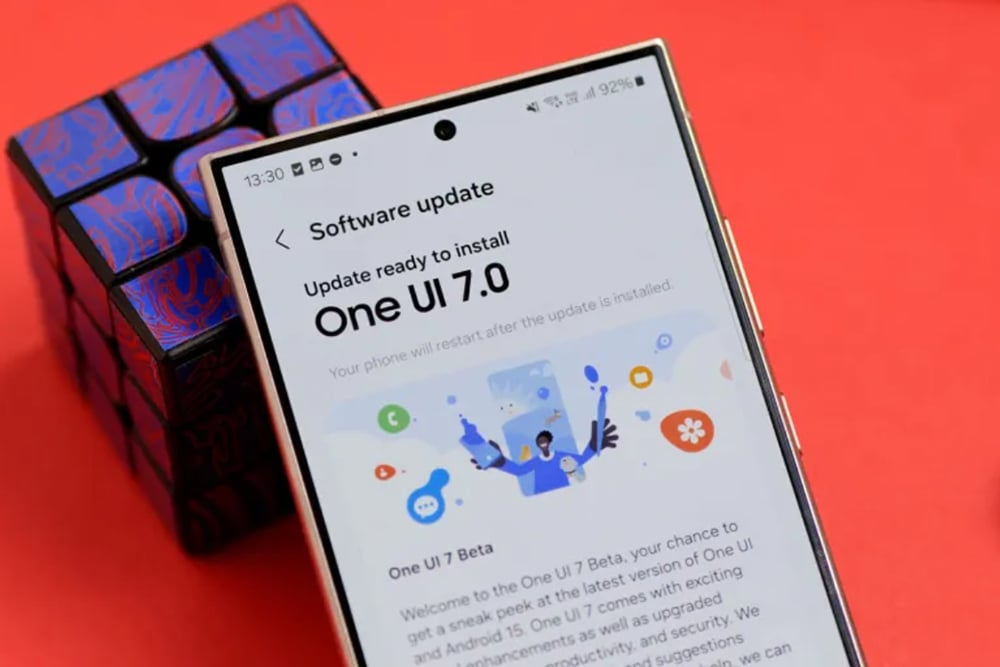
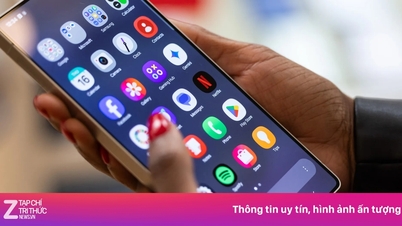
One UI 7 is about to be rolled out by Samsung to older Galaxy devices.
Check for policy updates
Although Samsung is known for providing some of the best software support among Android brands, not all Galaxy devices are eligible for the One UI 7 upgrade. Users need to check the software update policy to determine if their device is eligible for the upgrade.
Back up your data.
Before proceeding with the upgrade, back up all your data. While not common, updates can lead to data loss. To protect important information, users can utilize Samsung's temporary cloud backup feature to back up data for free and without size limits, as long as no files are larger than 100 GB. Note that the backup will be stored in the cloud for 30 days, so restore your data before the time expires.
Steps to back up data:
- Open Settings > Device care .
- Tap Maintenance mode > Temporary cloud backup .
- Click on Back up data .
If the backup size is too large, users will need a significant amount of internet data, so be prepared for that. Alternatively, users can also back up data to another phone or PC using Smart Switch or transfer files via USB cable.
Update Samsung apps and software for One UI 7.
Samsung has updated its apps to be compatible with One UI 7. Most of these updates were released before users received the One UI 7 update on their devices. To ensure apps run smoothly after the upgrade, users should install these updates.
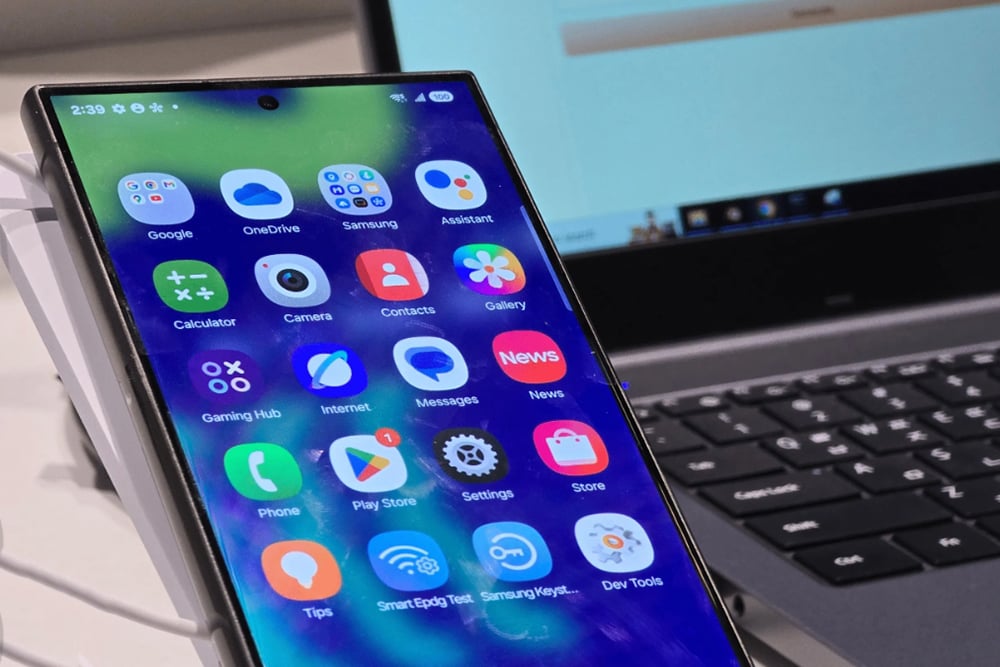
Please check for updates to your Samsung apps to ensure they work properly with One UI 7.
After installing One UI 7, check for updates as some may be released later. Most Samsung apps can be updated through the Galaxy Store, while others can be found on the Google Play Store. Additionally, users should ensure their Samsung Galaxy device doesn't have any pending updates. To check, go to Settings > Software updates and tap Download and install.
Free up storage space.
Major updates like One UI 7 can take up several gigabytes of space, so users should ensure they have at least 5-10 GB of free space for a smooth download and installation process. This also helps improve overall device performance.
Make sure the battery is above 30%.
Installing major One UI updates can take time. To avoid running out of battery midway through the process, users should charge their device to at least 30%. This helps prevent issues such as corrupted installations or unstable software.
Check out other people's experiences before updating.
Although the update is stable, there's no guarantee it will be completely bug-free. Some serious bugs may occur, affecting the app or device functionality. If you're not in a hurry, consult the Samsung community or subreddits on Reddit to see other users' reviews of the update. This will help you decide whether to install it immediately or wait for a more stable version.
Source: https://thanhnien.vn/nguoi-dung-galaxy-can-lam-gi-de-cap-nhat-one-ui-7-18525020313284222.htm

![[Photo] Prime Minister Pham Minh Chinh receives the Chinese Ambassador to Vietnam](https://vphoto.vietnam.vn/thumb/1200x675/vietnam/resource/IMAGE/2026/04/05/1775397481797_ndo_br_dsc-5512-jpg.webp)


































































































Comment (0)