

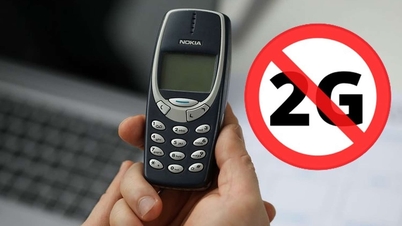
According to the Ministry of Information and Communications ' 2G shutdown roadmap, on October 16th, domestic network operators will stop providing services to phones that only support 2G technology.
This move means that users of phones that only support 2G networks will be unable to log in, leading to communication disruptions unless they upgrade their phones.
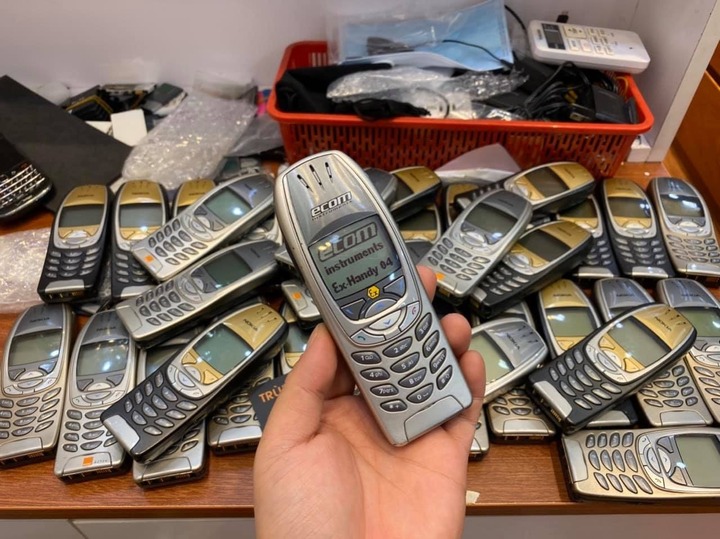
2G mobile networks are a mobile technology that has been developed in Vietnam since 1993.
Currently, most smartphones on the market support 4G. A small number of 4G feature phones have a "brick" design (a bar-style phone with traditional large buttons) that looks similar to 2G phones. Because of this resemblance, these feature phones often cause confusion, leading to the risk of fraudsters selling 2G phones disguised as 4G.
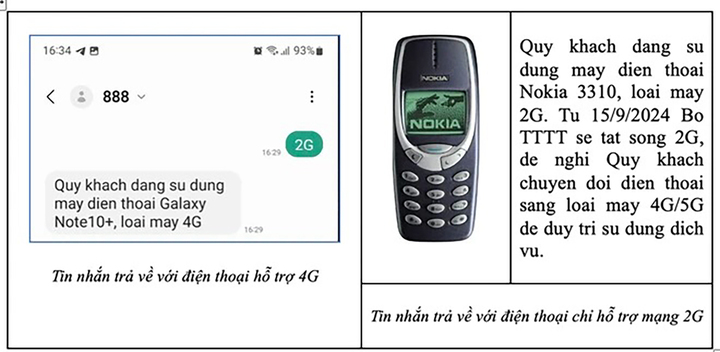
Checking which phone models support 2G or 4G is a quick and easy process.
Currently, major mobile carriers allow users to quickly check whether their phone is a 2G model or a newer, 4G-enabled model by sending a text message.
Specifically, for Vinaphone users, text the message "2G" or "TC2G" to 888. The system will send a reply message identifying the type of phone being used. If the phone only supports 2G, the network provider will suggest that the user upgrade their phone to ensure continued communication in the future.
With the Viettel network, users can check their phone's IMEI number by sending an SMS message containing KTDT (space) IMEI number to 191.
To obtain the IMEI number of a phone, users can dial *#06# on the keypad, or look for it on a sticker on the phone, the box, the SIM tray, etc.
The process of checking whether a phone is 4G or 2G via its IMEI number will be done by comparing it with the carrier's database.
MobiFone users can access the company's website (at https://www.mobifone.vn/tin-tuc/tra-cuu-ma-giai-thuong) to find information about their current phone model.
After accessing the link above, users simply need to enter the phone's IMEI number into the "Phone number/TAC" field and click "Search" to check the phone's TAC (Tax Acquisition Code) information.
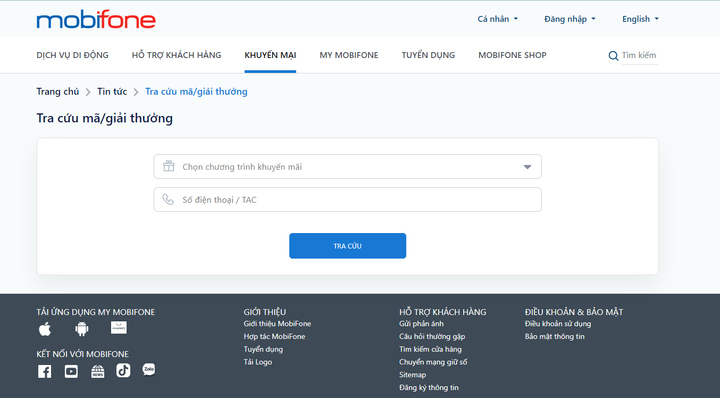
MobiFone's phone information lookup interface.
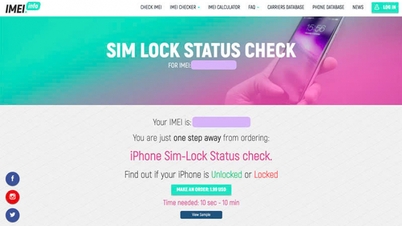
In addition to support from mobile carriers, users can look up the IMEI number on websites like https://www.imei.info/, entering it in the blank field. Check the "I am a human" option to confirm and press the "Check" button.
The information received will be details about the phone based on the IMEI number the user provided.
In the "Basic information" section, users check if their phone supports HSDPA (3G) and LTE (4G) network standards. Phones that support 3G or higher are those that show "Supports 3G/4G (LTE)" or support 1800 MHz or 2100 MHz frequencies.
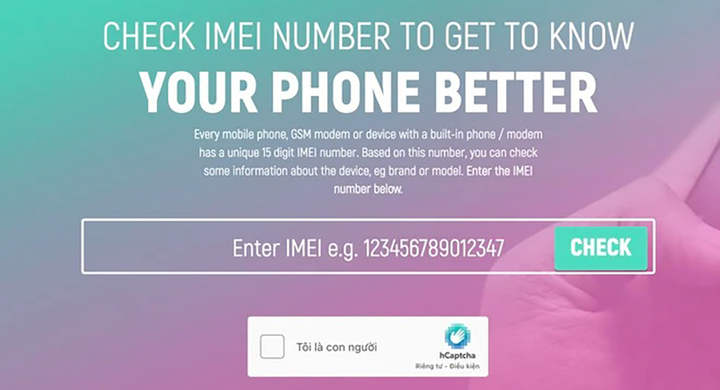
The website allows you to check device information via IMEI.
If a green checkmark appears, it means the phone supports the new network standards.
If the phone only displays a green checkmark in the GSM section, it means the device only supports 2G networks and is not compatible with newer network technologies, which means the user will have to buy a new phone to use in the future.
Source































































![[Video] Sunset at Lap An Lagoon – Where the sun sets over the fishing nets](https://vphoto.vietnam.vn/thumb/1200x675/vietnam/resource/IMAGE/2026/05/31/1780192137701_beach-landscape-sea-water-nature-grass-745871-pxhere-com.jpeg)






































Comment (0)