

If you notice your computer's performance is sluggish, it might be time to upgrade your RAM. This problem isn't limited to users of demanding software like video editors or modern games; it can also occur when working with large spreadsheets or opening many browser tabs. However, there are a few things to consider when upgrading RAM.
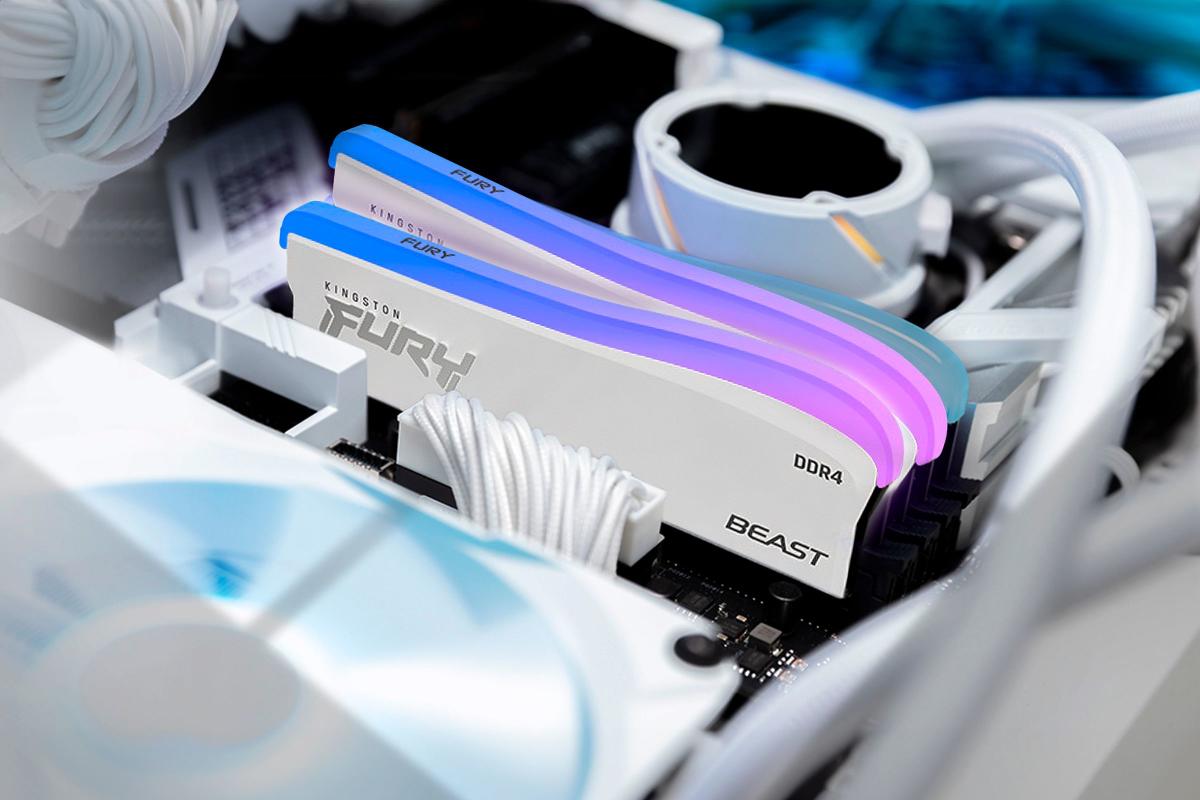
Depending on the intended use, users should choose the appropriate RAM upgrade path.
When choosing RAM, two important factors to consider are capacity and speed. RAM is typically in stick form, commonly available in capacities from 8 GB to 64 GB. Many desktops and laptops have multiple RAM slots on the motherboard with dual-channel memory configuration capabilities. However, some ultra-thin laptops have RAM soldered directly to the motherboard, making upgrades difficult.
In terms of speed, there are currently two common types of RAM: DDR4 and DDR5. DDR4 offers speeds from 2,133 MHz to 3,200 MHz, while the newer DDR5 can reach speeds up to 8,000 MHz. For the average user, larger RAM capacity is often a better choice than faster speed due to lower cost and backward compatibility. However, faster RAM speeds can improve performance in demanding tasks such as 3D video rendering or gaming.
If you only browse the web, process documents, or watch videos, 8 GB of RAM may be sufficient. Those who need to run multiple applications simultaneously or play modern games will find 16 GB a reasonable choice. For those who work with large amounts of data or play games at high resolutions, 32 GB or more is necessary.
Windows 11 on a computer with 176 MB of RAM
After meeting the above requirements, if your computer already has 32GB of RAM and you want to optimize performance, you should consider upgrading the RAM speed rather than the capacity. This is especially useful in high-end games, where faster RAM can significantly improve the gaming experience. However, performance may vary depending on your computer's configuration and the game.
When upgrading RAM, users should note that not all RAM modules are the same. Before purchasing, check motherboard compatibility as some motherboards do not support larger RAM modules. If you are using an older computer and want to upgrade its speed, you may need to invest in a new motherboard that supports DDR5.
Finally, many pre-built computers only come with a single RAM stick, although they may support dual-channel memory configurations. In this case, purchasing a pair of RAM sticks of the same type will significantly improve computer performance.
Source: https://thanhnien.vn/nhung-lua-chon-khi-can-nang-cap-ram-185250317071417069.htm


![OCOP during Tet season: [Article 4] Elevating local products](/_next/image?url=https%3A%2F%2Fvphoto.vietnam.vn%2Fthumb%2F402x226%2Fvietnam%2Fresource%2FIMAGE%2F2026%2F01%2F29%2F1769652810578_2935-z6982071462129_649e82db06fb2f2ea701388b1f5f5b0b-173322_176-185229-202804_457.jpeg&w=3840&q=75)


![OCOP during Tet season: [Part 3] Ultra-thin rice paper takes off.](/_next/image?url=https%3A%2F%2Fvphoto.vietnam.vn%2Fthumb%2F402x226%2Fvietnam%2Fresource%2FIMAGE%2F2026%2F01%2F28%2F1769562783429_004-194121_651-081010.jpeg&w=3840&q=75)

![OCOP during Tet season: [Part 2] Hoa Thanh incense village glows red.](/_next/image?url=https%3A%2F%2Fvphoto.vietnam.vn%2Fthumb%2F402x226%2Fvietnam%2Fresource%2FIMAGE%2F2026%2F01%2F27%2F1769480573807_505139049_683408031333867_2820052735775418136_n-180643_808-092229.jpeg&w=3840&q=75)





Comment (0)