

 |
Since its first appearance on the iPhone X, this navigation bar has become an integral part of the iPhone. Photo: José Adorno/BGR . |
Since the release of the iPhone X, Apple has removed the physical Home button and replaced it with a thin horizontal line called the "Home Indicator." However, instead of being just an aesthetic detail, this navigation bar plays a vital role in the interactive experience of iOS.
Most users today are only familiar with the swipe-up gesture to exit an application, inadvertently overlooking other useful hidden functions.
The most notable feature is the ability to quickly switch between apps by swiping horizontally directly on the navigation bar. Instead of having to swipe up and wait for the multitasking screen to appear, users can swipe left or right to instantly move between recently opened apps.
This feature significantly improves workflow efficiency, especially when copying data between two applications.
 |
Switch between apps quickly by swiping left or right on the navigation bar. |
Besides its navigation function, the Home Indicator is gradually becoming a "gateway" to artificial intelligence features. In the latest software updates, Apple has integrated the ability to call the Siri virtual assistant directly into this area.
Through gestures like double-tapping, the system automatically analyzes the context and content displayed on the screen to assist the user. This reflects Apple's vision of a flat interface, where all complex interactions are simplified.
The design of this horizontal bar also demonstrates Apple's sophisticated philosophy. It doesn't have a fixed color but automatically changes according to the application's background to ensure aesthetic appeal.
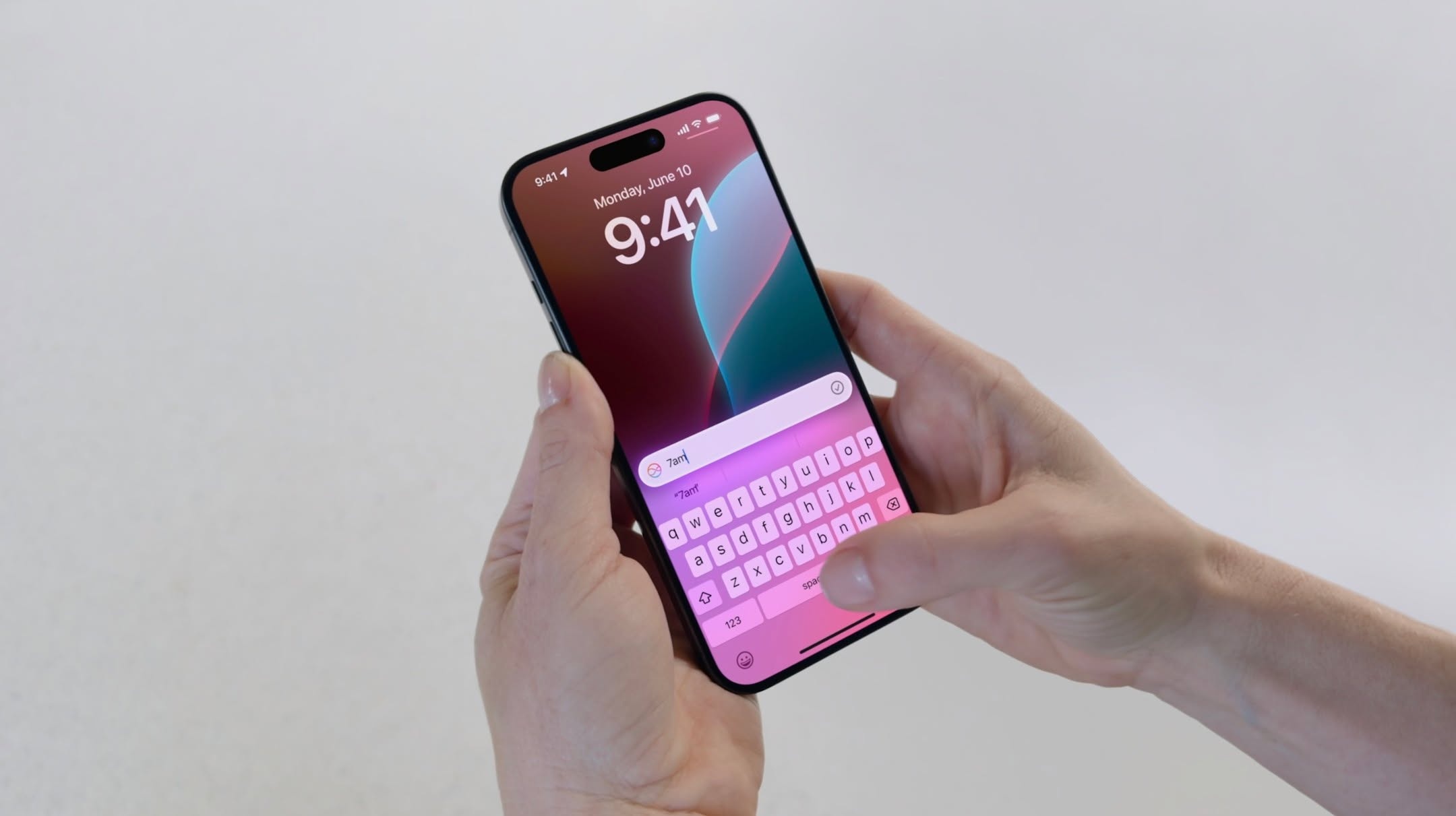 |
Users can double-tap the navigation bar to quickly activate the Siri virtual assistant. |
When users watch videos or play games, the navigation bar automatically fades or disappears completely to optimize display space and avoid distractions. Notably, the position of this line has remained consistent across generations of iPhones, helping customers maintain their usage habits without having to relearn how to control the device when upgrading.
Technology experts highly value the practical benefits this small detail provides. Mastering these gestures not only saves time but also completely changes the way we use a mobile device.
In the future, Apple promises to add more complex gestures, making this horizontal bar a focal point in subsequent software updates. To feel the difference and improve work efficiency, users should start familiarizing themselves with horizontal swipes instead of just using basic gestures.
Source: https://znews.vn/nhung-tinh-nang-an-it-nguoi-biet-cua-thanh-ngang-tren-iphone-post1637389.html

![[Photo] General Secretary and President To Lam meets with National Assembly delegates from ethnic minorities.](https://vphoto.vietnam.vn/thumb/1200x675/vietnam/resource/IMAGE/2026/04/20/1776696701056_a1-bnd-8331-3342-jpg.webp)
![[Image] National Assembly discusses the implementation of the socio-economic development plan.](https://vphoto.vietnam.vn/thumb/1200x675/vietnam/resource/IMAGE/2026/04/20/1776696707422_ndo_br_img-20260420-185419-jpg.webp)



























































































Comment (0)