

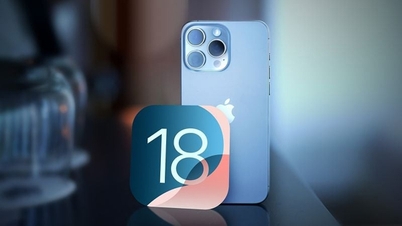
With the It's Glowtime event over, many people are eagerly awaiting the official release of iOS 18. Apple has now released the iOS 18 RC. Here's a quick guide on how to update!
 |
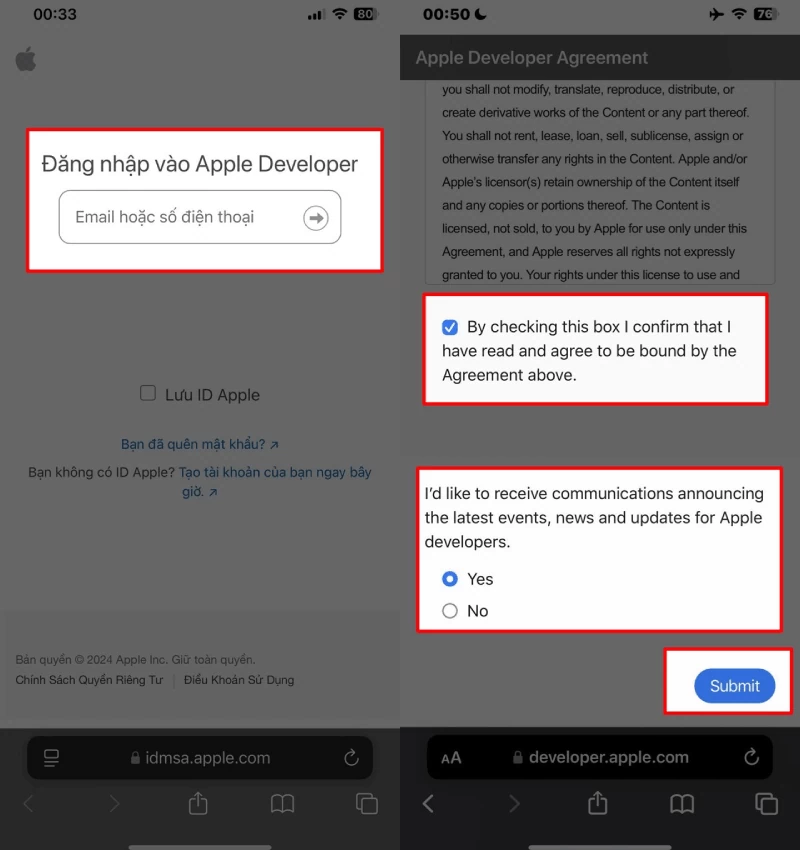
To install iOS 18 RC, you need to use an Apple ID that's registered with the Developer Beta program. If you haven't joined yet, click the link below, register an Apple account, select the required options, and click Submit to complete the registration.
 |
After successfully participating in the Developer Beta program, you can install iOS 18 RC by following the iOS 18 Developer update instructions below. Check out the steps to install iOS 18 RC on your iPhone now!
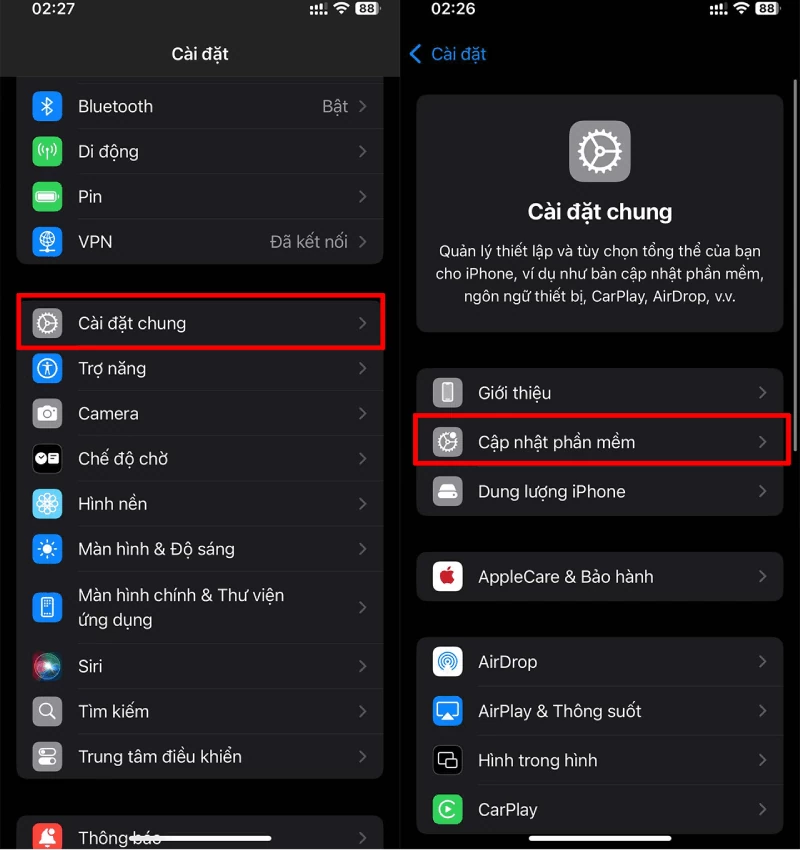
Step 1: Open the Settings app on your iPhone > Select General > Next, tap Software Update .
 |
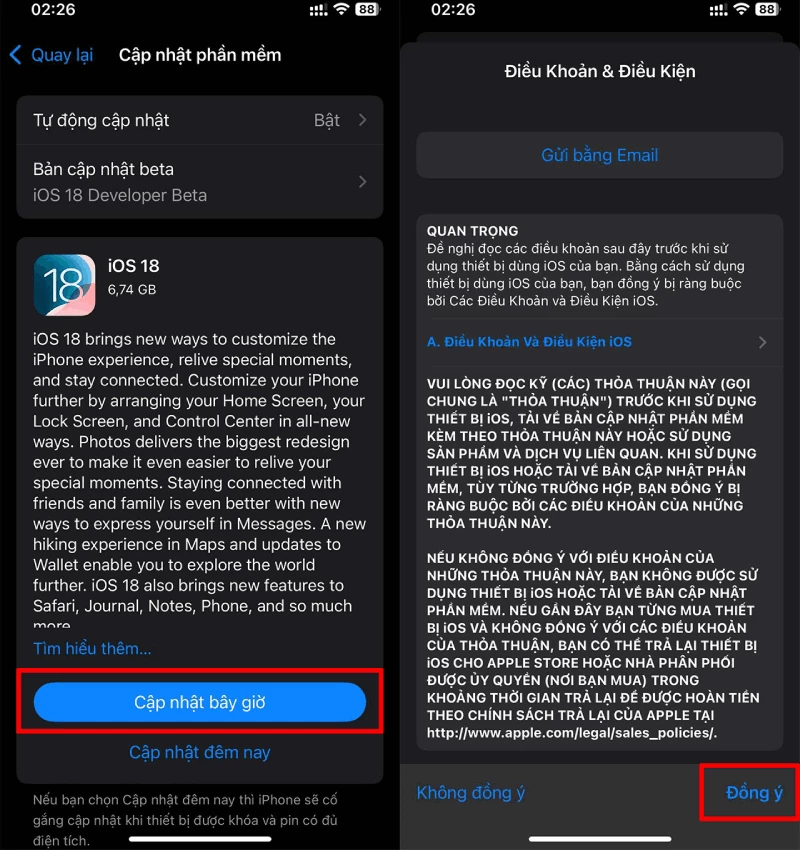
Step 2 : The iOS 18 RC update will appear on the screen > Tap Update Now > Enter your PIN and select Agree to begin the update.
 |
You've now learned how to quickly and easily update to iOS 18 RC. With new features and performance optimizations, iOS 18 RC promises a smooth and engaging experience on your iPhone. Update now to experience Apple's latest improvements. We wish you success and many exciting discoveries with iOS 18!
Source: https://baoquocte.vn/cap-nhat-ios-18-rc-with-many-attractive-new-features-286267.html































































































Comment (0)