


 |
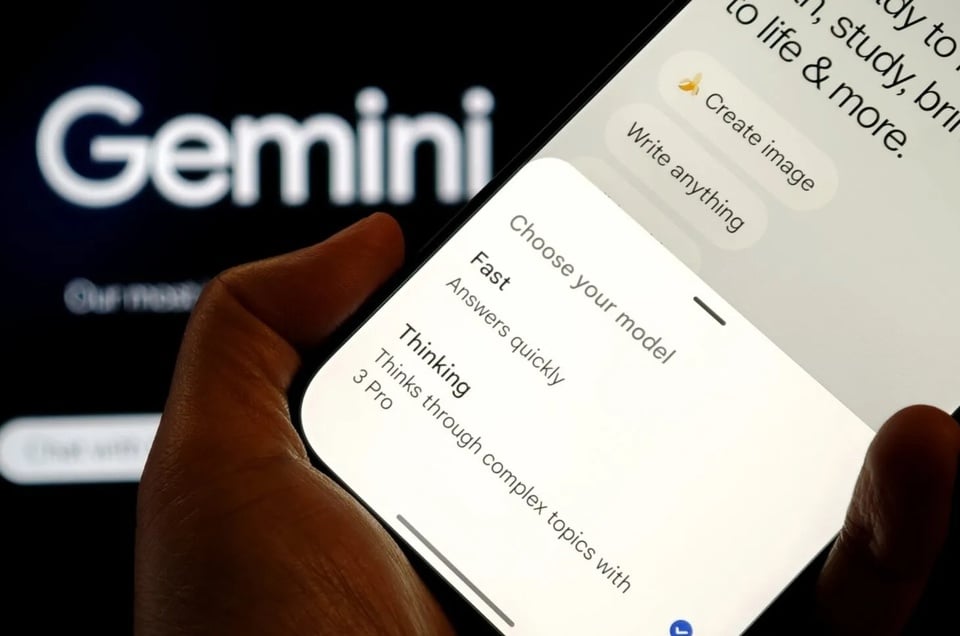
The Gemini 3 Pro selection screen in the Gemini app. Image: Android Authority |
Gemini 3 is Google's latest generative AI model. The company emphasizes improvements centered around reasoning, complex problem-solving, and multimodal processing.
To optimize results, Google released a guide outlining some simple rules for entering commands into Gemini 3. Based on Google's guidance, these are some tips to ensure the model yields the best possible results.
The command is clear and simple.
Many believe that the best way to leverage AI, not just chatbots but also AI for image or video creation, is to use the most detailed commands possible. Therefore, some guides require creating long, detailed commands to guide the chatbot in the right direction.
Nowadays, that factor is no longer as important as it once was, as many AI models operate differently. According to Tom's Guide , chatbots tend to converse in a natural way, accompanying users as assistants rather than regular employees.
With changes to how the model works, Google advises users to use precise, focused, and concise commands for Gemini 3.
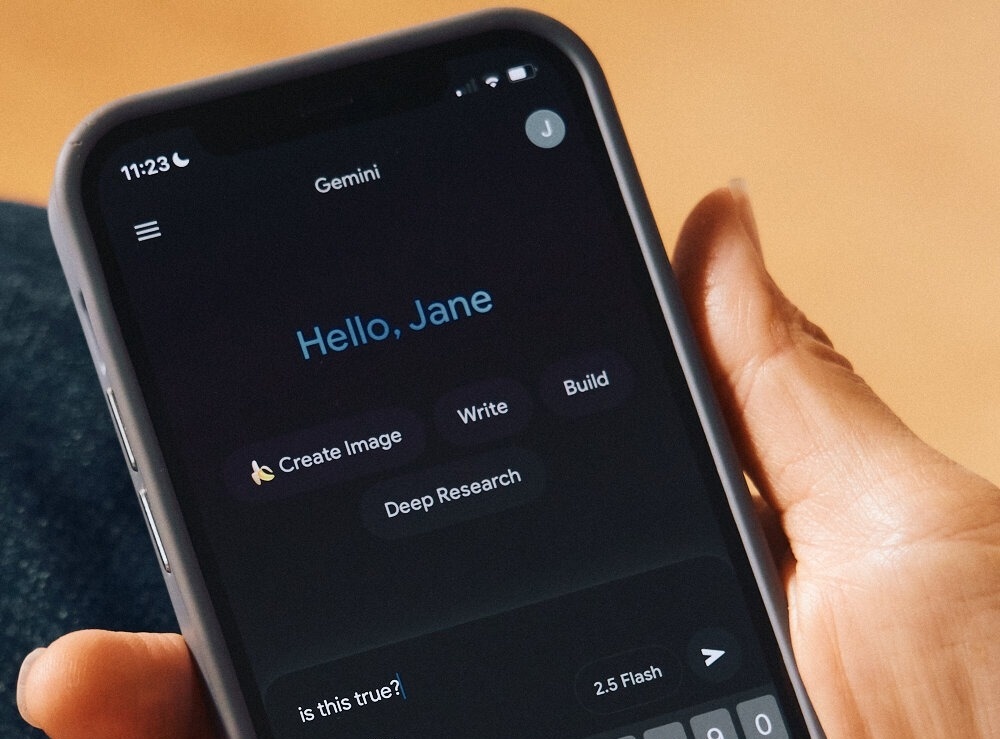 |
The Gemini app interface. Photo: New York Times . |
“Enter commands concisely. Gemini 3 responds best to direct and clear instructions. This tool may overanalyze lengthy or overly complex command-line techniques used in older models,” Google’s guidance states.
Users still need to provide more detail for more complex tasks. In some cases, it may be necessary to specify what needs/doesn't be done, the desired response format, and a consistent structure. However, for most tasks, simplicity and clarity are key.
Choose a personality for the AI.
In recent updates, ChatGPT has become more user-friendly, interacting in a way that resembles a friend, mentor, or personal assistant. The same applies to the latest updates for Grok and Claude from Anthropic.
Google seems to be taking a different approach with Gemini 3, stating that by default, this chatbot is “less detailed and prioritizes providing direct, effective answers.”
This means users need to select a specific personality type if they want Gemini to respond in a more outgoing or friendly manner.
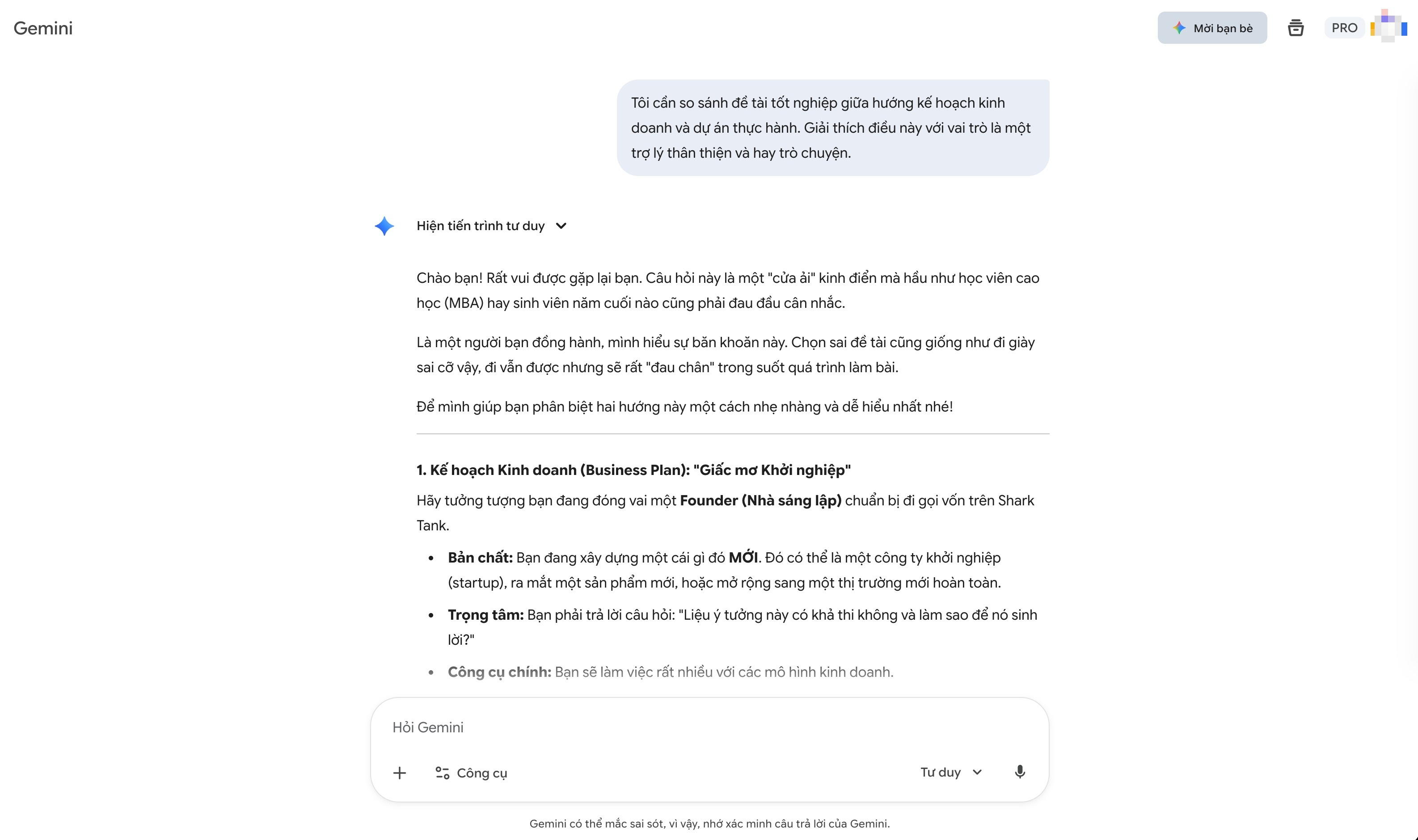 |
Users need to specify their preferred chat style for Gemini 3 if they don't want to use the default. |
For example, if users want the chatbot's response to be friendly and approachable, they need to specify the request: "Explain this from the perspective of a friendly and conversational assistant."
While AI is being refined to be more user-friendly, this isn't really necessary for many people. If all they need is a quick and direct answer, users don't need to interact with Gemini 3.
Explain the context.
Recently, AI has become increasingly better at handling large amounts of information. Through updates, chatbots can analyze and interact with documents, code snippets, and long videos.
Although Gemini 3 can analyze lengthy content, Google recommends that users set specific directions for the chatbot to function effectively.
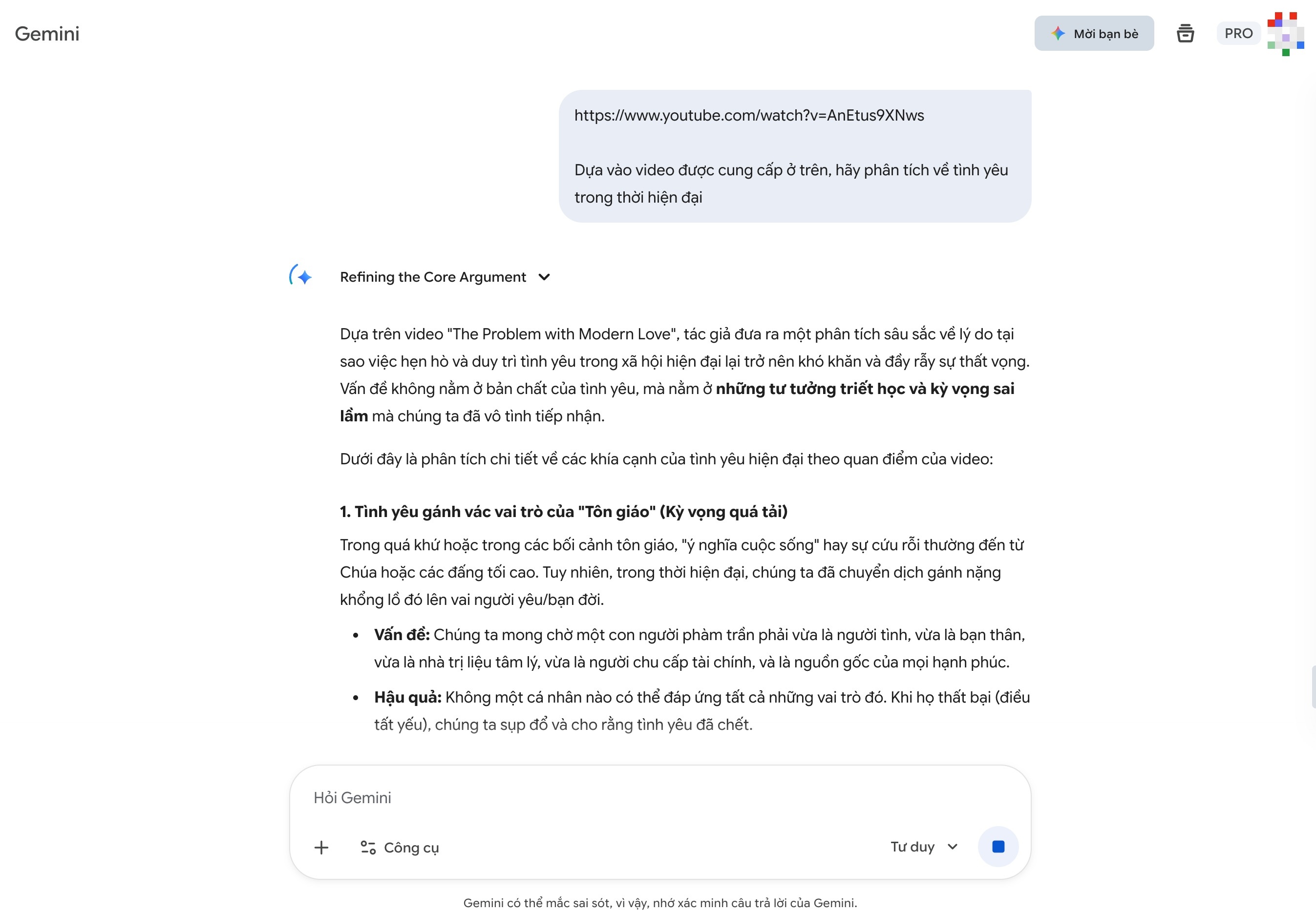 |
Users should link requests to the chatbot based on the data provided, especially with long documents. |
Google suggests that when working with large datasets (entire books, source code, or long videos), users should include specific instructions or questions at the end of the statement, immediately after the data is provided.
"Fix the model's reasoning to the provided data by beginning the question with a phrase like 'Based on the information above...'", Google's documentation explains.
This isn't actually new advice, as AIs generally perform best when there's a separation between the command and the context. Therefore, users need to ensure the chatbot focuses on the available data from the outset, before moving on to the next steps.
Another approach is to send the entire text to be processed at the beginning of the conversation. After Gemini analyzes and indicates that they understand the text, the user can proceed with other requests.
Source: https://znews.vn/cach-dat-cau-lenh-hay-cho-gemini-3-post1608123.html
































































![[Image] National Conference on studying, understanding, and implementing Resolutions No. 79 and No. 80 of the Politburo](https://vphoto.vietnam.vn/thumb/402x226/vietnam/resource/IMAGE/2026/02/25/1771990845625_anh-man-hinh-2026-02-25-luc-10-40-34.png)






























Comment (0)