

The first beta version of iOS 26, released in June, saw mixed reactions to the Liquid Glass effect. Users reported that the transparency of the interface made notifications and menu items difficult to see. Although Apple made efforts to refine the experience during the summer, many were still not satisfied with the new display.
Even after the official release of iOS 26 in mid-September, feedback regarding performance continued to surface. Some devices, especially older iPhones, experienced slower performance and did not achieve the smooth experience expected. Interface enhancements were not enough to completely resolve display issues.
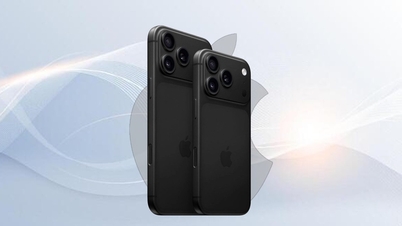
Older iPhone models are more heavily affected when upgrading to iOS 26. The iPhone 11, released in 2019, is the device with the biggest problems with the Liquid Glass interface. Users report slow response times and a noticeable drop in overall performance, directly impacting their daily experience.
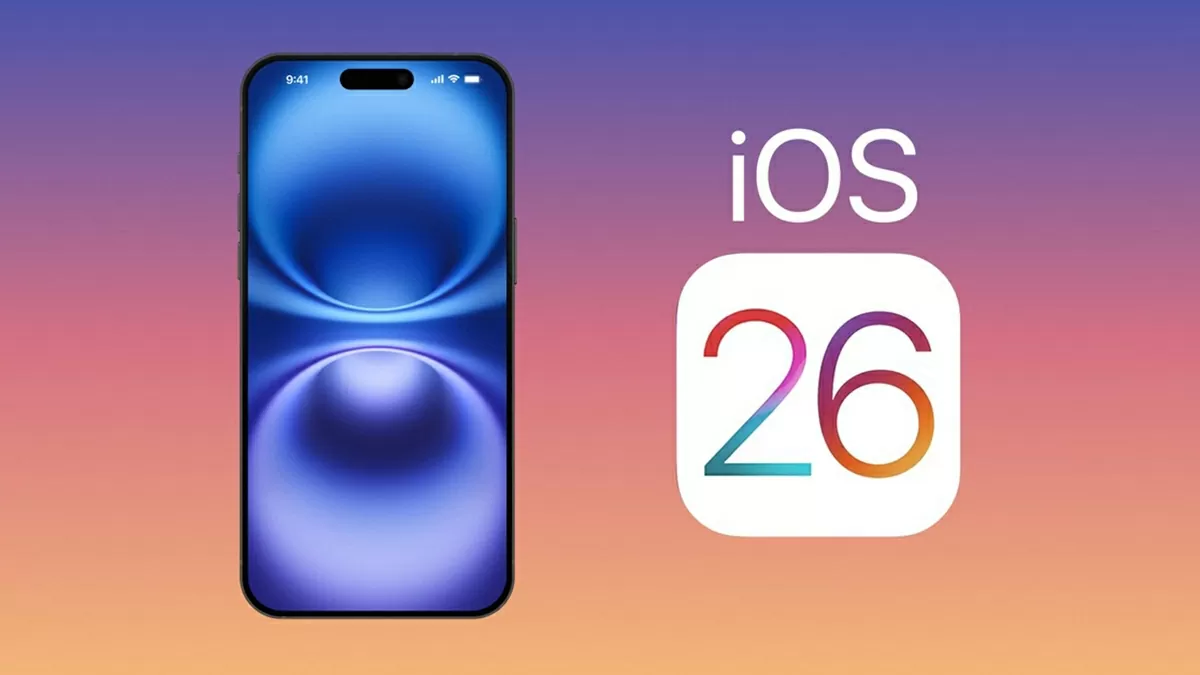 |
| The first beta version of iOS 26, released in June, saw the Liquid Glass effect receive mixed reviews. |
Users of older iPhones can improve performance when running iOS 26 with a few simple tricks. While it's not possible to completely disable the Liquid Glass effect, upgrading to iOS 26.1 or later will help the operating system run more smoothly. This is the first step in reducing lag and stuttering on older devices.
With iPhones updated to iOS 26.1, users can reduce the transparency of Liquid Glass. They simply need to go to Settings > Display & Brightness and switch the Liquid Glass mode from Transparent to Colored. This makes menu items and notifications easier to read and improves overall performance.
If your device is still running versions prior to iOS 26.1, you can still optimize your experience. In Accessibility > Motion, enabling the Reduce Motion option will reduce heavy graphics effects. This helps your iPhone run more smoothly without needing an immediate upgrade.
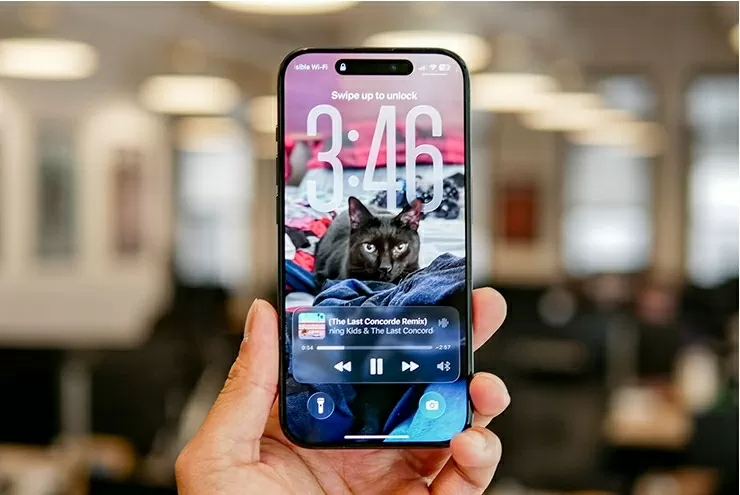 |
| Users of older iPhones can improve performance when running iOS 26 with a few simple tricks. |
Users shouldn't be surprised if they still experience performance issues, especially on iPhone 11, 12, and 13 models. Battery levels below 80% can cause slower response times. Additionally, limited storage capacity directly impacts performance, so cleaning up apps and freeing up space is essential.
In addition to software settings, managing storage and battery life is also important. Users should regularly check their free space and delete unused applications. This helps reduce strain on the system and maintain stable processing speeds.
Finally, after upgrading to iOS 26, users need to be patient for a few days for the operating system to finish indexing the device. If the iPhone is still slow after this time, optimization solutions such as reducing Liquid Glass transparency or enabling Reduce Motion should be applied. This is how to ensure a smoother experience on older devices.
Source: https://baoquocte.vn/iphone-doi-thap-gap-nhieu-tro-ngai-doi-voi-ios-26-338146.html

![[Photo] General Secretary and President To Lam meets with National Assembly delegates from ethnic minorities.](https://vphoto.vietnam.vn/thumb/1200x675/vietnam/resource/IMAGE/2026/04/20/1776696701056_a1-bnd-8331-3342-jpg.webp)

![[Image] National Assembly discusses the implementation of the socio-economic development plan.](https://vphoto.vietnam.vn/thumb/1200x675/vietnam/resource/IMAGE/2026/04/20/1776696707422_ndo_br_img-20260420-185419-jpg.webp)

















































































Comment (0)