

According to Windows Central , Microsoft is testing an update method called "hot patching" for PCs running Windows 11. Hot patching has already been used on some versions of Windows Server as well as Xbox, and it now appears the company is preparing to roll it out to devices running Windows 11.
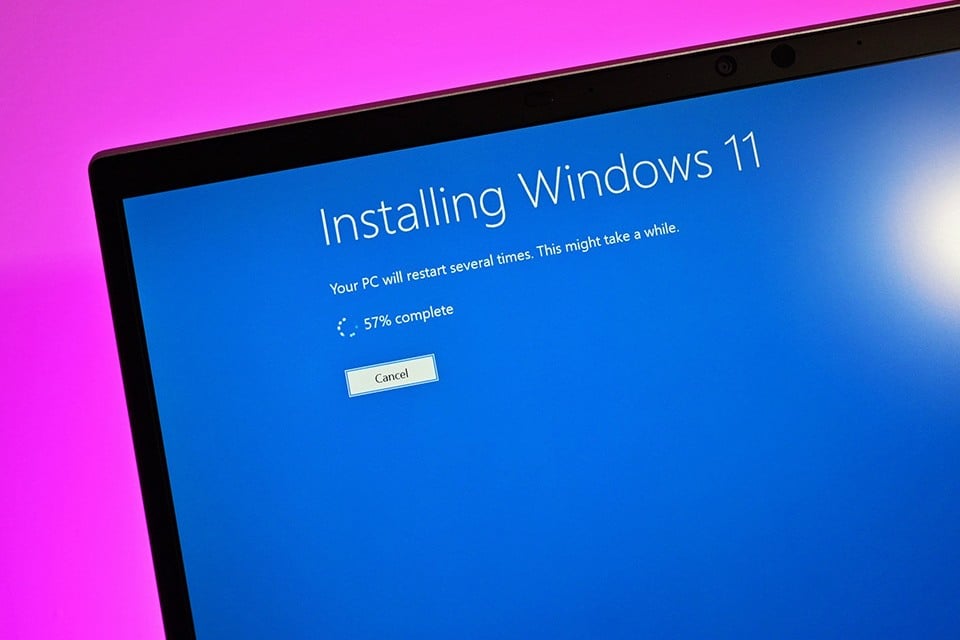
Restarting your computer after a Windows 11 update will no longer be a frequent occurrence.
Reports indicate that the latest Windows 11 build on the developer channel shows it's testing a security update that doesn't require a reboot on PCs with "Virtualization Based Security" enabled. After installation, the Windows build string will be updated to "ge_release_svc_hotpatch_prod1.240211-0859".
How does this feature work? According to Microsoft's own documentation, the hotfix feature works by "patching code in memory of a running process without restarting that process." A source close to Windows Central says Microsoft plans to use hotfixes on Windows 11 to deliver monthly security updates without requiring users to restart.
However, this doesn't mean users won't need to restart their PCs for updates, as some basic updates still require a restart every few months. Specifically, there are four monthly security updates that require a restart in a year: January, April, July, and October. The remaining months will be delivered via hotfixes without requiring a restart. Of course, any critical security updates, bug fixes, and feature updates can be delivered at any time if needed. In that case, it will still require a restart even outside of those predetermined months.
Microsoft hopes to release the hotfix later this year along with the Windows 11 24H2 update on x86-64 systems. ARM64 devices will receive hotfix support in 2025 if the schedule remains unchanged. It is unclear whether the hotfix will be available to all Windows 11 users or will be reserved for commercial versions of Windows 11 such as Enterprise, Education, and Windows 365.
Source link








































































































Comment (0)