

Defragmenting your hard drive on Windows 10 helps fix the problem of files and folders being split across different areas on your disk. See details here!
|
To avoid hard drive fragmentation on Windows 10, you can use Microsoft's built-in tools or third-party software. Below are 6 effective defragmentation software programs for SSDs and HDDs:
Defragment your hard drive without using software.
With this defragmentation method, you don't need to download any software; instead, use the tool already available on your computer. It consists of two steps:
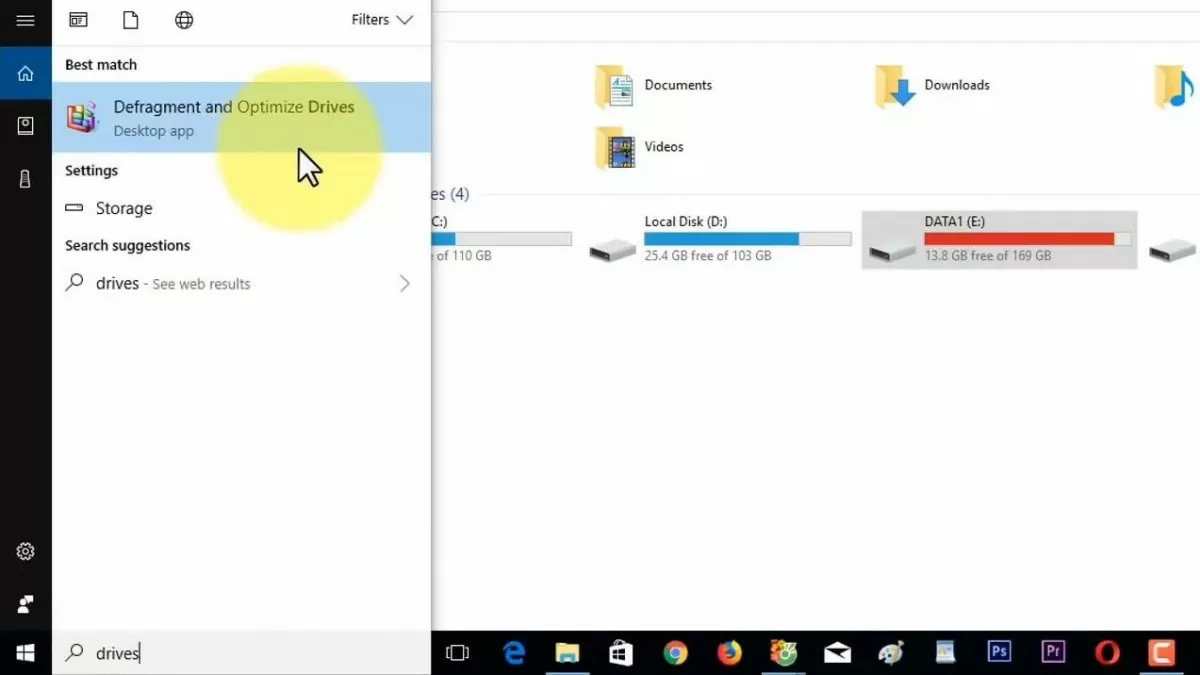
Step 1: Go to Start, type “defrag” or “drives” into the search bar, then click on Defragment and Optimize Drives.
 |
| 6 simple ways to defragment your hard drive on Windows 10 |
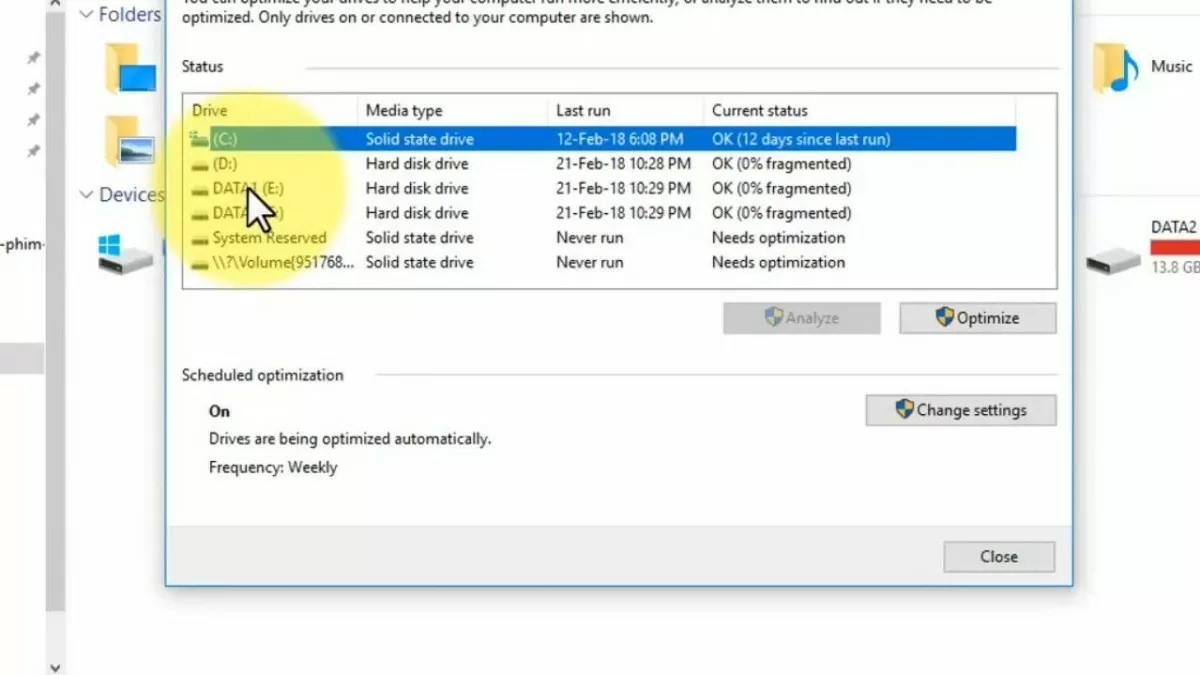
Step 2: Select the drive you want to defragment, then click Optimize .
 |
| 6 simple ways to defragment your hard drive on Windows 10 |
Defragment your hard drive using Auslogics Disk Defrag software.
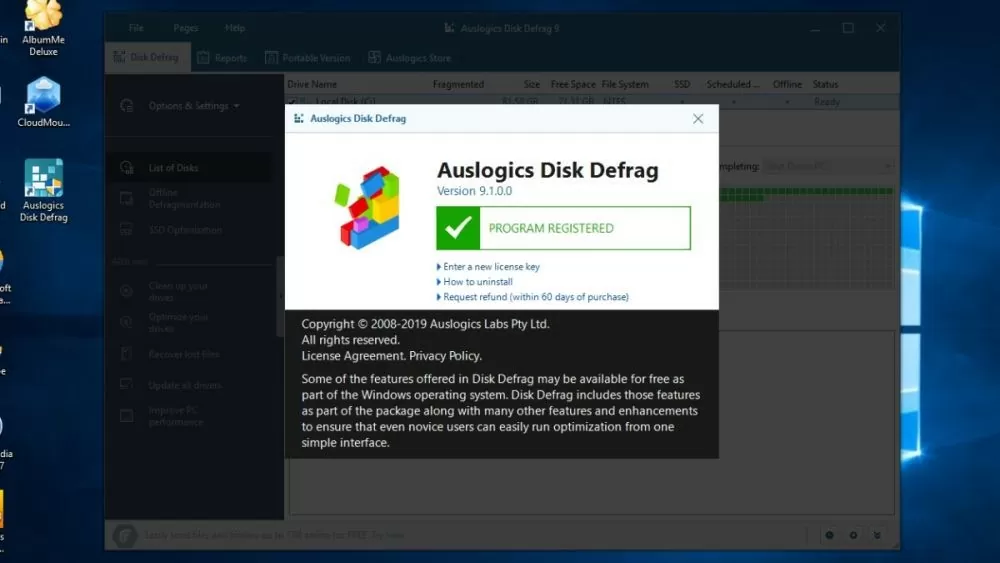
Auslogics Disk Defrag is a tool that helps to thoroughly and quickly resolve hard drive fragmentation issues on Windows 10. This software uses a modern algorithm, capable of automatically defragmenting in real time and supporting scheduled defragmentation. After completion, Auslogics Disk Defrag also helps users reclaim free space and provides continuous reports on the hard drive's status.
Auslogics Disk Defrag performs defragmentation very well. However, while the software is running, you should close all running programs on your computer to avoid the risk of data corruption.
 |
| 6 simple ways to defragment your hard drive on Windows 10 |
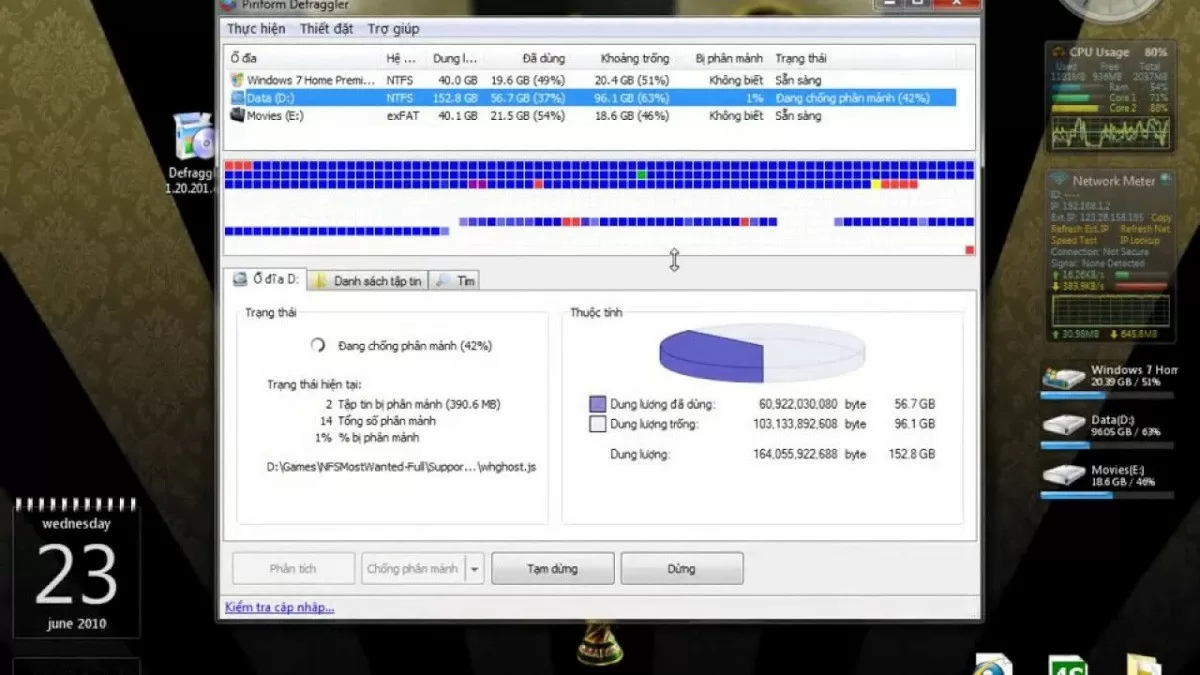
Defragment your hard drive using Defraggler software.
Defraggler is a great option if you're looking for hard drive defragmentation software for Windows 10. This tool is compatible with NTFS and FAT32 file systems, supporting users in defragmenting individual files, folders, and even empty drives. As a result, hard drive fragmentation is thoroughly resolved, significantly improving computer performance.
Defraggler has an intuitive interface and supports Vietnamese, making it easy to use right from the first time. After the defragmentation process is complete, the application will provide a detailed and clear report.
 |
| 6 simple ways to defragment your hard drive on Windows 10 |
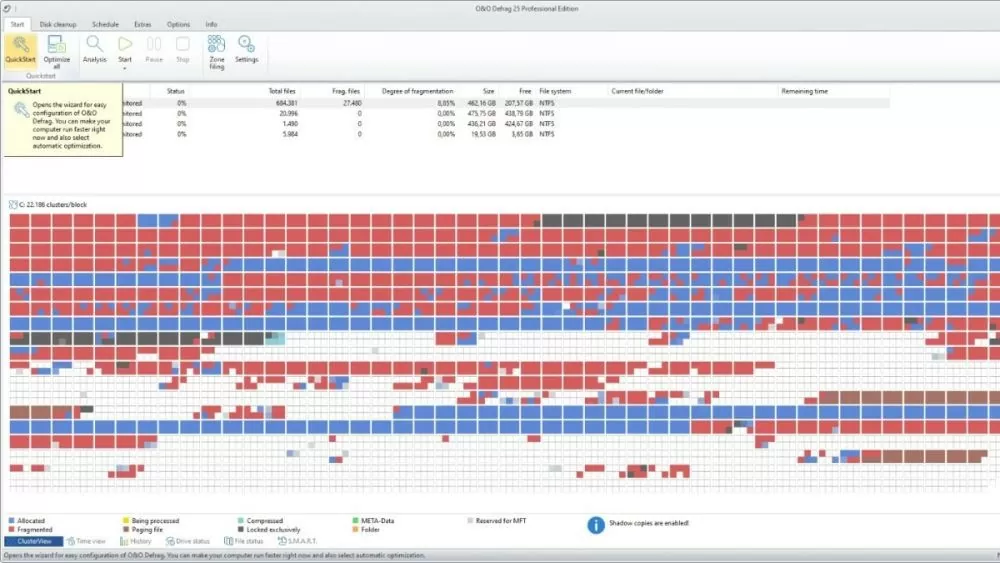
Defragment your hard drive using O&O Defrag software.
O&O Defrag is a defragmentation tool with an easy-to-use interface and fast processing speed. This software can defragment multiple hard drives simultaneously and supports rearranging fragmented files and folders, thereby improving computer performance and extending drive lifespan.
Additionally, O&O Defrag allows you to schedule recurring scans and automatically optimizes the background to prevent fragmentation from becoming more severe. However, this is not a free application, so you should try it out first to see if it suits your needs before deciding to pay for long-term use.
 |
| 6 simple ways to defragment your hard drive on Windows 10 |
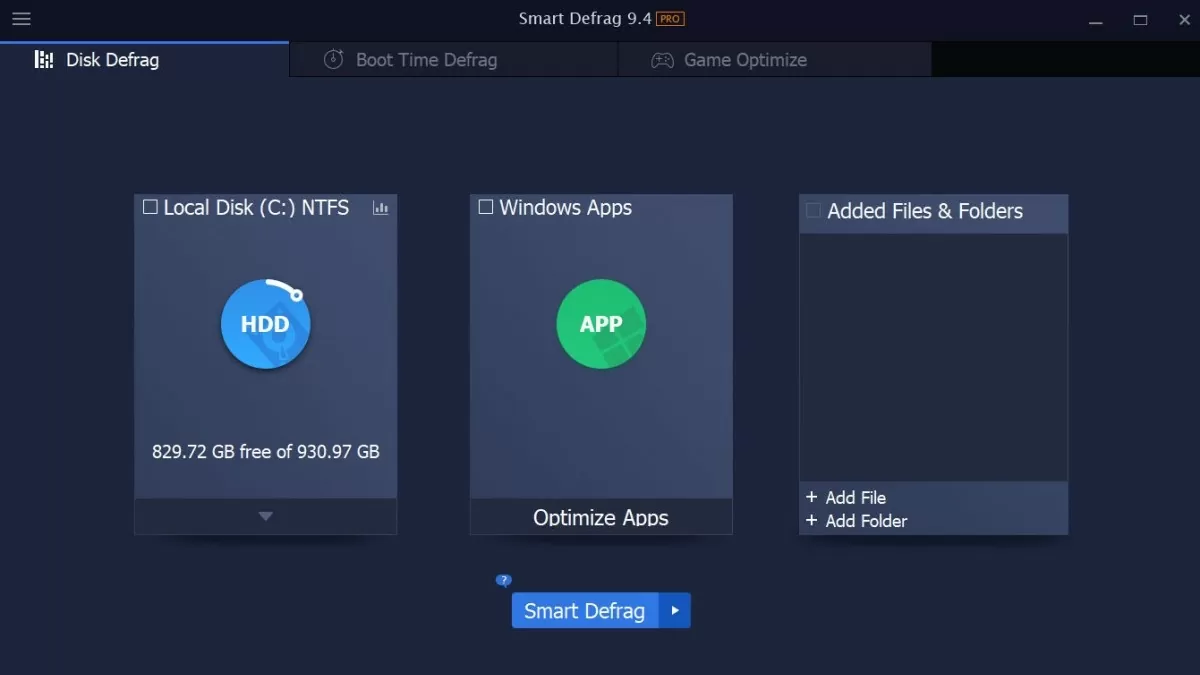
Defragment your hard drive using Smart Defrag software.
Smart Defrag is a popular hard drive defragmentation software for Windows 10, favored by many for its intuitive interface and outstanding features. This tool can perform defragmentation according to a user-defined schedule, as well as automatically when the system starts up.
When defragmenting your hard drive, Smart Defrag will not affect the operation of other programs on your computer. This software allows you to defragment files, data files, and folders, thereby ensuring the stability of your hard drive.
 |
| 6 simple ways to defragment your hard drive on Windows 10 |
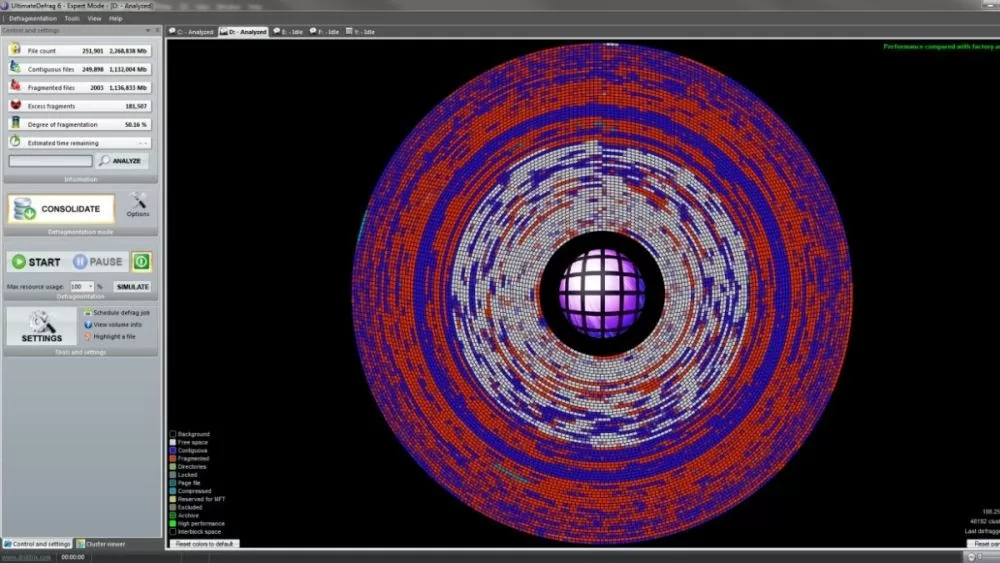
Defragment your hard drive using UltimateDefrag software.
UltimateDefrag is specialized software for defragmenting hard drives and improving computer performance. This application can quickly handle fragmentation, even with large partitions, and supports data rearrangement. With various defragmentation modes, UltimateDefrag provides comprehensive protection for your computer.
 |
| 6 simple ways to defragment your hard drive on Windows 10 |
Above are some hard drive defragmentation software options for Windows 10, along with instructions on defragmenting SSDs and HDDs. Hopefully, this article will help you prevent fragmentation, thereby extending the lifespan of your hard drive and improving system performance.
Source: https://baoquocte.vn/6-cach-chong-phan-manh-o-cung-บน-windows-10-don-gian-279429.html
































































































Comment (0)