

What is Wi-Fi Calling?
Wi-Fi calling is a technology that allows users to make phone calls over an internet connection, specifically a Wi-Fi connection. This feature works similarly to making calls over a regular mobile network, but instead of using cellular signals, Wi-Fi calling is routed through the Wi-Fi network. This allows users to communicate in areas with weak or no cellular signal.
Wi-Fi calling works by connecting devices with available internet signals to Wi-Fi networks; this platform uses VoIP technology to send and receive communication data securely and quickly.
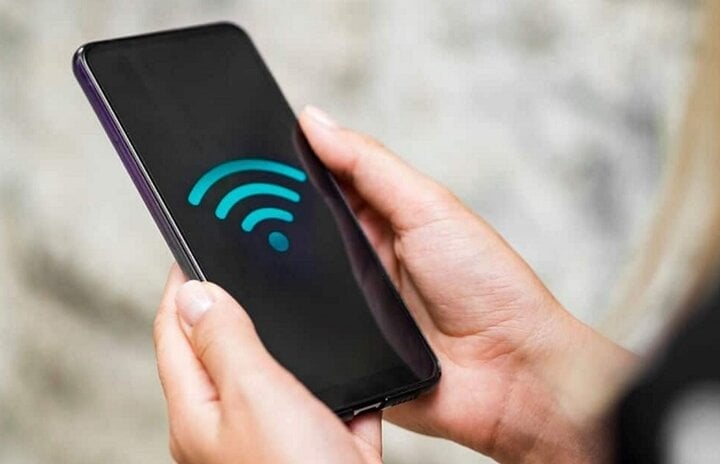
(Illustrative image)
How to enable Wi-Fi Calling on Android and iOS
To enable Wi-Fi Calling on popular mobile operating systems including iOS and Android, users can simply follow these steps:
For iOS operating system
Step 1: Access the Settings app > Select “Cellular”.
Step 2: Tap the "Wi-Fi Calls" option and follow the on-screen instructions to activate this feature.
Step 3: Enter the user's address to allow access to emergency services in case of urgent assistance.
Step 4: Agree to the terms of service. Next, press Enable to confirm that the Wi-Fi Calling feature is available.
Now, all calls made via your mobile device will use a Wi-Fi connection instead of the mobile plan service method.
For Android operating system
Using the Wi-Fi Calling feature on Android devices is slightly more complicated than on iOS. However, it is still possible to do so with the following detailed steps:
Step 1: Access the Settings app > Select “Connections”.
Step 2: Here you will see the Wi-Fi Calling feature option. All you have to do is switch it to the enabled state to use it.
Step 3: Follow the on-screen instructions to enable Wi-Fi Calling > Enter your address information to allow access to emergency services when needed.
Step 4: Agree to the terms of service > Press Enable to confirm that Wi-Fi Calling is available.
Users of Wi-Fi calling platforms have many advantages, such as:
Low cost: Because calls are made over Wi-Fi and are not dependent on a carrier's service, they tend to be considerably cheaper than traditional network plans. Additionally, Wi-Fi calling can offer one or more free VoIP applications, allowing users to make calls at a low cost.
Improved quality: Wi-Fi Calling is available on most smart mobile devices, regardless of the network provider. This makes Wi-Fi Calling more flexible and accessible than other communication options.
Mobile data management: Wi-Fi Calling allows users to manage their mobile data usage by choosing when they want to use a connection with better coverage but higher data costs, or a connection with weaker coverage but lower costs.
However, Wi-Fi calling can be susceptible to interference or congestion due to network issues in densely populated areas, leading to temporary call interruptions or compromised audio quality. Furthermore, while Wi-Fi calling is encrypted for enhanced security, it's not as reliable as traditional cellular communication. Therefore, users should consider their privacy when making Wi-Fi calls.
Additionally, mobile network service packages offer users more feature options such as voicemail, caller ID, and call forwarding, which may not be available when making calls via Wi-Fi calling.
What to do when Wi-Fi Calling isn't working?
If Wi-Fi Calling isn't working, it's most likely due to a problem with your Wi-Fi network. Therefore, check your phone's Wi-Fi connection by accessing Quick Settings (swipe down from the top) or going to Settings > Network & Internet > Wi-Fi.
Here, you need to ensure that the bars on the Wi-Fi icon are enabled, and you should move your device closer to the router to improve signal strength. Additionally, check to make sure you are not near any 2.4GHz devices or Bluetooth-enabled devices, as these can cause Wi-Fi interference.
You can also check if your phone and service provider support Wi-Fi Calling by searching for Wi-Fi Calling in the Settings app, or contact your device manufacturer to determine if your phone supports this feature.
Mint (Compilation)
Source





![[Photo] General Secretary and President To Lam receives Amazon's Senior Vice President David Zapolsky](https://vphoto.vietnam.vn/thumb/1200x675/vietnam/resource/IMAGE/2026/05/22/1779466547770_a1-bnd-3513-6601-jpg.webp)



























































































Comment (0)