

About 10 years ago, a high-end motherboard would significantly boost PC performance, both in gaming and demanding workloads. High-end chipsets included more features than cheaper ones, and the same applied to high-end memory controllers.
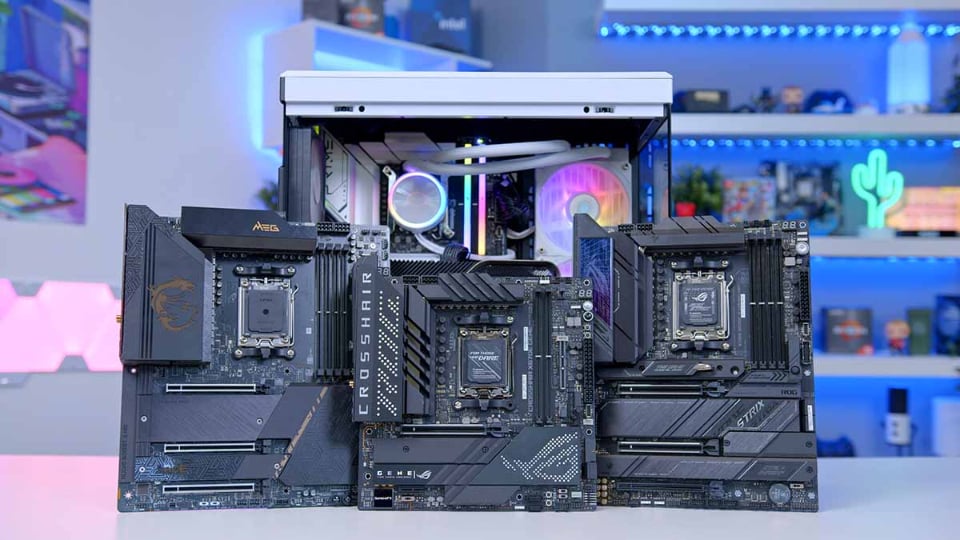
The price difference between high-end and mainstream motherboards is quite significant.
Now, memory controllers embedded in CPUs and motherboard chipsets offer many benefits, such as providing more PCIe lanes, more SATA ports, and faster USB. For example, AMD's B650 and X670 chipsets, but even budget B650 motherboards can connect to many devices, meeting user needs as long as AMD decides to discontinue the AM5 socket, which was launched in 2022.
The same applies to Intel's budget motherboards, although Intel tends to change sockets for new CPUs more frequently than AMD.
Budget-friendly motherboards now offer high performance.
Well-made budget motherboards now come with a good quality voltage regulator module (VRM) – a crucial feature to look for as it provides clean and stable power to the CPU, allowing the CPU to use more power and achieve its advertised clock speeds. A poor-quality VRM will result in lower CPU performance because the CPU cannot utilize enough power to reach its maximum speed.
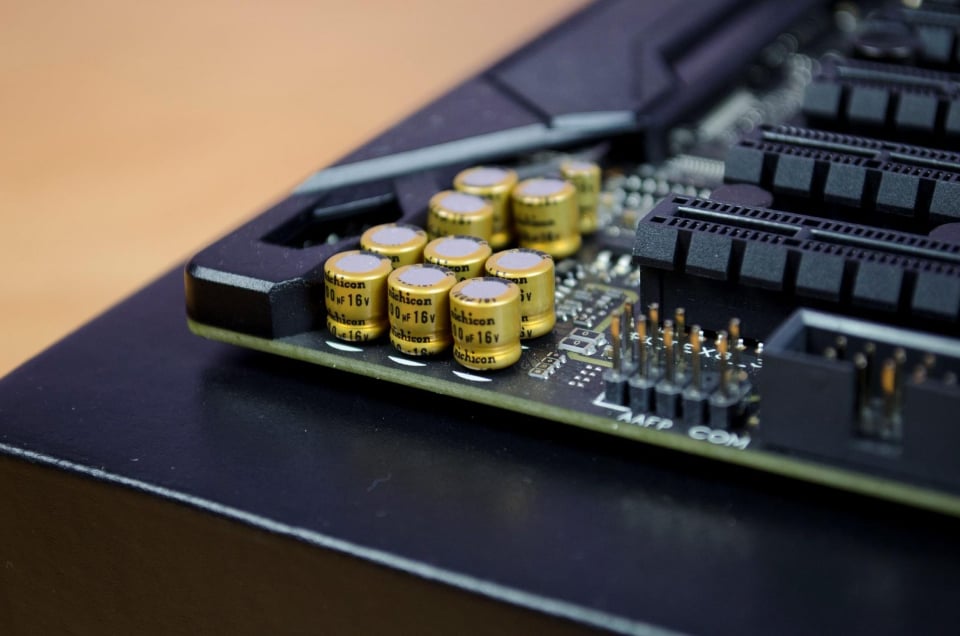
The components on motherboards are constantly improving.
They also come with 2-3 M.2 ports and 4-8 SATA ports for storage expansion. Additionally, they often offer a number of high-speed USB ports, multiple fan and RGB headers, or even headers for an AIO liquid cooler. Furthermore, some include a fast Wi-Fi chip, a mid-range audio solution, and a handy BIOS recovery button for upgrading to a new CPU.
Unless a component fails, modern motherboards can last a very long time, which is great because CPU manufacturers are now using the same socket for multiple generations of CPUs.
It lacks some advanced features, but that's not important.
Compared to high-end motherboards, budget models lack some important premium features like Thunderbolt 4 or USB 4. But is that really necessary? The truth is, not unless the user is a professional video editor or camera operator who needs super-fast USB connectivity to transfer a lot of video to their PC. If you're a gamer or a casual user who doesn't copy a lot of data from external sources every day, there's no point paying for things you won't use.
Even with expensive VRMs designed to power top-tier CPUs for overclocking, it's often overkill or lacks many valuable features for the average PC user. Some high-end motherboards support PCIe 5.0 for graphics card PCIe slots, but even the RTX 4090 is only compatible with PCIe 4.0, making the investment wasteful and likely to require at least several more generations.
High-end motherboards also have four or more M.2 ports, but is that still necessary? And even when utilizing two or three M.2 ports on budget models, users still have up to six SATA ports for HDDs to store content.
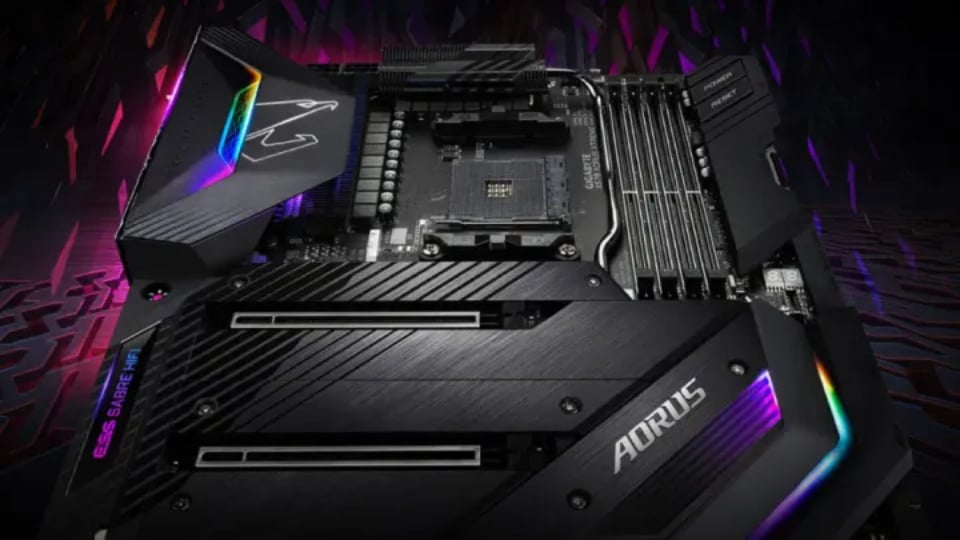
High-end motherboards often have many features that aren't really necessary.
Or consider the DAC audio solution on high-end models, but again, is it really necessary? The Realtek ALC1200 chip on budget motherboards still performs quite well. Even for audiophiles, investing in an external solution will be more worthwhile.
With Wi-Fi modules, users can still find excellent solutions on mid-range or budget motherboards, including Wi-Fi 6 and 6E. High-end models have Wi-Fi 7, but this standard isn't strictly necessary, especially when it requires a Wi-Fi 7 router.
Similarly, the numerous RGB ports on high-end models aren't really necessary. Even with 10 Gbps Ethernet ports for NAS systems, users can still overcome this by purchasing a separate card at a much lower price than the difference between high-end and mainstream solutions.
Ultimately, unless a specific high-end feature is required, users shouldn't pay extra for an expensive motherboard. Instead, invest that money in a more powerful graphics card, a better CPU, or faster RAM/SSD.
Source link

![[Photo] General Secretary and President To Lam meets with National Assembly delegates from ethnic minorities.](https://vphoto.vietnam.vn/thumb/1200x675/vietnam/resource/IMAGE/2026/04/20/1776696701056_a1-bnd-8331-3342-jpg.webp)


![[Image] National Assembly discusses the implementation of the socio-economic development plan.](https://vphoto.vietnam.vn/thumb/1200x675/vietnam/resource/IMAGE/2026/04/20/1776696707422_ndo_br_img-20260420-185419-jpg.webp)





























































































Comment (0)