

Virtual RAM is a feature often recommended to optimize performance for Android phones like Samsung Galaxy and some other products. Depending on the manufacturer, virtual RAM may be called RAM Plus, Memory Extension, or RAM Extension.

While thought to improve performance, virtual RAM can actually slow down your device.
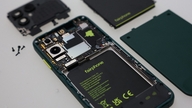
PHOTO: REDMI
However, using this feature may not be effective due to its dependence on the hardware of each device. For phones with limited RAM, memory swapping can be beneficial. Conversely, on devices with 8 GB or more of RAM, especially 12 GB, virtual RAM can cause slowdowns, freezes, or app crashes, drain battery faster, and generate more heat during operation.
How virtual RAM works
When virtual RAM is enabled, the total RAM capacity may appear higher, but in reality, no additional physical RAM is used. Therefore, the device will utilize a portion of its internal memory at a slower access speed, leading to poorer performance. This is exacerbated by devices with large amounts of RAM, where switching to slower memory can cause numerous problems as mentioned above.


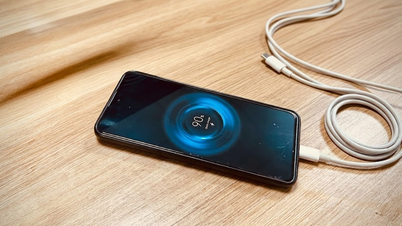
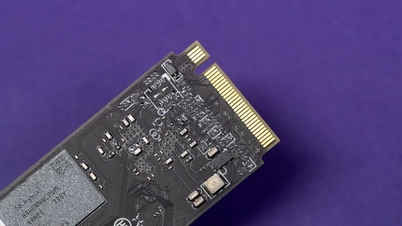
Virtual RAM uses the phone's internal memory, which is slower.
PHOTO: SCREENSHOT FROM BGR
Furthermore, using virtual RAM can increase hardware wear and tear because continuous reading and writing can raise temperatures and drain battery faster. As a result, it can affect the user experience, causing freezes and application crashes.
How to turn off virtual RAM on Android phones
If you feel that virtual RAM is not suitable, you should turn this feature off on your phone. How to turn it off will depend on the manufacturer; for example, Galaxy users can go to Settings > Device Care > Memory > RAM Plus . On Android phones, users can find items like Performance or Memory in the Settings app.
Some devices allow you to completely disable this feature, while others only allow you to reduce the virtual RAM size to the lowest level, usually 2 GB. After making the adjustment, users should restart their device for the changes to take effect.
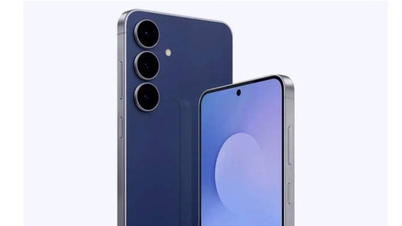
Comparing the speed of the Galaxy S25 Ultra and iPhone 16 Pro Max.
Users should monitor the RAM Plus settings on their devices, especially after software updates, as the system may automatically reactivate this feature.
Finally, not all Android phones use virtual RAM in the same way. A prime example is the Galaxy phone series, where the virtual RAM feature, RAM Plus, allocates a portion of RAM as zRAM to compress data and improve multitasking performance. This means Galaxy phones don't use internal storage like other Android devices, thus maintaining more stable performance.
Source: https://thanhnien.vn/dien-thoai-android-co-the-cham-bat-thuong-vi-tinh-nang-ram-ao-185260603162915696.htm



























































![[Video] Sunset at Lap An Lagoon – Where the sun sets over the fishing nets](https://vphoto.vietnam.vn/thumb/1200x675/vietnam/resource/IMAGE/2026/05/31/1780192137701_beach-landscape-sea-water-nature-grass-745871-pxhere-com.jpeg)





































Comment (0)