

TikTok Studio is a powerful tool for creating more professional videos . This article will guide you on how to download and use Live TikTok Studio 2024 effectively!
 |
Simple guide to downloading TikTok Studio to your computer.
Before you can start live streaming on TikTok Studio, you need to download the software to your computer. Here are the simple steps to download TikTok Studio that you can refer to:
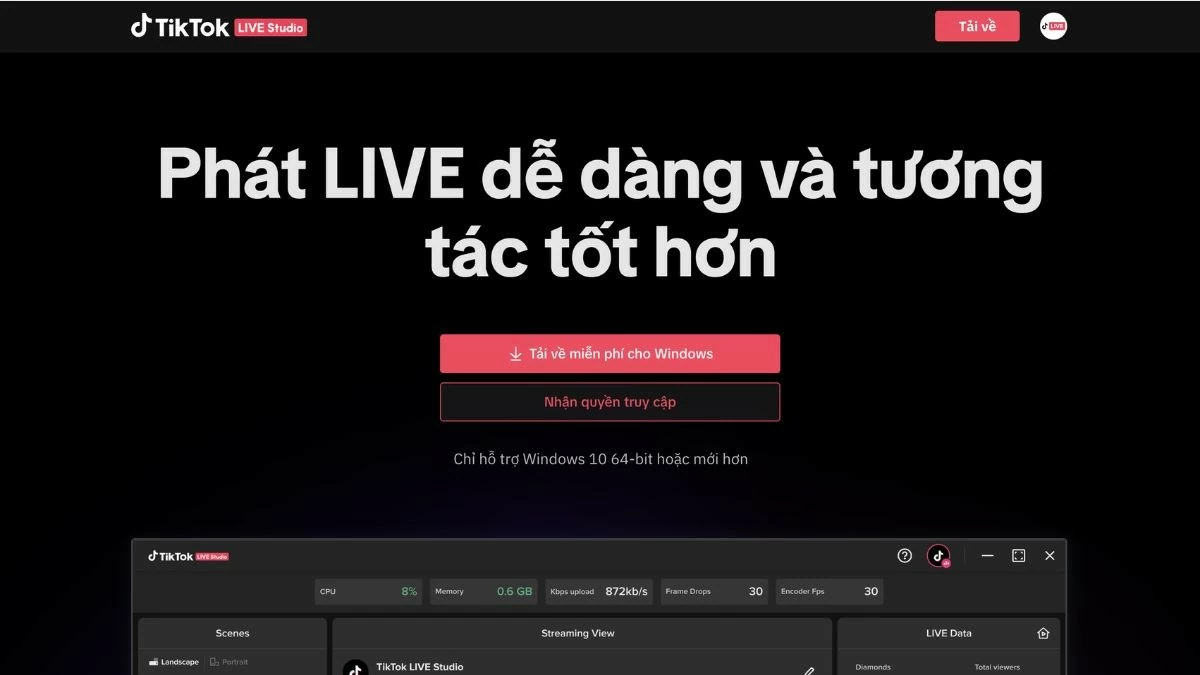
Step 1: Go to the TikTok Live Studio homepage to download the app.
 |
Step 2: On the homepage, click the "Download free for Windows" button and wait a few seconds for the software to download to your computer.
 |
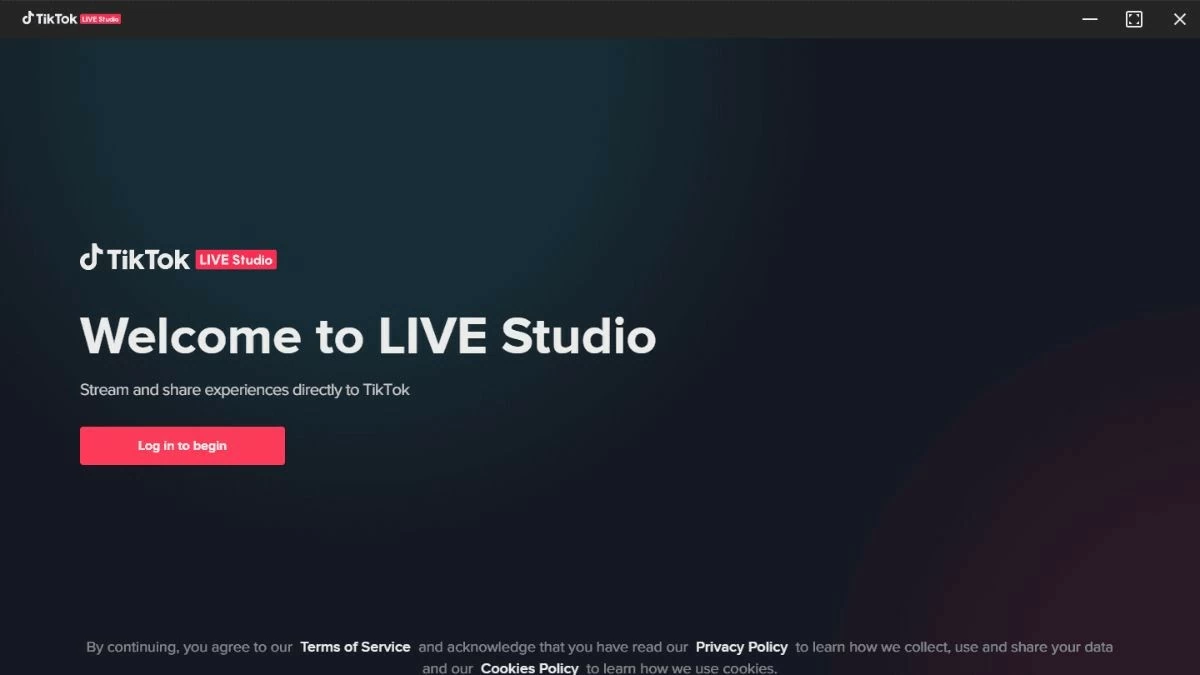
Step 3: Run the downloaded installation file, open the application, and press "Log in to begin" to log in. After successfully logging in, the main interface will appear on the screen.
 |
The most detailed guide to using TikTok Studio.
TikTok Studio helps you share content directly and connect effectively with your community. Check out these effective guidelines:
Instructions on how to enable Live Studio access on TikTok
To use Live Studio on TikTok, you need to take a few steps for TikTok to review and grant you access to the feature. Specifically, these steps are as follows:
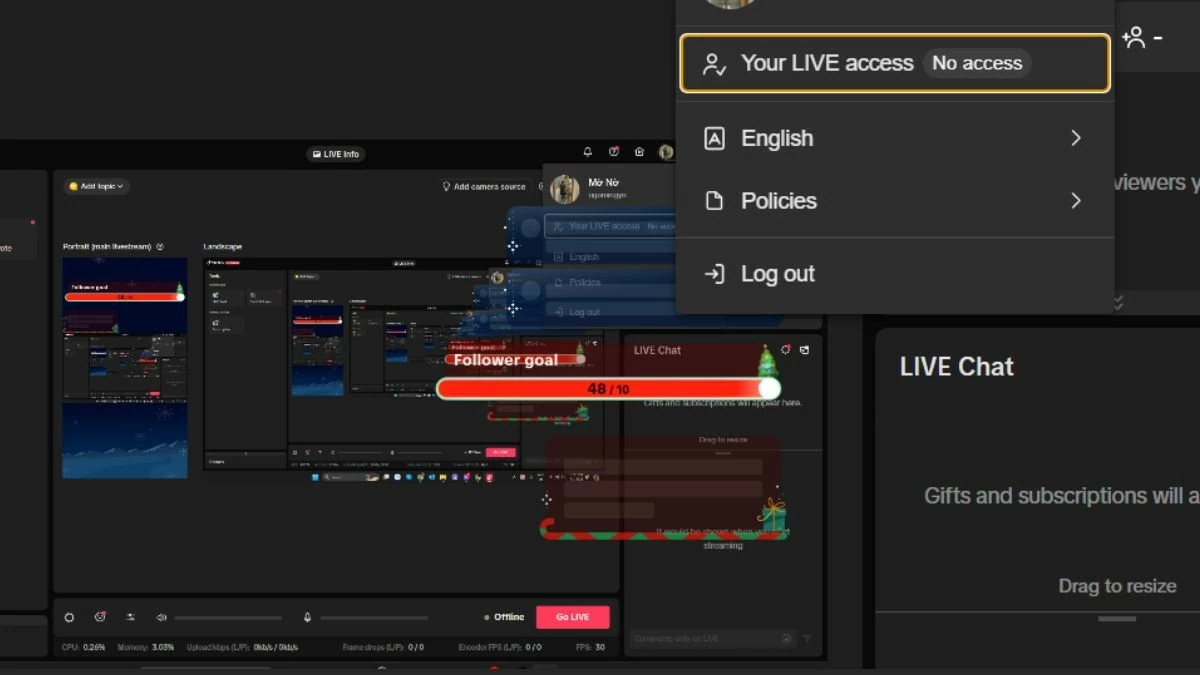
Step 1: Log in to your TikTok account on the app and select “Request LIVE access”.
 |
Step 2: Select “Register for live streaming access on PC”.
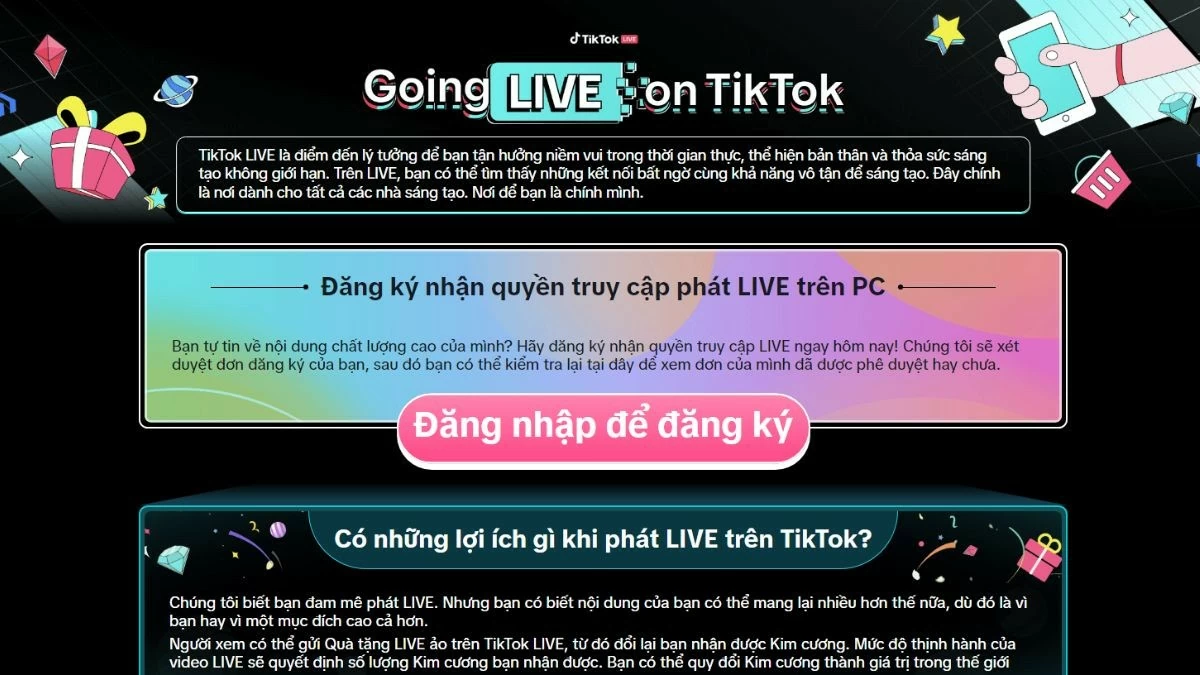 |
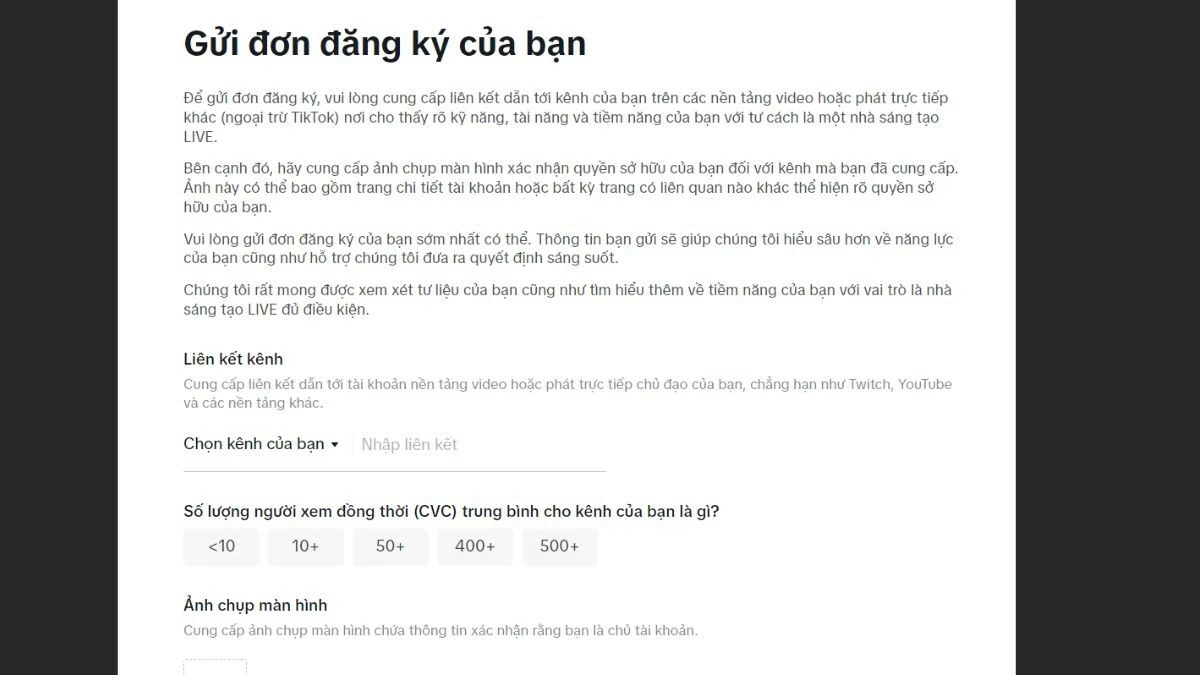
Step 3: Fill out the registration form and wait for TikTok's approval.
 |
Guide to Live Studio on TikTok
Once you've been granted access, to use TikTok Studio Live, open the app, tap the "+" icon in the bottom corner of the screen, and select the "Live" option.
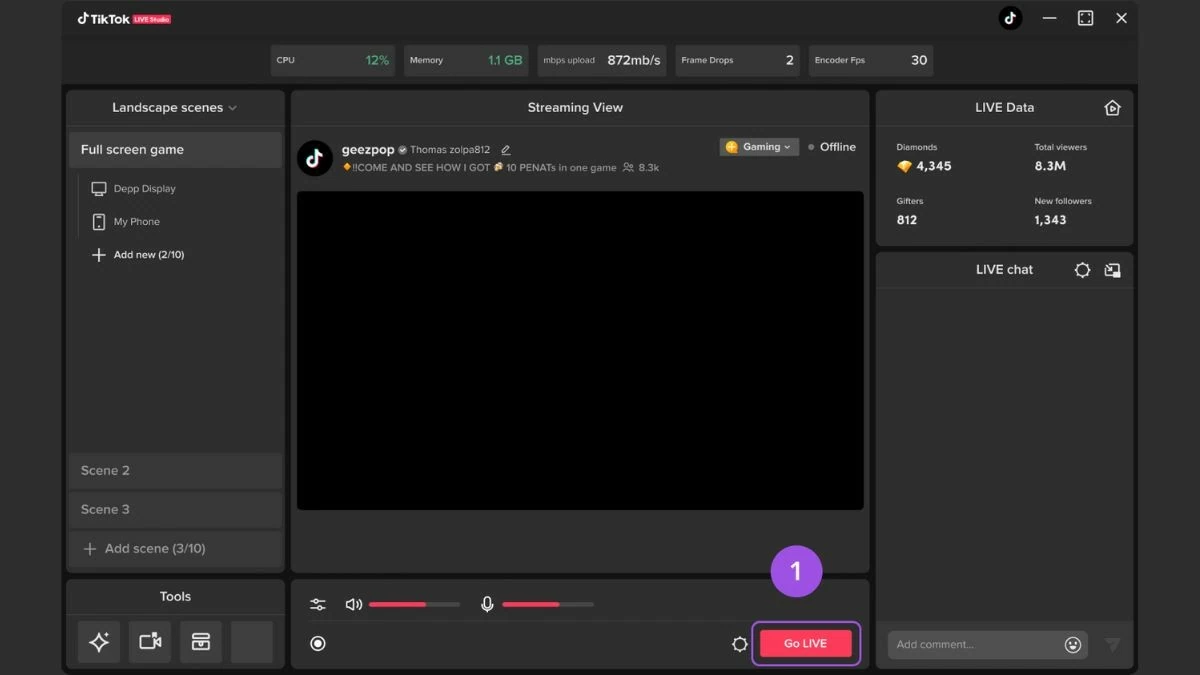
Step 1: Click the "Go LIVE" button on the preview page. After confirming the information for the LIVE session, you can start streaming live.
 |
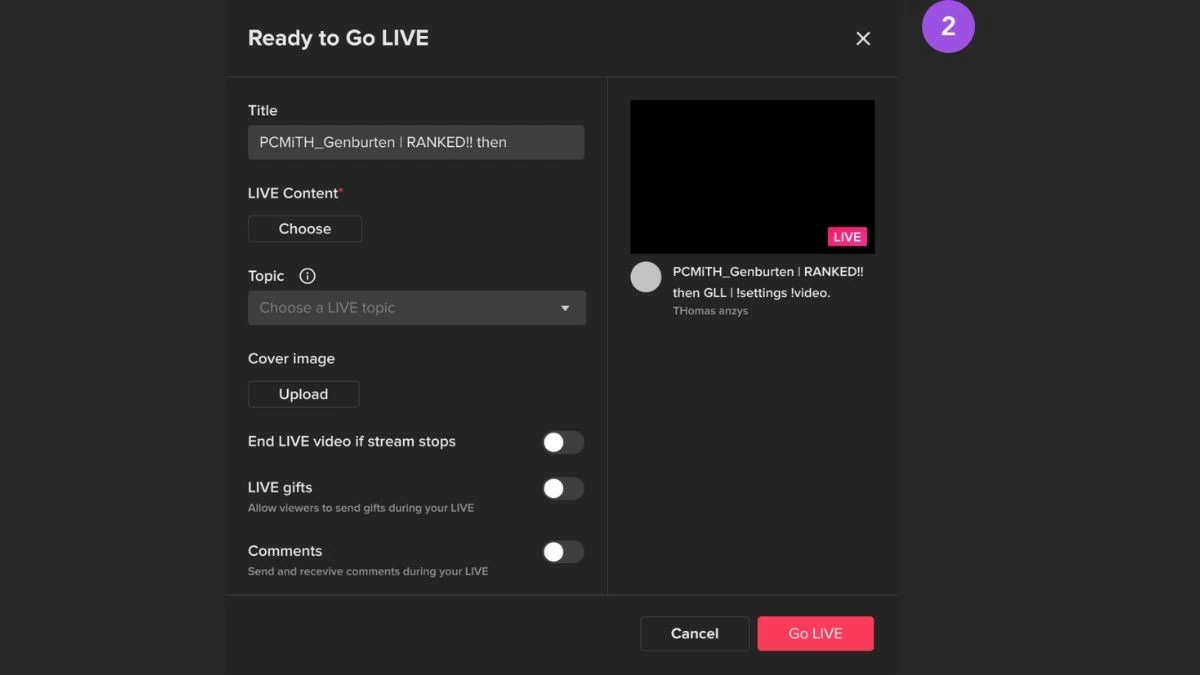
Step 2: Next, choose content for your LIVE session by adding a title, cover image, and topic, making it easy for viewers to find your live stream.
 |
Hopefully, the above article has helped you understand TikTok Studio, how to download and use the live streaming feature. This is a particularly helpful tool for users, and more and more people are interested in using Live Studio on TikTok.
Source: https://baoquocte.vn/tai-va-su-dung-live-tiktok-studio-2024-cuc-de-282357.html









































































































Comment (0)