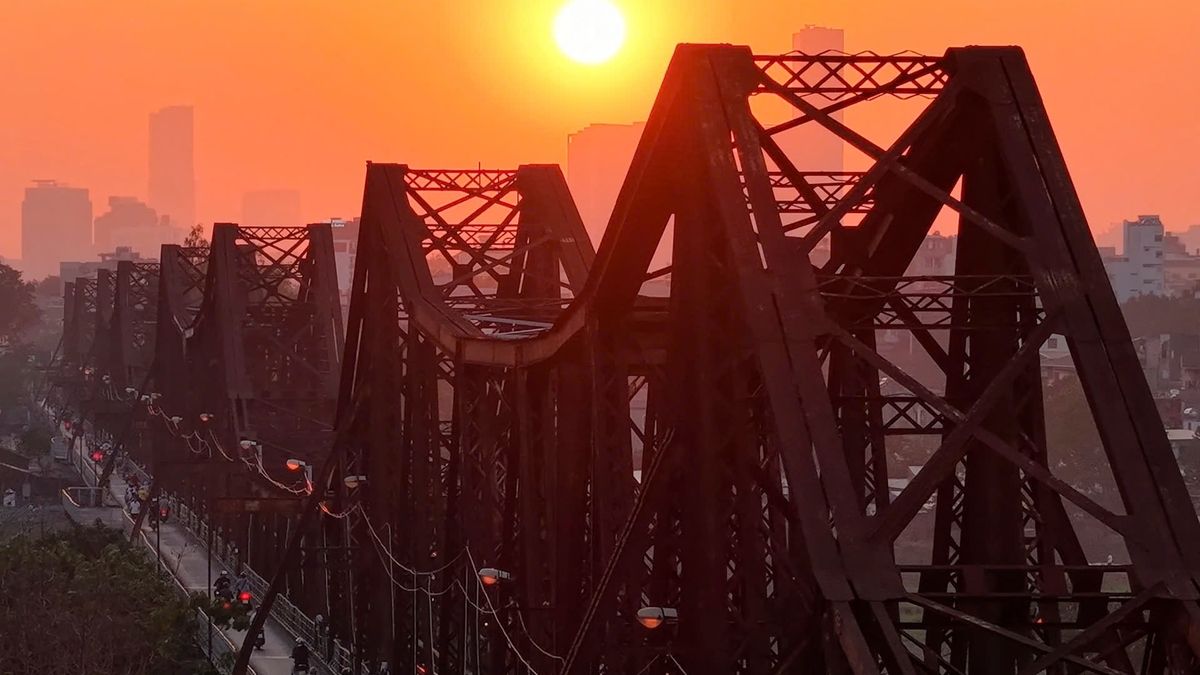
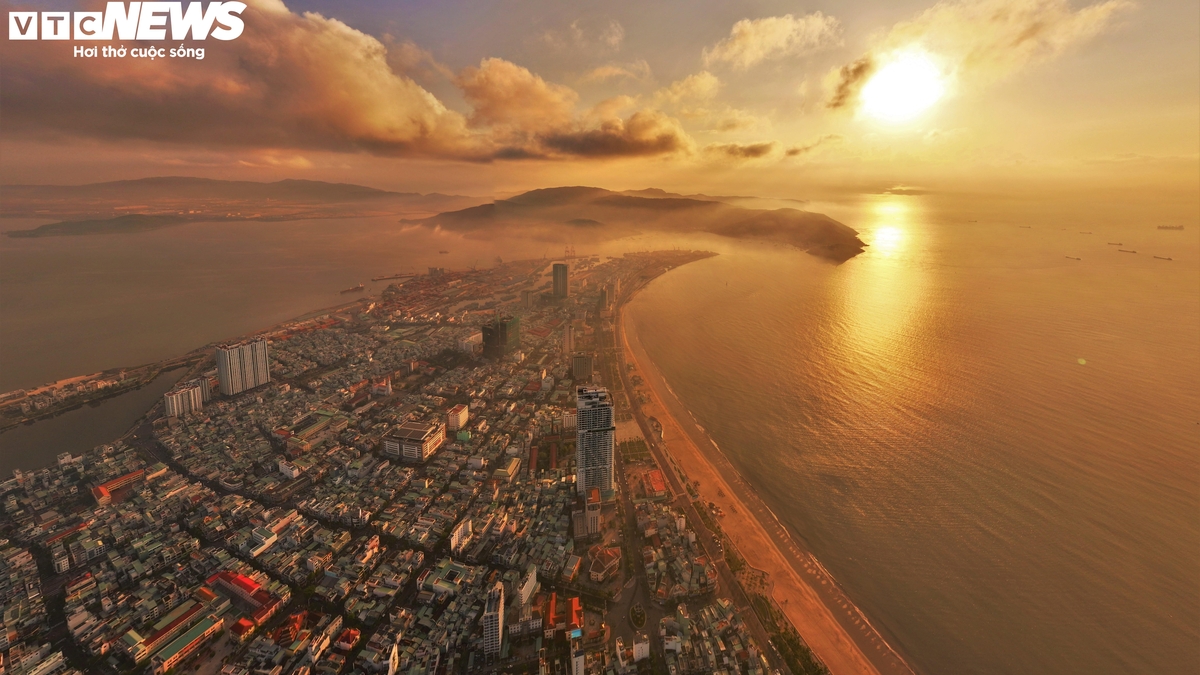
The flight simulator feature, which has been available on the Google Earth desktop application since 2007, is now available on the web version for free. This feature allows users to fly around the Earth using maps created by the application, providing an exciting experience for both professional and amateur users.

Google Earth brings flight simulators to your browser so users can explore the world.
The addition of this game is part of Google's effort to improve the website interface, eliminating the need for users to install a desktop application. Besides the flight simulator, other new features include altitude profiles, new input types, and additional data layers.



How to play the flight simulator on Google Earth
Although not as in-depth as some other flight simulator games like Microsoft Flight Simulator or Ace Combat, Google Earth's flight simulator still allows users to explore many locations around the globe. Players can easily get started by accessing the Google Earth website, clicking the Explore Earth button, and using the search bar to select a destination. Then, simply click Tools > Flight Simulator mode to begin the flight.
The controls aren't displayed in the game, but users can find instructions on Google's developer website. Users can control the aircraft using the mouse or arrow keys, while the Page Up and Page Down buttons adjust thrust. However, players need to be careful not to lose control, as this can cause the aircraft to flip over.
The game doesn't have specific missions or achievements, but it's a great opportunity for those who want to experience the feeling of flying a plane, such as flying under the Dragon Bridge ( Da Nang ). Google allows players to retry as many times as they like, providing hours of fun entertainment.


According to Thanh Nien Newspaper
Source: https://baoangiang.com.vn/google-earth-cho-dung-mien-phi-tinh-nang-vua-choi-vua-kham-pha-a489431.html


![[Image] Paris's oldest bridge goes viral after transforming into a giant cave.](https://vphoto.vietnam.vn/thumb/1200x675/vietnam/resource/IMAGE/2026/06/24/1782283441197_ndo_br_dsc05314-jpg.webp)


![[Photo] Prime Minister Le Minh Hung presides over the thematic session on promoting science and technology development and innovation.](https://vphoto.vietnam.vn/thumb/1200x675/vietnam/resource/IMAGE/2026/06/23/1782207872934_ndo_br_dsc-1724-jpg.webp)