

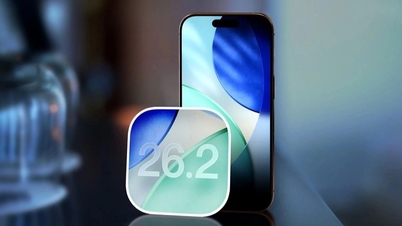
iOS 26 is considered one of the biggest upgrades Apple has ever released. This version brings many changes to the interface and features of the iPhone.
Liquid Glass design language
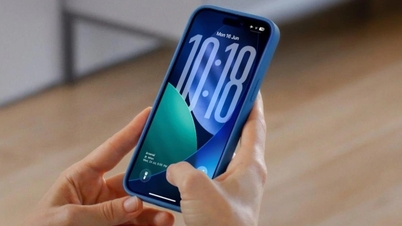
In iOS 26, Apple introduced the completely new Liquid Glass design language for the first time. This design was also applied consistently across all of the software platforms developed by the company.
Apple says the Liquid Glass design language is inspired by the visionOS operating system. The system interface and app icons have been redesigned with a more transparent and eye-catching design.
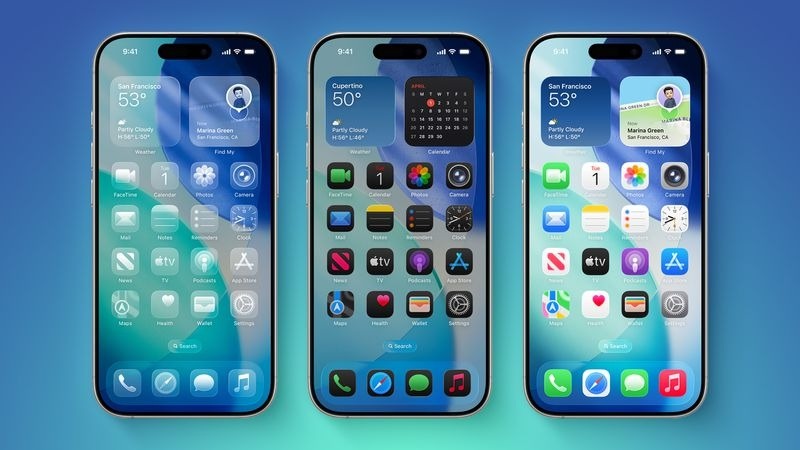
iOS 26 features a completely new Liquid Glass design language (Image: Apple).
The company also introduced a series of changes to the interfaces of the Camera, Photos, Safari, Phone, FaceTime, and other apps. The lock screen and home screen also offer new display options. Apple stated that the Liquid Glass design language will be used for many years to come.
“This is our biggest design update ever. For the first time, we’re introducing a unified design across our platforms.”
“The new design incorporates glass-like elements throughout the iOS operating system interface, including the dock and lock screen,” said Alan Dye, Apple’s vice president of user interface.
Improving AI applications and services.
Besides the new design, iOS 26 also brings a host of improvements within each application. The Camera app has been redesigned with a more minimalist and intuitive interface.
The Phone app has been updated with call filtering features, allowing users to answer calls or hold calls when busy. Meanwhile, the Messages app integrates the ability to customize wallpapers and allows users to create polls...
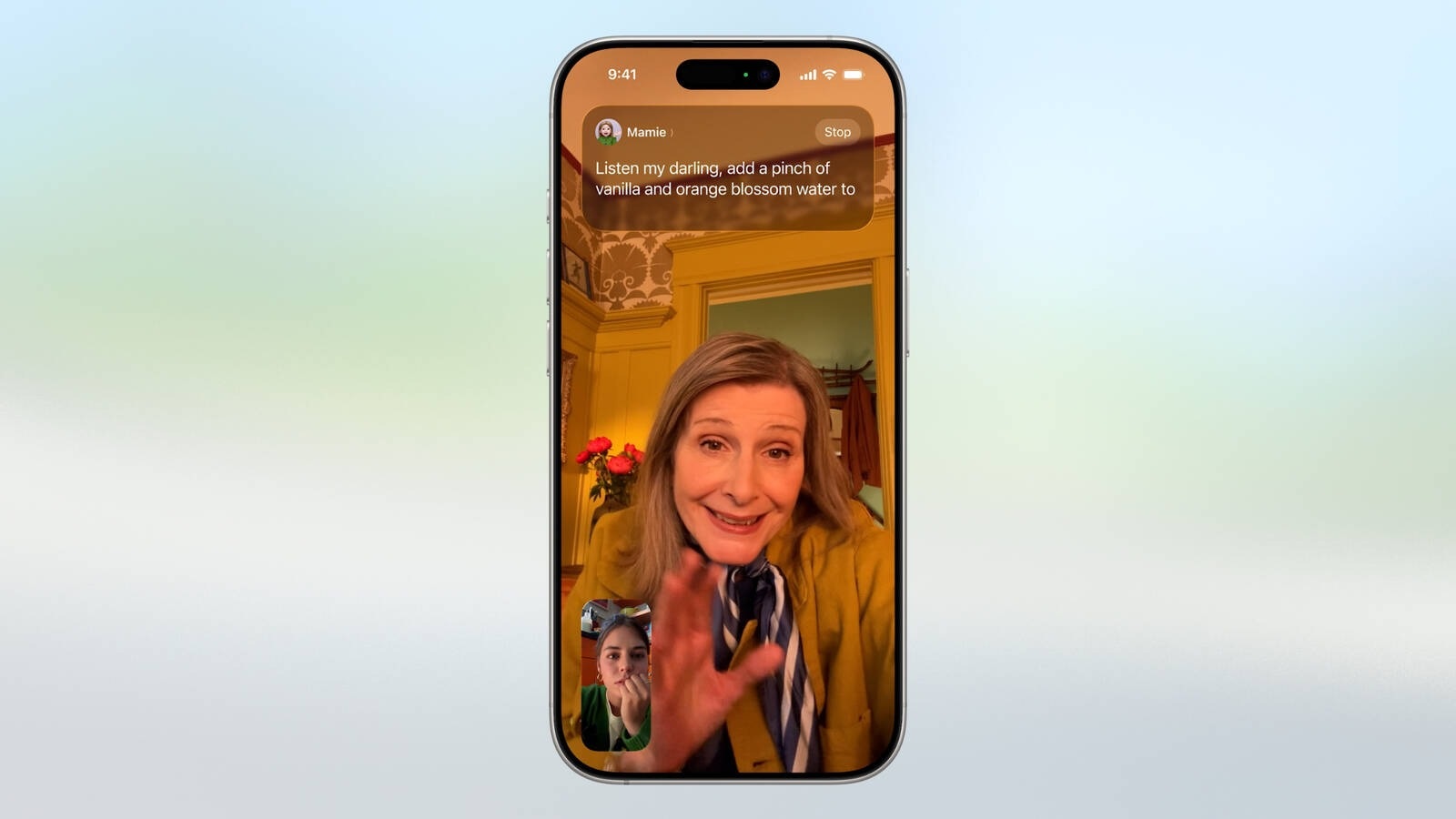
The Live Translation feature can translate conversations in real time (Image: Apple).
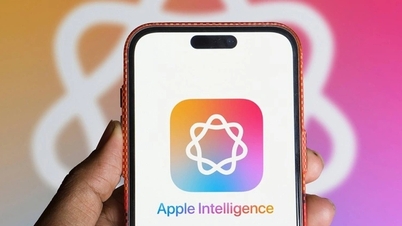
The company said Apple Intelligence has been integrated into more places to help users communicate across multiple languages, create more personalized images, and use more useful shortcuts.
For the Genmoji feature, Apple will allow users to combine two emojis to create a new emoji, instead of just using text descriptions as before.
The Live Translation feature can translate conversations in real time. This feature can be used in text messages, phone calls, or FaceTime.
Additionally, Apple also introduced a series of new improvements within its services such as Apple Music, Apple Maps, and Apple Wallet.
Game and Visual Intelligence Applications
Apple is developing an app entirely focused on supporting users in playing games. Inside the Games app, users can access their entire library of games downloaded from the App Store.
Meanwhile, the "Play Together" tab will show what your friends are playing. Users can also view the leaderboards of challenges between their friends.

Apple is developing an app entirely focused on helping users play games (Image: Apple).
With Visual Intelligence, Apple will allow users to use artificial intelligence to learn about what is displayed on their iPhone screen.
For example, when a user sees a jacket on social media, they can take a screenshot and use Visual Intelligence to search for information about that jacket on Google. Users can also take a screenshot of an event and use Visual Intelligence to add that information to their calendar application.
Apple has stated that iOS 26 and other versions of the operating system will be officially released this fall. It's highly likely that the update will be included with the iPhone 17 generation, which is expected to launch in September.
Support devices
The iOS 26 operating system will be pre-installed on the iPhone 17 and iPhone Air product lines that Apple has just introduced.
Additionally, this update also supports older devices, including:
iPhone 16e
iPhone 16
iPhone 16 Plus
iPhone 16 Pro
iPhone 16 Pro Max
iPhone 15
iPhone 15 Plus
iPhone 15 Pro
iPhone 15 Pro Max
iPhone 14
iPhone 14 Plus
iPhone 14 Pro
iPhone 14 Pro Max
iPhone 13
iPhone 13 Mini
iPhone 13 Pro
iPhone 13 Pro Max
iPhone 12
iPhone 12 Mini
iPhone 12 Pro
iPhone 12 Pro Max
iPhone 11
iPhone 11 Pro
iPhone 11 Pro Max
iPhone SE (2nd generation and later)
To update to iOS 26, users can go to Settings -> General -> Software Update .
Source: https://dantri.com.vn/cong-nghe/ios-26-vua-phat-hanh-co-gi-moi-20250915204356116.htm
![[Photo] National Assembly Chairman Tran Thanh Man working with the Standing Committee of the Law and Justice Committee](https://vphoto.vietnam.vn/thumb/1200x675/vietnam/resource/IMAGE/2026/05/21/1779378929214_ndo_br_1-4610-jpg.webp)



![[Photo] General Secretary and President To Lam presides over a working session with the Central Policy and Strategy Committee on the development of the materials industry.](https://vphoto.vietnam.vn/thumb/1200x675/vietnam/resource/IMAGE/2026/05/21/1779359935432_a3-bnd-3129-1412-jpg.webp)



























































































Comment (0)