

 |
GPT-4 is an advanced version of the AI language model from OpenAI. Furthermore, Microsoft has upgraded Bing AI to integrate this model, not only on computers but also on mobile devices. To take advantage of the powerful language and image processing capabilities of GPT-4 through Bing AI on your phone, follow the steps below:
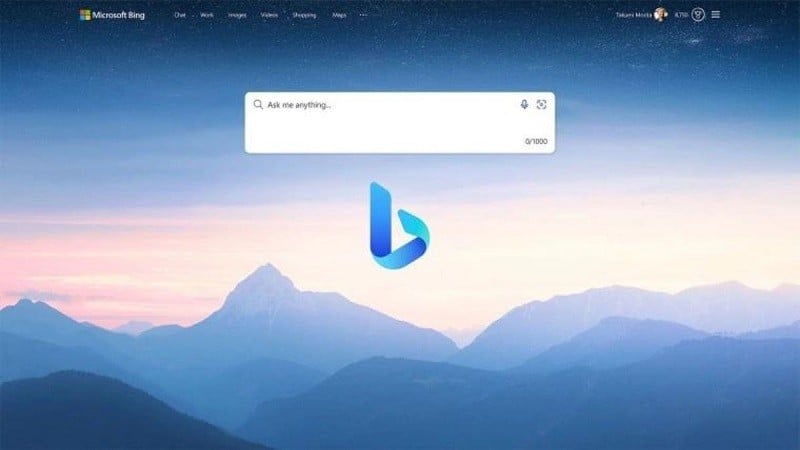
Step 1: First, update your Bing AI app to the latest version to enable GPT-4. This will ensure you have access to the newest features and performance improvements.
 |
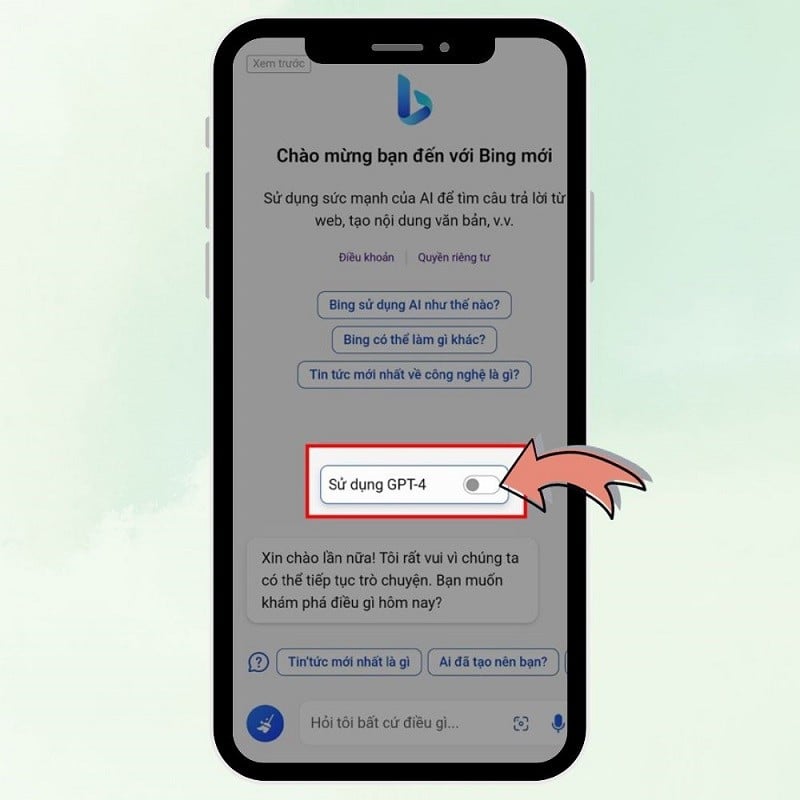
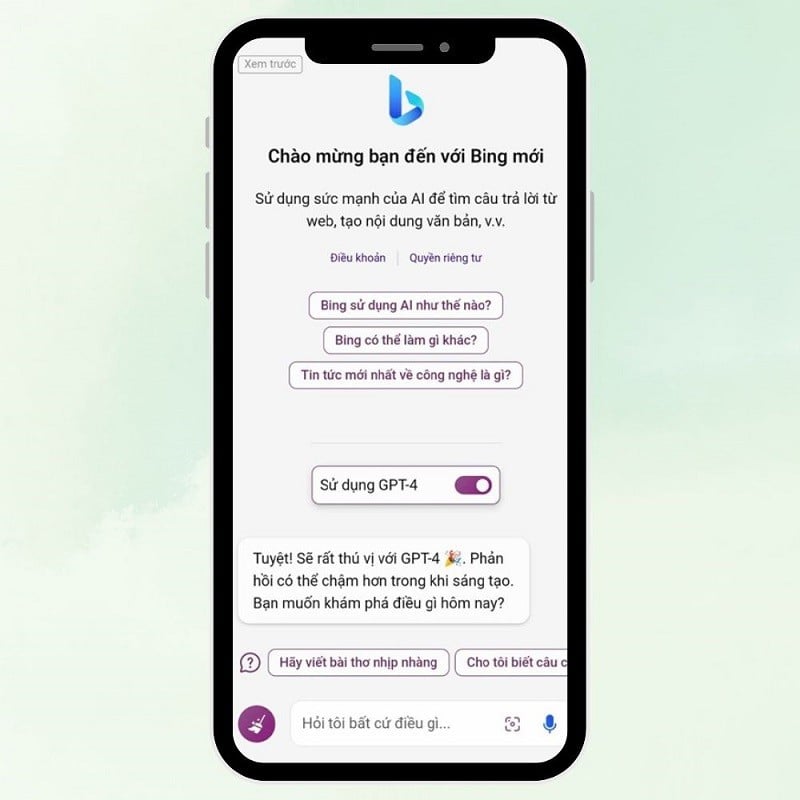
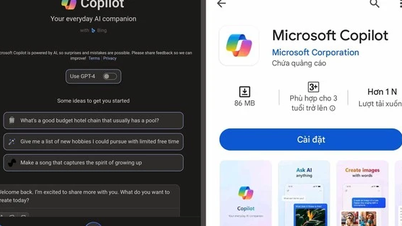
Step 2: After the update is complete, launch the Bing AI app on your device. On the app's home screen, you will see the Bing icon at the bottom. Tap it to open the chat interface. In the chat interface, find the switch for GPT-4, usually highlighted for easy identification. Toggle this switch to the right to activate GPT-4. You will then see the chat interface color change, indicating that GPT-4 has been successfully activated.
 |
Step 3: Once GPT-4 is activated, you can ask questions or request information. GPT-4 will assist you by providing detailed, intelligent answers, and it can even understand and respond to image-related requests, a significant improvement over the previous version.
 |
With this upgrade, Bing AI has become smarter, more knowledgeable, and especially on your phone. We wish you success and a great experience with this advanced AI technology!
Source




























































































Comment (0)