

 |
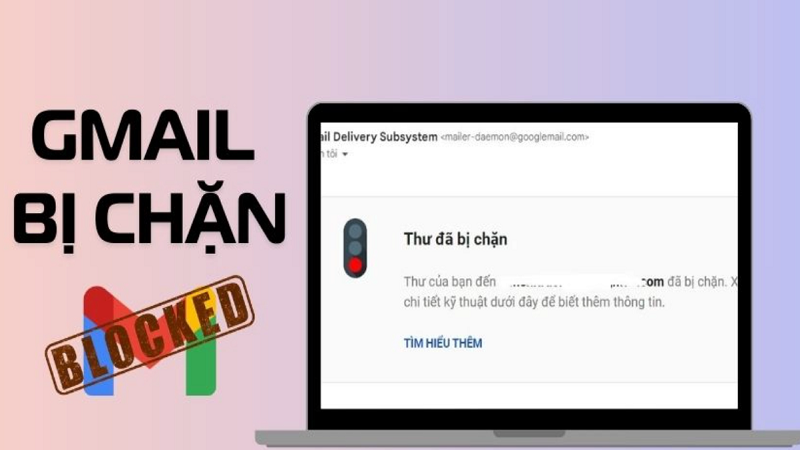
Here are some ways you can fix the Gmail blocking error that prevents emails from being sent.
Check your network connection.
This is the simplest and most effective way to fix the Gmail blocking error preventing you from sending emails. You just need to check your device's network connection. Make sure it's stable and has a normal speed.
You can try turning your WiFi or mobile data connection off and on again. If that doesn't work, try switching to a different connection. Then, resend the email and check if it works.
Please double-check the email content.
Invalid email content or emails marked as spam by Gmail can also prevent you from sending your messages. This will happen if the email contains spam keywords, links, and unsafe images.
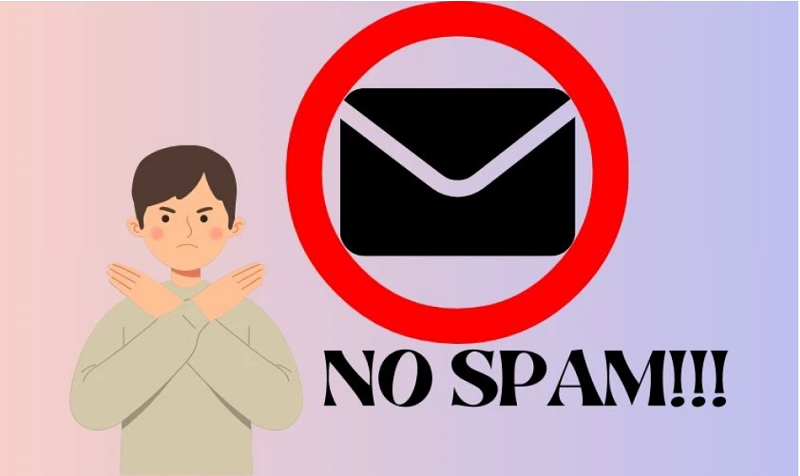 |
To fix this error, please review and revise your email content accordingly. You should write emails in lowercase with clear and specific content. Additionally, you should only send links and images from trusted sources.
Increase Gmail storage
If you've used up all your storage space, you won't be able to send or receive any more emails. To check your Gmail storage, visit this link: https://drive.google.com/settings/storage
If your storage is low or full, delete unnecessary emails and attachments from your inbox. Alternatively, you can purchase additional Google storage. There are storage plans ranging from 100GB to 2TB, so you can choose according to your needs.
Use a different account to send the email.
If the Gmail account you're using to send emails is blocked, try using a different account. You can create a new Gmail account or use a different email account like Yahoo, Outlook, etc.
 |
This is a temporary solution when you need to send an email urgently.
The above explains the causes and solutions for Gmail being blocked from sending emails. Hopefully, this article will help you send emails more easily.
Source







































































































Comment (0)