

 |
Discover how to input Vietnamese text using voice commands accurately and efficiently, helping you communicate and take notes more quickly and effectively.
Step 1: First, open your usual web browser on your phone or computer and go to Google Translate. This application is a powerful translation tool with good speech recognition capabilities, helping you enter text quickly and accurately.
 |
Step 2: Once you're in Google Translate, pay attention to the language selection. On the left side of the page, select Vietnamese as your input language. This lets the program know that you will be speaking Vietnamese and needs to convert your speech into text.
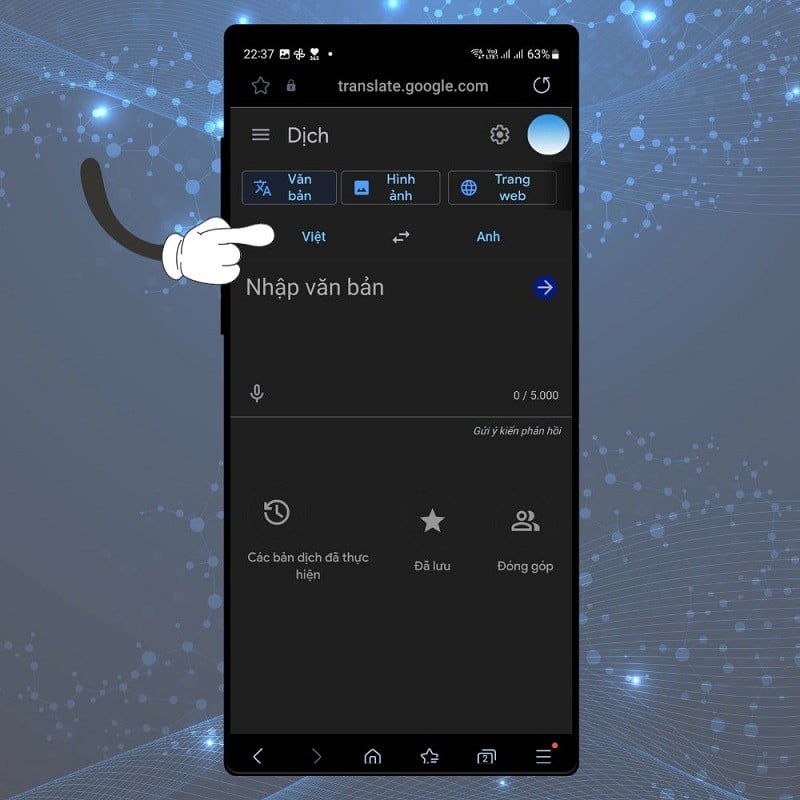 |
Step 3: Next, click on the microphone icon (mic) next to the text input box.
 |
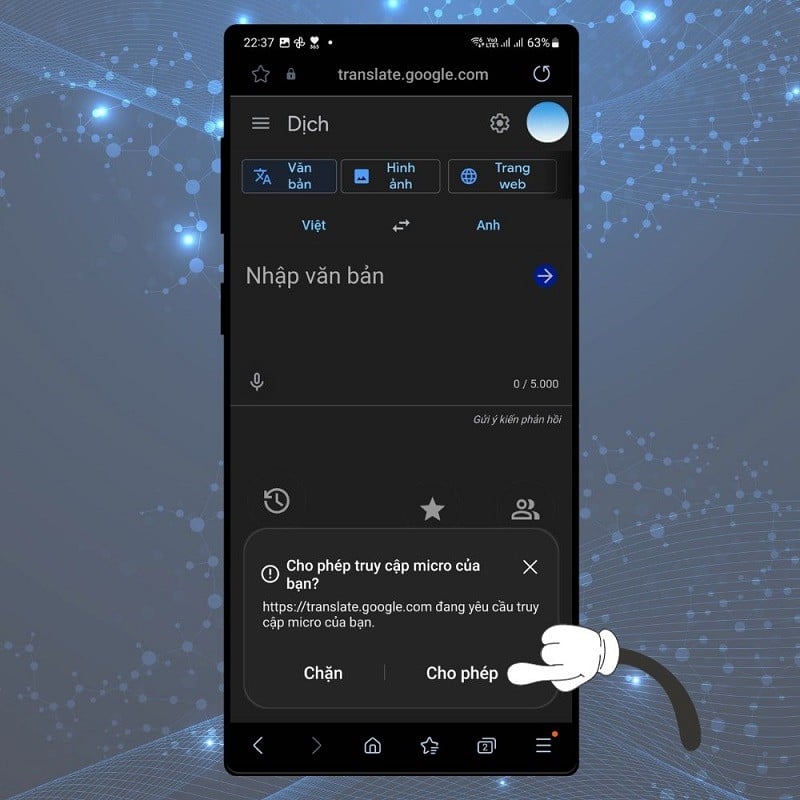
Step 4: After tapping the microphone icon, a message will appear asking you to allow access to your device's microphone. Tap Allow to continue. This is crucial because without permission, the tool will not be able to record your voice.
 |
Step 5: Once the microphone is ready, you can begin speaking. Speak clearly and loudly enough for the microphone to pick up your voice distinctly. If you speak too quickly or indistinctly, the device may not recognize your voice accurately.
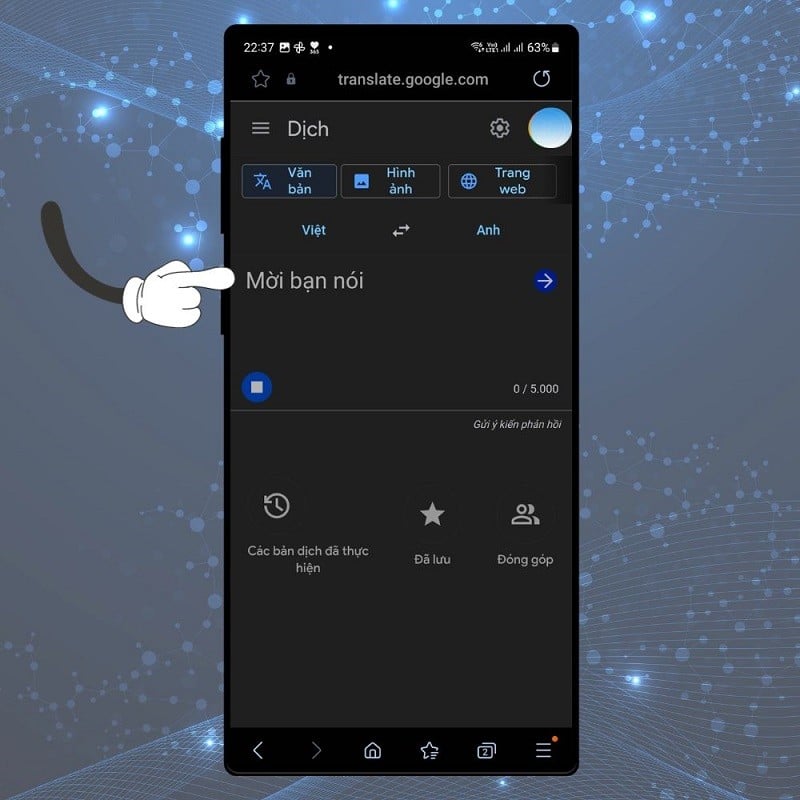 |
After you speak, the text will automatically appear on the screen. At this point, you need to check if the text is correct. Sometimes, due to the complexity of the language or recognition errors, some minor mistakes may appear. Please use the keyboard to correct any errors you find.
The above is how to accurately and efficiently input text using Vietnamese voice. Hopefully, from now on, voice text input will become an indispensable part of your work and daily life.
Source

![[Image] Nearly 125,000 Hanoi students completed the Literature exam for the 10th grade entrance exam.](https://vphoto.vietnam.vn/thumb/1200x675/vietnam/resource/IMAGE/2026/05/30/1780117233041_ndo_br_thiet-ke-chua-co-ten-2-png.webp)






























































































Comment (0)