

 |
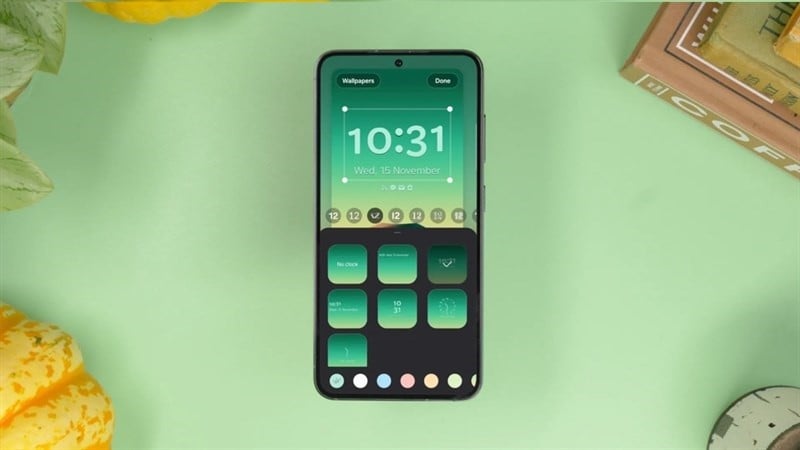
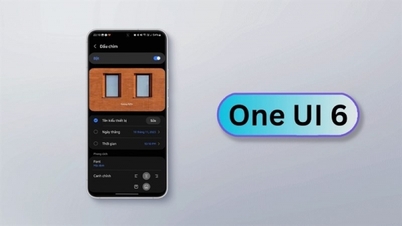
With Samsung's One UI 6, users can adjust the clock position without having to worry about grid layouts. To easily adjust the clock position on the One UI 6 lock screen, follow the steps below.
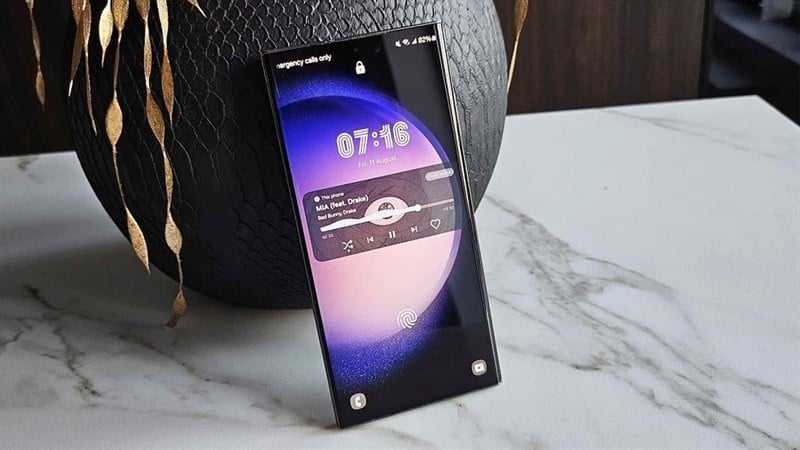
Step 1: You can customize your lock screen in the Settings app, but to access the lock screen customization page quickly, wake up your phone. Don't unlock your phone immediately; instead, press and hold the lock screen until it vibrates and displays your phone's password. Then, enter your password to unlock it.
 |
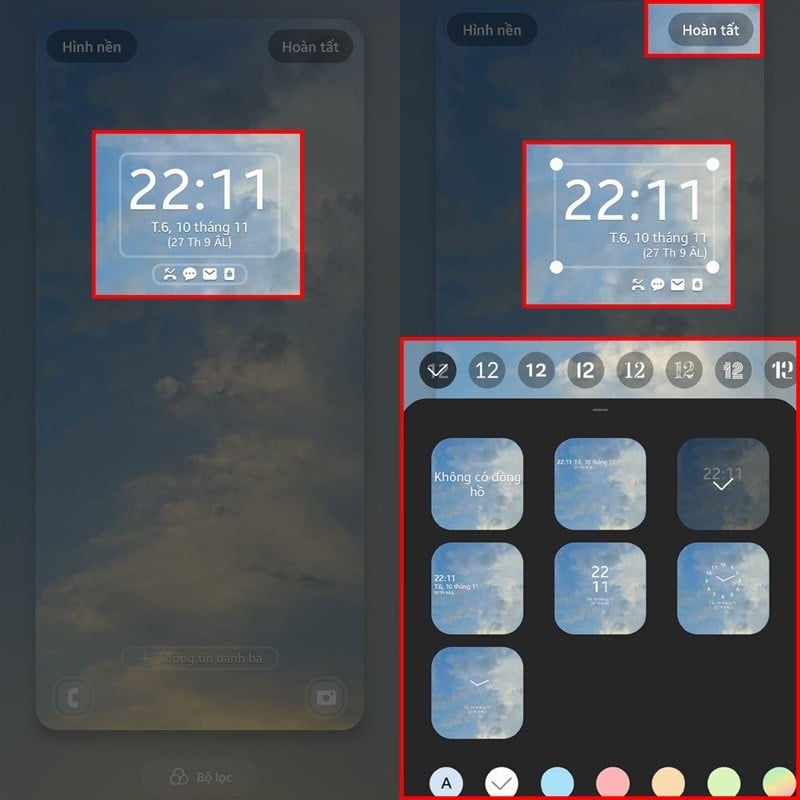
Step 2: Immediately after your phone is successfully unlocked, you will be taken to the lock screen customization interface. To move the clock to your desired position, tap the clock icon. Once the clock options appear, drag and drop the clock anywhere within the area your phone allows. Finally, adjust the clock style and accompanying details to create a more beautiful and user-friendly lock screen.
 |
The above article provides instructions on how to adjust the clock position on your lock screen. We hope you successfully create a more beautiful lock screen for yourself.
Source






































































































Comment (0)