

Is your iOS 18 experiencing problems with your banking app, such as being unable to log in, transaction errors, or the app freezing? To find out how to fix it, follow the instructions below!
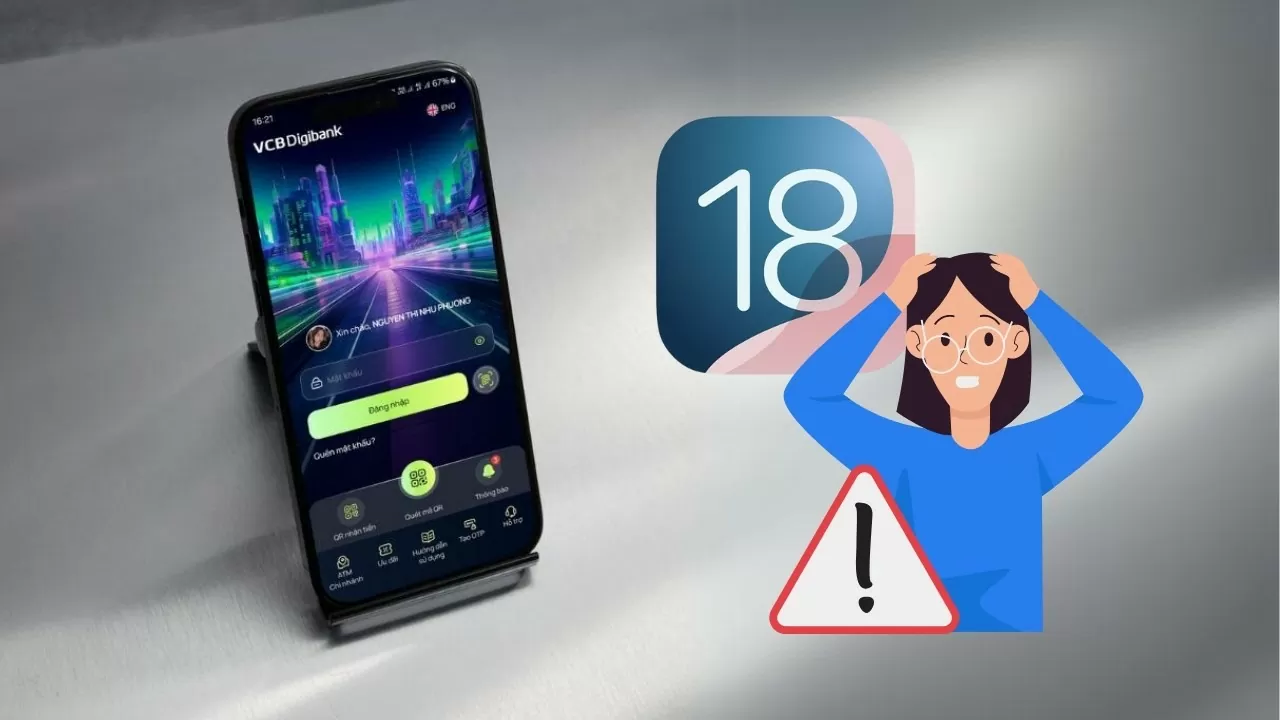 |
| Fixing iOS 18 bugs when using banking apps |
If you're experiencing issues using your banking app on iOS 18, don't worry! This article provides detailed instructions and effective troubleshooting solutions to help you quickly resolve the problem and continue using your banking services safely and conveniently.
Instructions on checking for updates to your banking app.
Step 1: Access the App Store > Open the App Store app on your iPhone.
Step 2: Select the profile icon > Tap the profile icon in the upper right corner of the screen.
Step 3: Check for app updates > Check if your banking app has a new updated version.
Step 4: Proceed with the update > If available, update your banking app to the latest version.
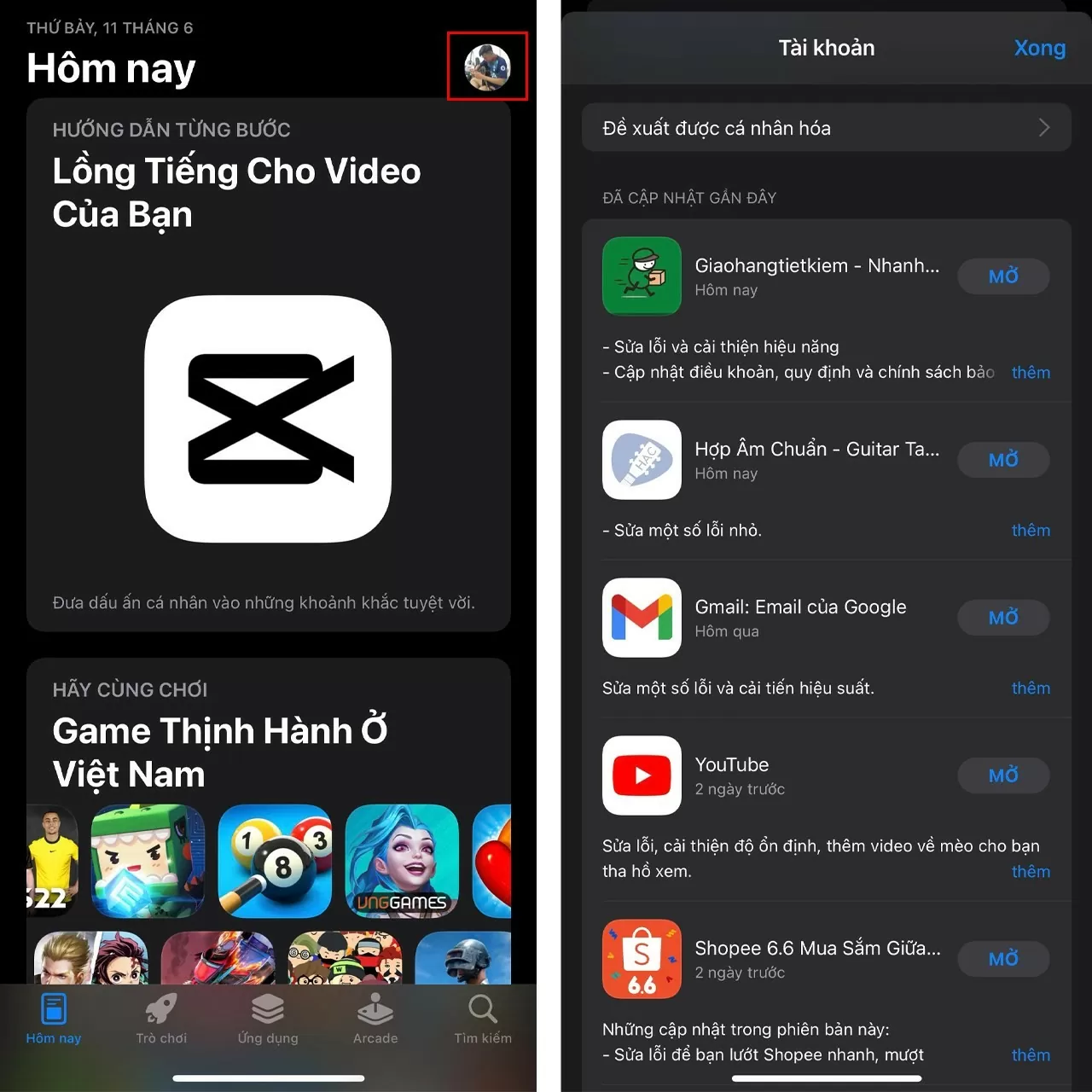 |
| Fixing iOS 18 bugs when using banking apps |
Checking and updating your banking app on iOS 18 is a crucial step in fixing bugs. Updates typically contain patches and improvements, ensuring the app runs smoothly and is compatible with the new operating system. Updating your banking app to the latest version can resolve issues such as login errors, failed transactions, or app crashes, guaranteeing a smooth and secure experience.
Instructions on how to delete and reinstall your banking app.
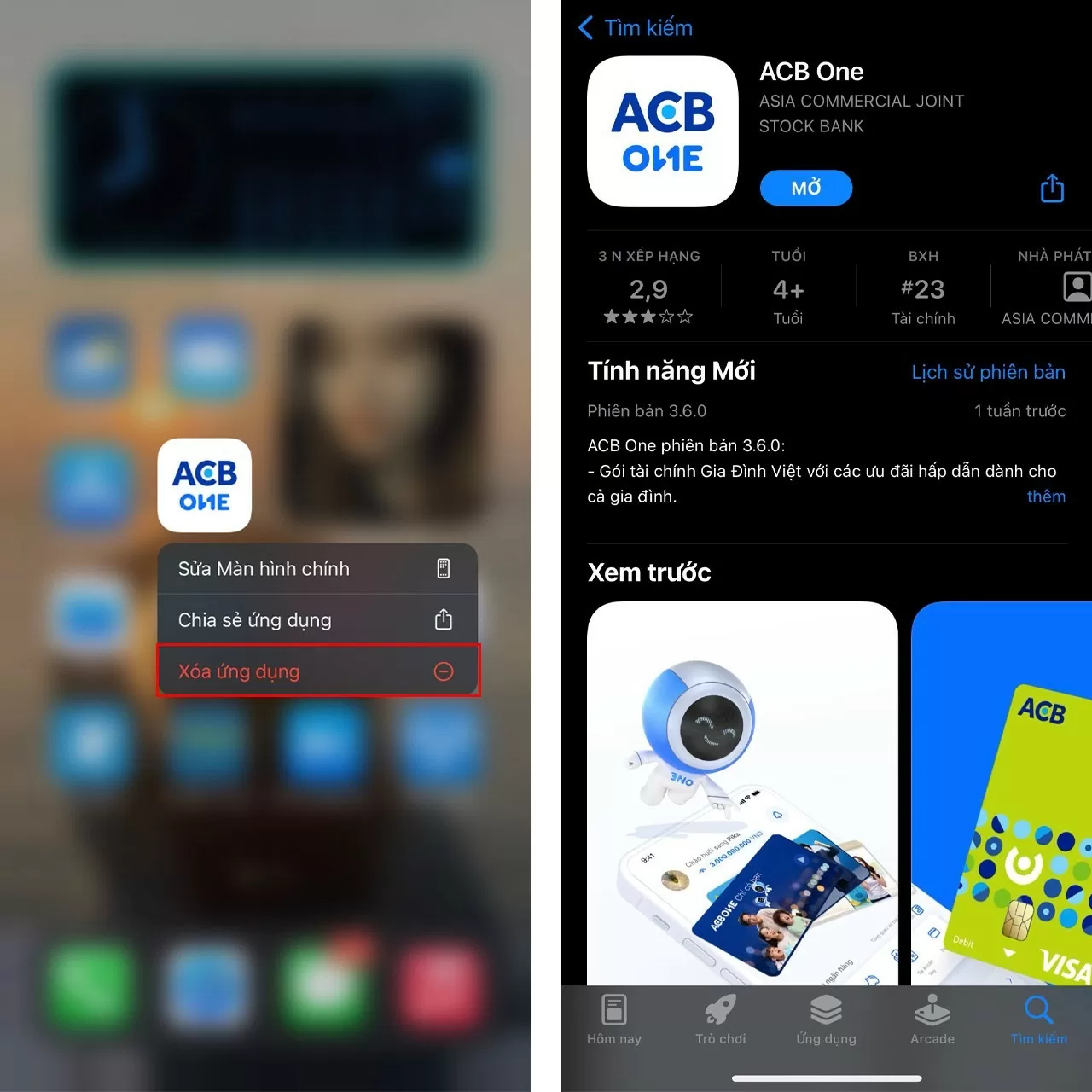
Deleting and reinstalling your banking app can help fix bugs on iOS 18. When you delete the app, you also delete old data that may be corrupted or incompatible. Reinstalling the app will install the latest version, eliminate software conflicts, and ensure compatibility with iOS 18, helping to resolve issues such as app crashes, inability to log in, or transaction errors.
Step 1: Press and hold the app > Press and hold the banking app icon on the home screen.
Step 2: Select Delete app > Choose "Delete app" from the menu that appears to remove the app from your device.
Step 3: Access the App Store > Open the App Store on your iPhone.
Step 4: Redownload the app > Search for the banking app and download it again from the App Store.
 |
| Fixing iOS 18 bugs when using banking apps |
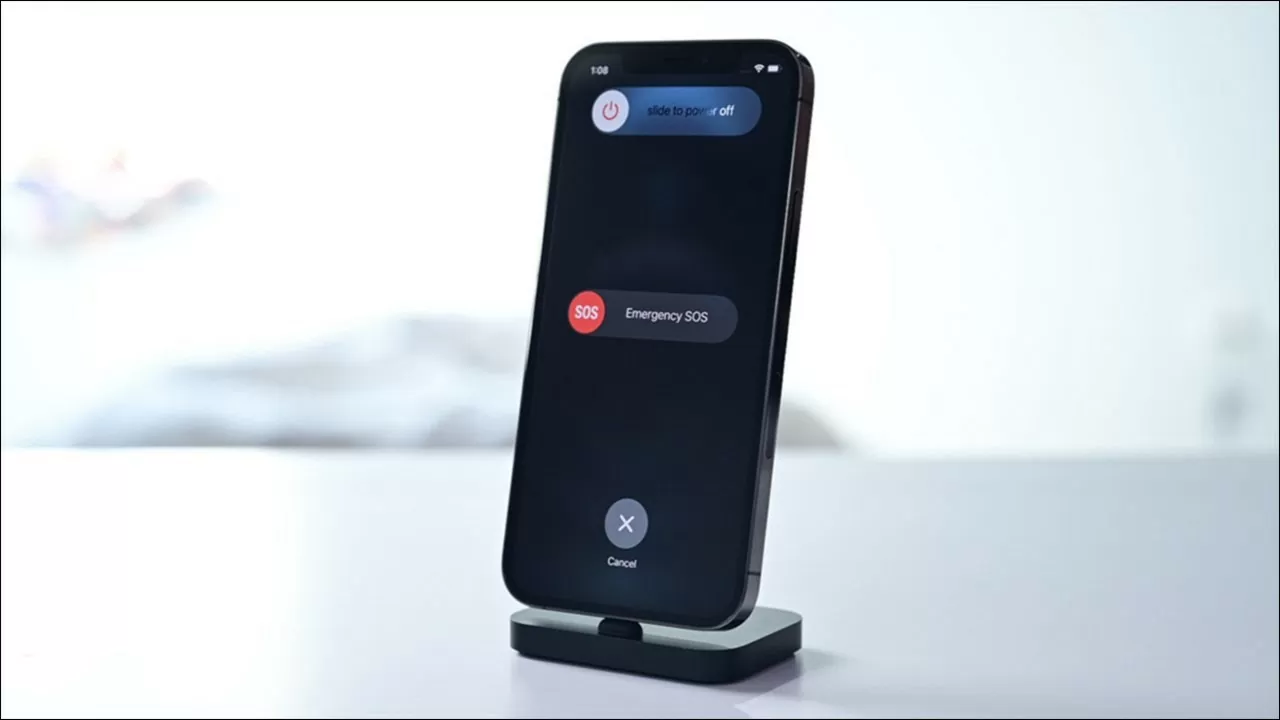
Restart your iPhone running iOS 18
Restarting your iPhone is like a "tonic" that helps the device run smoothly. When encountering banking app errors on iOS 18, restarting helps free up RAM, shut down background apps, and refresh the system, fixing minor errors caused by software conflicts or data overload, helping the app function stably again.
After updating to a new iOS version, you should restart your iPhone for better system stability. Therefore, if you encounter banking app errors on iOS 18, restarting your device may help resolve the issue.
 |
| Fixing iOS 18 bugs when using banking apps |
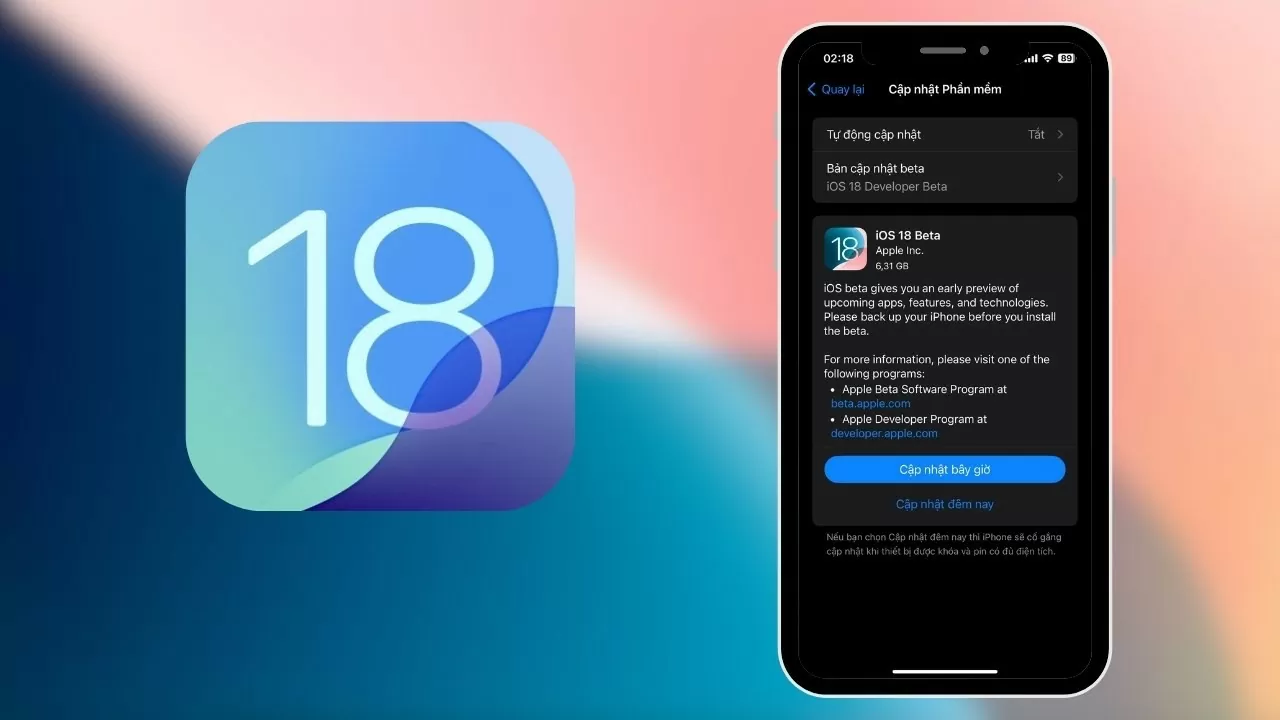
Update to the latest iOS version now.
Updating iOS to the latest version can fix banking app issues on iOS 18. Updates typically fix bugs, patch security vulnerabilities, and improve app compatibility. Therefore, updating iOS helps resolve issues such as inability to log in, transaction errors, or app crashes, while also enhancing your device's security.
 |
| Fixing iOS 18 bugs when using banking apps |
With the solutions for banking app errors on iOS 18 shared above, hopefully you have resolved the issue and can confidently use financial services on your iPhone.
Source: https://baoquocte.vn/khac-phuc-ios-18-gap-loi-khi-su-dung-ung-dung-ngan-hang-279317.html


![[Photo] Prime Minister Pham Minh Chinh presides over a meeting on private sector economic development.](/_next/image?url=https%3A%2F%2Fvphoto.vietnam.vn%2Fthumb%2F1200x675%2Fvietnam%2Fresource%2FIMAGE%2F2025%2F12%2F20%2F1766237501876_thiet-ke-chua-co-ten-40-png.webp&w=3840&q=75)



































































































Comment (0)