

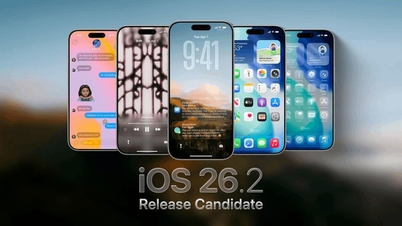
Instead of a complete interface overhaul like its predecessor, iOS 26.2 focuses on improving the user experience, adding useful features, and further refining the Liquid Glass design language.
Notably, European users can now use Live Translation with AirPods, supporting multiple languages such as English, French, German, Spanish, Italian, Japanese, Korean, Chinese, and more.
7 standout features of iOS 26.2 on iPhone:
1. Reminders with alarms
With iOS 26.2, users reduce the risk of missing important reminders thanks to the reminders and alarms feature.
When you create a reminder and enable emergency mode, at the set time, your iPhone will sound an alarm like a regular alarm, with the option to postpone or turn it off.
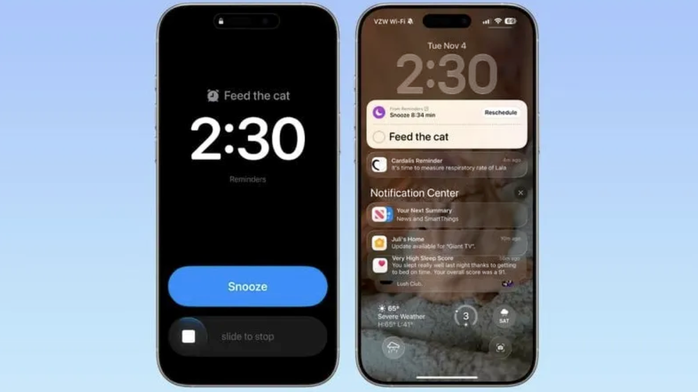
Photo: MacRumors
2. AirDrop is more convenient for strangers.
Apple has simplified sharing data with people not in your contacts. Instead of having to add contacts or enable sharing for a short period, users can generate a code and share it with the other person.
Once connected, both parties can share data for 30 days, while maintaining the contact-only sharing setting.
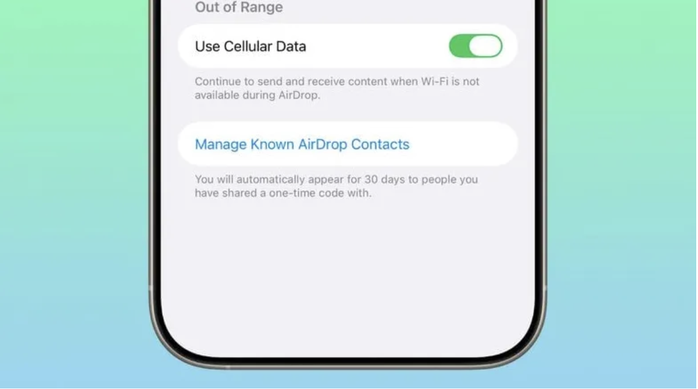
Photo: MacRumors
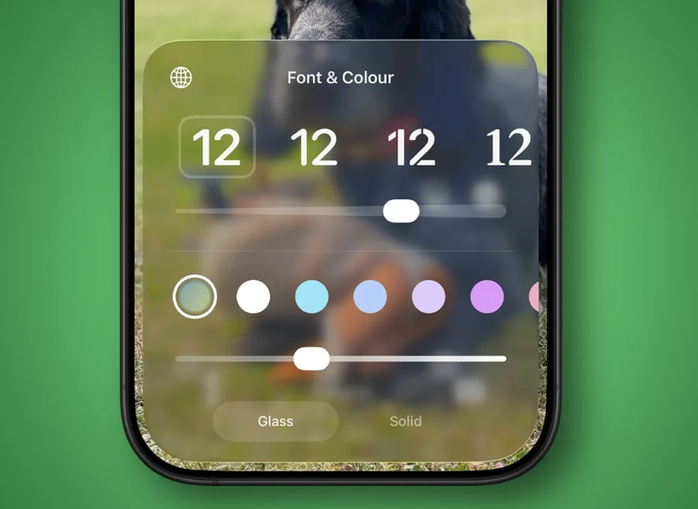
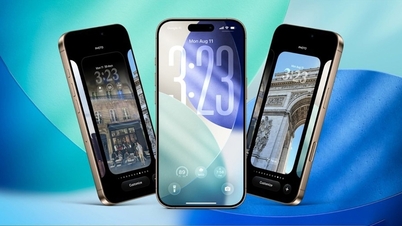
3. Refine the Liquid Glass effect.
iOS 26.2 adds a slider that allows users to customize the transparency of the clock on the lock screen.
At the same time, Apple applied new interface effects to the leveling tool in the measurement app, helping to create a more consistent image experience across the entire system.
Source: MacRumors
4. Upgrade the Podcast app.
Podcast apps now include a feature that automatically divides content into sections when the creator hasn't set it up beforehand.
Additionally, users can easily find links to the websites mentioned in the program, as well as other podcasts featured in the content.
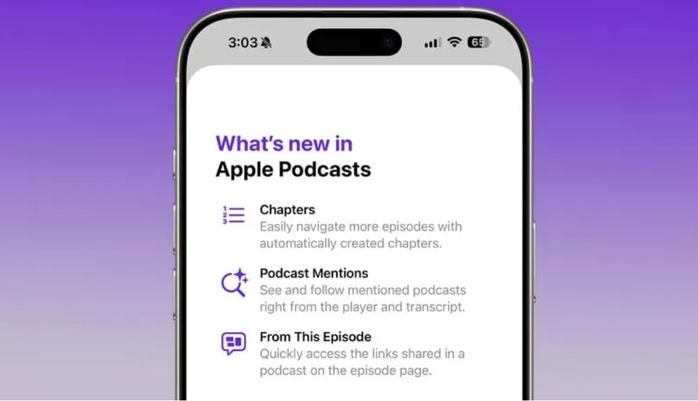
Photo: MacRumors
5. Adjust your sleep assessment methods.
Apple has refined its sleep scoring system to more accurately reflect reality. Users now need to achieve higher scores to be classified as excellent, while lower scores are more clearly categorized than before.
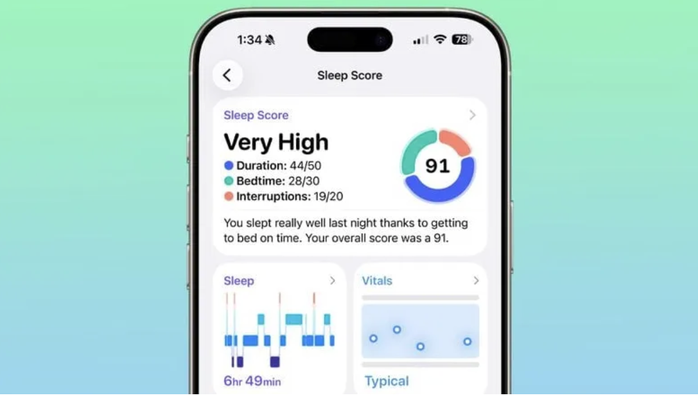
Photo: MacRumors
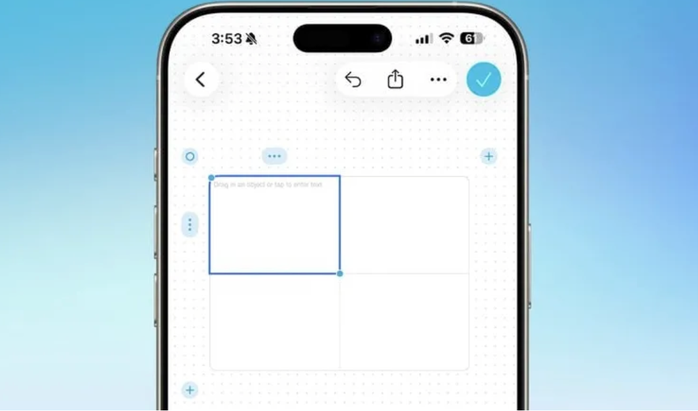
6. Add tables to the Freeform application.
iOS 26.2 allows the creation of tables directly within the Freeform app. Users can flexibly resize tables and add rows or columns.
This is a practical improvement, useful for taking notes, planning, or sketching ideas.
Source: MacRumors
7. Streamlined navigation in Apple News
Apple's News app now includes shortcuts at the top of the screen, providing quick access to categories such as sports, quizzes, politics , or food.
Although the changes aren't huge, they help users find the content they want more quickly and conveniently.

Photo: 9to5Mac
Overall, iOS 26.2 focuses on improving the user experience, fixing bugs, and optimizing features rather than creating groundbreaking changes.
However, with many small but practical improvements, this is still a worthwhile update for iPhone users to install.
Source: https://nld.com.vn/7-thay-doi-nho-nhung-dang-tien-บน-iphone-khi-len-ios-262-196251214111548708.htm































































































Comment (0)