

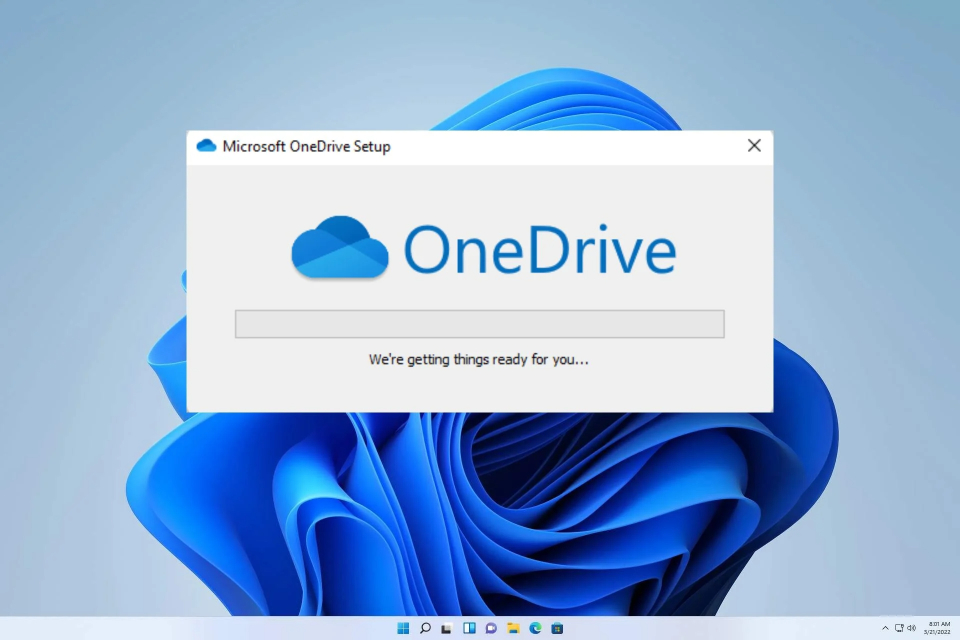
According to Neowin , the document leads to a guide page titled "Turn off, disable, or uninstall OneDrive." While the support document itself isn't new, Microsoft made several updates to it earlier this year, and one of them has been particularly noteworthy.
DMA is the reason Microsoft had to make the change.
First, the company added a separate section to discuss unlinking OneDrive. According to the company, this is the simplest solution for those who no longer wish to use OneDrive.
Secondly, if Windows 10/11 users really want to uninstall OneDrive, they can now select the Start button, then type Programs in the search box and select Add or remove programs from the results list. In Apps & features , find and select Microsoft OneDrive before selecting Uninstall . If prompted for an administrator password or confirmation, users should enter the password or provide confirmation.
This change is believed to stem from updates aimed at complying with the European Union's Digital Markets Act (DMA), which took effect on March 6th. Microsoft announced its plan to comply with EU law last November. At that time, Microsoft stated that to meet DMA regulations, it had adjusted the Windows 11 system for users in the European Economic Area (EEA). Users could uninstall core software such as Edge and Bing, as well as some bundled software, and disable advertising suggestions and content.
Source link









































































































Comment (0)