

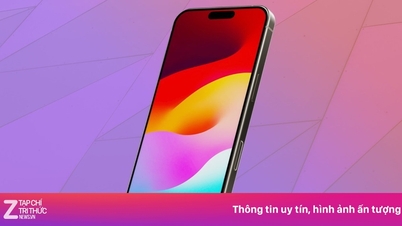
According to PhoneArena , a newly discovered bug could cause the iPhone 15 to freeze during data transfer, leaving the new phone stuck with the Apple logo on the screen.
To prevent this from happening, before transferring data from another iPhone, iPhone 15 series users need to go to Settings > General > Software Update. If you have already tried to transfer data from another iPhone to a new iPhone 15 model and haven't installed iOS 17.0.2, you may find your new device stuck on the Apple logo.
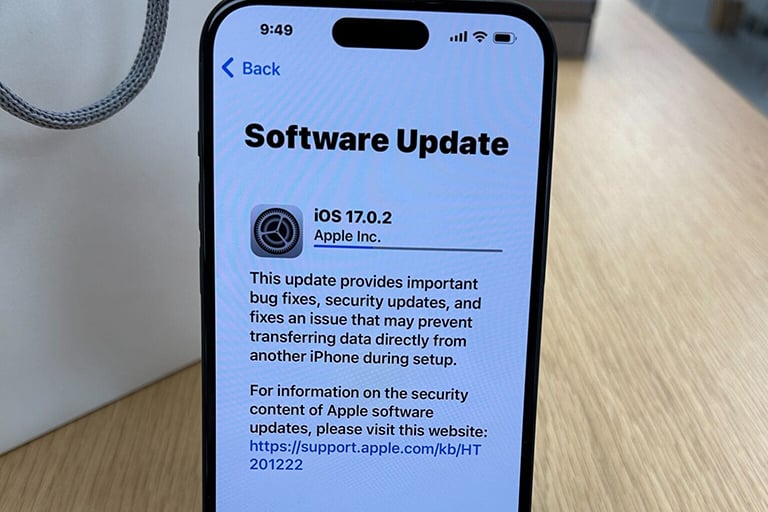
iOS 17.0.2 is available exclusively for the iPhone 15 series.
Specifically, the phone may freeze if, during the setup process for a new iPhone 15, the user chooses to transfer apps and data from an old iPhone to the new one. If the user decides to manually set up the new iPhone 15 and download all individual apps from the App Store, they won't encounter any problems. However, since transferring data from another iPhone makes things much easier, users should install iOS 17.0.2 before starting the data and app transfer, and then they won't have to worry about any issues.
It's also important to remember that iOS 17.0.2 is only for the iPhone 15 series. It's unrelated to the iOS 17.0.1 update that Apple recently released for all iPhone models from XR onwards. That update patched critical security vulnerabilities that Apple noted may have been exploited.
Source link


































































































Comment (0)