

Random access memory (or RAM) is much faster than both HDD and SSD hard drives, which is why users don't have to wait a few seconds to perform basic tasks in frequently used applications.
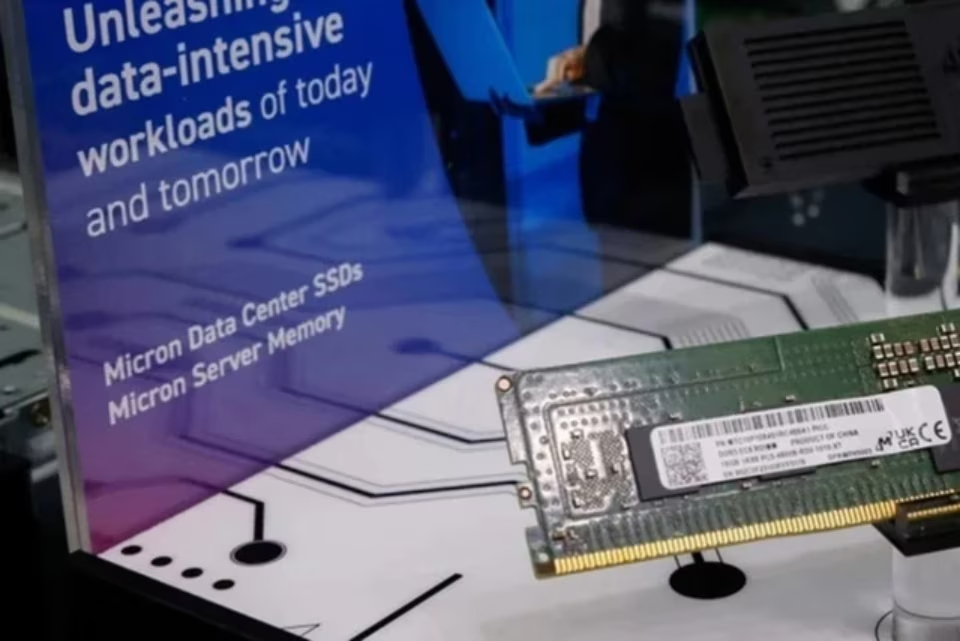
RAM is a crucial component in every PC system.
One crucial question users have about RAM on any device is how much is enough, because unlike fixed storage devices which often have capacities up to terabytes, RAM has more modest capacities such as 4 GB, 8 GB, or 16 GB. The more applications running in the background, the more memory the PC needs. Although modern operating systems have made significant progress in allocating RAM more flexibly, the system will inevitably slow down to some extent. Insufficient RAM is a major cause of bottlenecks.
Regardless of which Windows computer you choose, determining the amount of RAM needed is a crucial decision for handling demanding tasks without incurring excessive costs later on.
Before delving into the details, users can find out how much RAM their current PC has. This can be easily done through Intel's Task Manager application. Here, it not only displays the available RAM but also provides information about usage. Select the Performance section and click on Memory. If the "Available" section shows a low number, this is a sign that an upgrade is needed.
How much RAM is enough?
Users will truly start to feel the effects of high RAM usage when they see applications and PC activities taking a long time to load. Like most other PC components, there's no one-size-fits-all solution when choosing RAM size, as depending on requirements, users may benefit from an upgrade or may need to double or even triple their PC's memory.

Modern gaming PCs will require a minimum of 16 GB of RAM.
Currently, 8 GB is considered the basic level, not only on PCs but also on phones, and has become the minimum that users should choose. RAM is one of the components that users shouldn't overspend on when choosing a new PC. If you are a student, 8 GB is sufficient to handle most browser tasks such as writing articles or watching movies, but upgrading to 16 GB might be a top priority as it significantly improves multitasking capabilities and helps avoid "out of memory" errors on Chrome. 16 GB is also the minimum recommended level if you want to play high-end games on PC.
For those who need to create content or program, 32GB of RAM allows for more memory-intensive tasks to be performed without lag or frame rate drops. Video editing applications like Adobe Premiere Pro or DaVinci Resolve perform better with more RAM, especially when starting to stack layers and effects. Using more than 32GB of RAM can be beneficial if virtualization is needed to run other operating systems or create 3D video animations, but this is generally unnecessary for most PC owners.
Will adding more RAM solve the problem?
Although RAM capacity directly impacts performance and helps speed up Windows PCs, it's not the only determining factor. PCs can run slowly or freeze due to other reasons, such as CPU or GPU issues. Therefore, upgrading RAM may not solve the problem.
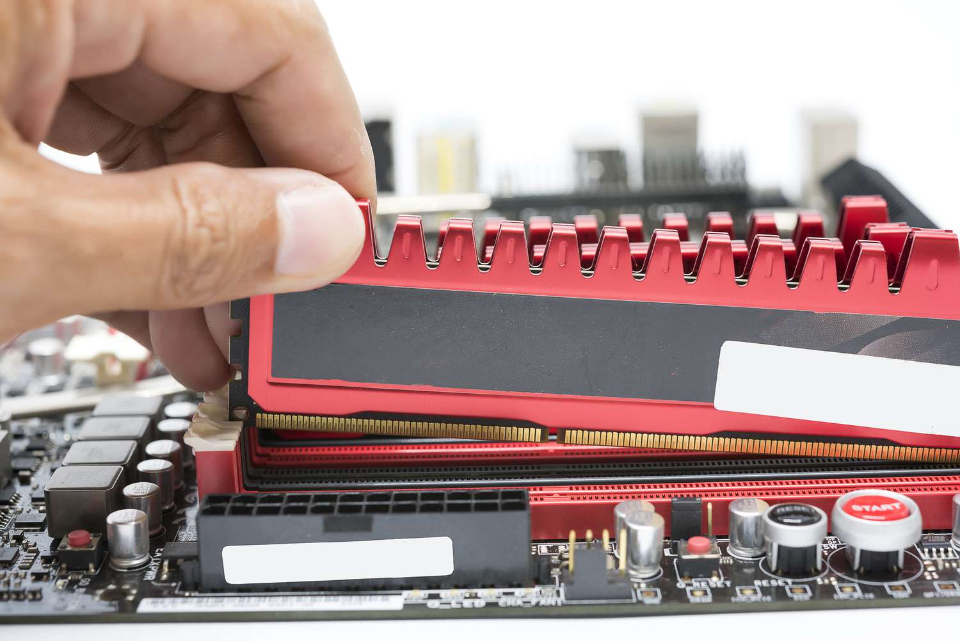
Adding more RAM will help resolve many system issues.
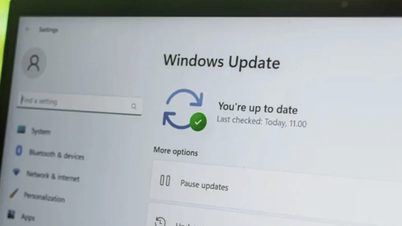
SCREENSHOT LIFEWIRE
Users should also check if their hard drive (HDD or SSD) is faulty, as it contains the operating system and can slow down basic operations if it malfunctions.
Finally, remember that not all systems support RAM upgrades, as many modern laptops are switching to soldered memory, which, while offering efficiency benefits, limits future memory expansion possibilities.
Source: https://thanhnien.vn/bao-nhieu-ram-la-du-cho-may-tinh-windows-185240610133833311.htm






























![[Photo] Reception to welcome General Secretary and President To Lam and his wife on their State visit to the Philippines](https://vphoto.vietnam.vn/thumb/1200x675/vietnam/resource/IMAGE/2026/06/01/1780295488620_vna-potal-chieu-dai-chao-mung-tong-bi-thu-chu-tich-nuoc-to-lam-va-phu-nhan-tham-cap-nha-nuoc-toi-philippines-8798060-7855-jpg.webp)







































































Comment (0)