

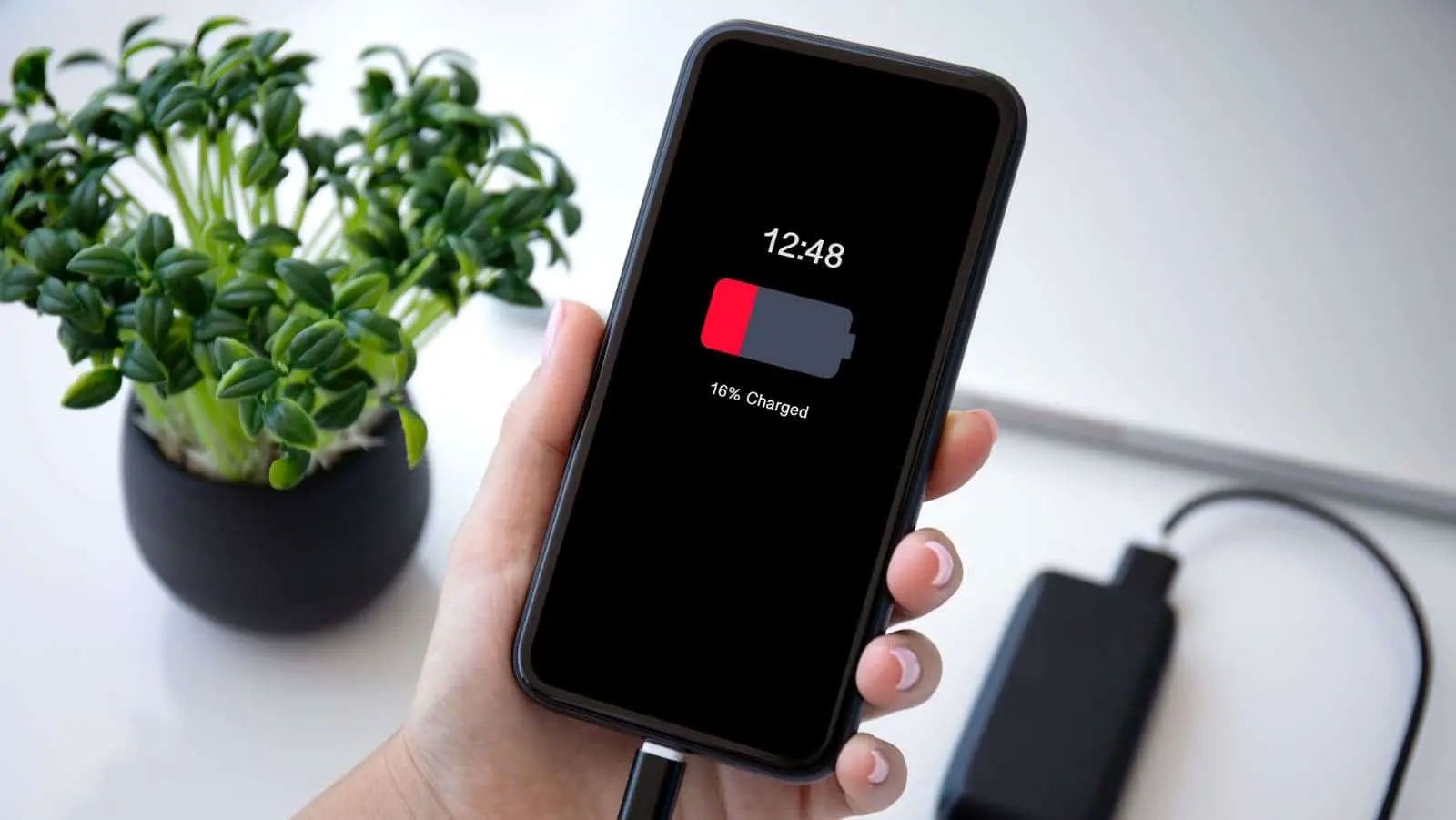
Google shares 8 tips to increase battery life for Android phones.
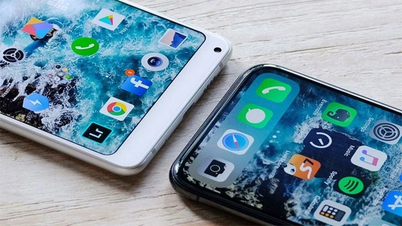
Screenshot from Gizchina
Turn off the screen earlier
First, you can set a shorter screen timeout so the screen turns off sooner.
Reduce screen brightness.
The brighter the screen, the more energy it consumes because the backlight requires more power to illuminate.
Set brightness to automatically adjust
Set the screen brightness to automatically adjust based on ambient light conditions. If you primarily use the device in stable lighting conditions, you should manually set the brightness to a lower level for better results.
Turn off keyboard sound or vibration.
The sound or vibration emitted each time a key is pressed activates the device's haptic feedback mechanism. These mechanisms require energy to operate.
You should turn off apps that consume a lot of battery power.
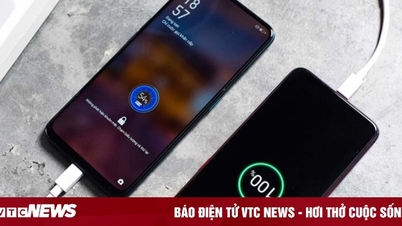
Screenshot from Gizchina
Limit the use of battery-draining apps.
It's advisable to identify and limit applications that consume a lot of battery power. Additionally, reduce the number of installed applications and uninstall unused ones.
Activate adaptive battery mode.
Android's adaptive battery feature is designed to intelligently optimize the device's power consumption based on user habits, limiting background processes for infrequently used apps.
Delete unused accounts.
Users should remove unused accounts linked to their Android devices. These accounts can automatically update and synchronize data, draining battery power.
To delete these accounts, go to Settings > Passwords and accounts, select the account you want to delete, and tap "Delete account".
Activate dark mode
Google's final recommendation is to enable dark mode on your Android device. Dark mode transforms the user interface by using darker colors, usually black, to replace the traditional bright and colorful design.
Several other tips to improve battery life on Android.
- Use Wi-Fi whenever possible because Wi-Fi uses less battery power than mobile data.
- Turn off Bluetooth and GPS when not in use.
- Use power saving mode. This mode will typically reduce screen brightness and turn off certain background features.
- Always keep your software updated, as it often includes battery optimizations.
- Avoid extreme heat and cold temperatures, as these can shorten battery life. Replace the battery if it is old or damaged.
- Restart your device regularly. This helps clear unused memory and improves battery life.
Source link



![[Photo] General Secretary and President To Lam and his wife begin their state visit to the Republic of Singapore.](https://vphoto.vietnam.vn/thumb/1200x675/vietnam/resource/IMAGE/2026/05/29/1780011284377_vna-potal-tong-bi-thu-chu-tich-nuoc-to-lam-va-phu-nhan-bat-dau-chuyen-tham-cap-nha-nuoc-toi-singapore-va-phat-bieu-dan-de-tai-doi-thoai-shangri-la-8791484-2-jpg.webp)


























![[Photo] Standing Committee member of the Party Central Committee Tran Cam Tu working with the Central Inspection Committee](https://vphoto.vietnam.vn/thumb/1200x675/vietnam/resource/IMAGE/2026/05/28/1779969579668_ndo_br_bnd-2495-jpg.webp)




































































Comment (0)