

It's not uncommon for long-time Android phone users to experience issues like unclear sound, low volume, or complete loss of sound from their microphones. Below are some solutions to fix this problem.
Restart your device and check for updates.
Restarting the device might seem like a pointless action, but it has a surprising effect. It helps clear background processes and fix minor issues affecting microphone performance.
If the problem persists, check for the latest software updates to fix any potential issues. To do this, go to Settings > System > Advanced > System Updates to check for and update your phone.
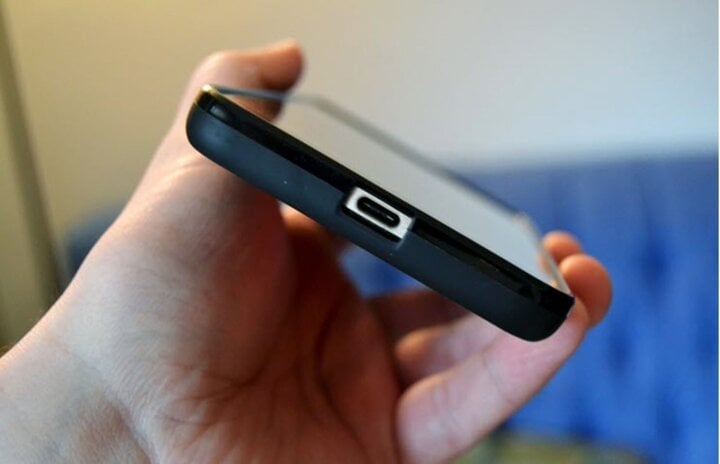
How to troubleshoot a malfunctioning microphone on an Android phone.
Check the phone case or screen protector.
Microphone problems sometimes stem from external accessories. Cases with ill-fitting designs can obscure the microphone hole, leading to sound loss or distortion.
Similar to phone cases, screen protectors should also be checked to see if they are covering the microphone. Once you've determined that the microphone malfunction is caused by the case or screen protector, you can simply replace or remove them.
Check microphone permissions.
Some apps allow users to enable or disable microphone access. To resolve this, go to Settings > Security and privacy > Privacy and ensure that the “Microphone access” option is enabled.
Additionally, you can check the "Application permissions" menu to manage microphone access for specific applications.
Check the audio features on your phone.
Before attempting any microphone-related tasks, check if your phone is connected to headphones or another device to ensure the problem isn't with external devices. Some Android phones have features like noise cancellation, which can affect sound quality.
Go to Settings > Call settings > Sound settings to check and turn off noise cancellation. After turning it off, restart your phone to check the results.
Clean the microphone.
Dirt accumulating in the holes or mesh of the phone's microphone is also one of the causes of microphone malfunction. To clean them, you can use a soft brush, cotton swabs, or professional cleaning tools.
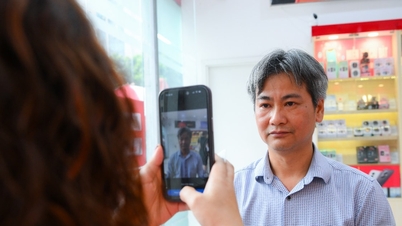
If you have tried all the above methods and still cannot fix the problem, please take it to a reputable and reliable repair shop for warranty service. Any attempt to repair it yourself will only make your phone worse.
The above is an article on how to troubleshoot microphone problems on Android phones. Hopefully, this information will be helpful to you.
Dinh Trung
Source





































































































Comment (0)