

Clear the cache and uninstall unnecessary apps.
Smart TVs store a lot of temporary data during use, especially when you frequently open apps like YouTube, Netflix, or web browsers. Over time, this data accumulates, filling up memory and slowing down the device. To fix this, you should go to settings, find the "Storage" or "Applications" section, then clear the cache and uninstall unused apps. This will free up storage space and improve the TV's responsiveness.
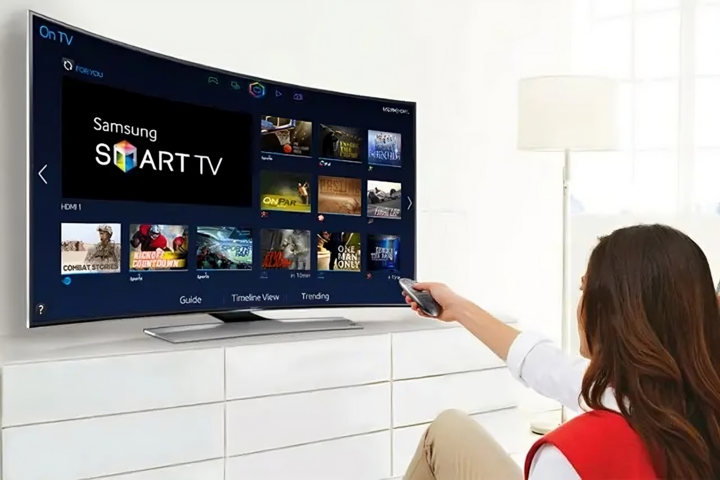
With just a few simple steps, your old Smart TV will run as smoothly as new again. (Source: Samsung)
Update system software
Many people overlook updating the software on their Smart TVs, but this is a crucial step in improving performance. Manufacturer updates often include bug fixes, system optimizations, and enhanced security. You should check regularly in "Settings" > "System" > "Software Update" to ensure your device is always on the latest version.
Turn off unnecessary features.
Some features, such as automatic synchronization, enhanced visual effects, or background app updates, can consume system resources. Unless absolutely necessary, you should disable these features to reduce the load on the processor. This is especially helpful for older, low-spec TVs.
Restore factory settings
If the above methods still don't solve the problem and your TV is slow, you might consider performing a factory reset. This will return the device to its original state, erasing all data and personal settings. Before doing so, be sure to back up important information to avoid data loss.
Clean the heat sink fins.
Accumulated dust and dirt can cause your TV to overheat and perform poorly. Regular cleaning helps the device "breathe" better and extends its lifespan.
With just a few minutes of routine maintenance, you'll find your old Smart TV responds much faster, providing a smooth, like-new entertainment experience.
Source: https://vtcnews.vn/hanh-dong-don-gian-co-the-giup-smart-tv-cu-tang-toc-ar966656.html
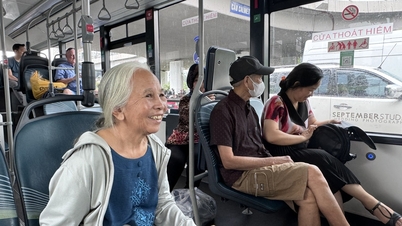
![[Image] Hanoi's urban life under the challenge of a "scorching hot" environment](https://vphoto.vietnam.vn/thumb/1200x675/vietnam/resource/IMAGE/2026/05/25/1779706979265_nang-nong-t5-2026-minh-duy-7-4636-jpg.webp)
![[Image] Close-up view of the interchange connecting the two expressways and Long Thanh Airport.](https://vphoto.vietnam.vn/thumb/1200x675/vietnam/resource/IMAGE/2026/05/25/1779703378210_ndo_br_z7863716673926-224453a31600126cce10622af6290afd-4549-jpg.webp)



































































Comment (0)