

In this article, we will guide you through the specific steps to verify and trust apps on your iPhone.
Why is app trust verification necessary?
When installing apps from unreliable sources, you may encounter apps that haven't been vetted by Apple. Verifying your trustworthiness allows you to use these apps with greater peace of mind. This also helps prevent security issues and protect your personal data.
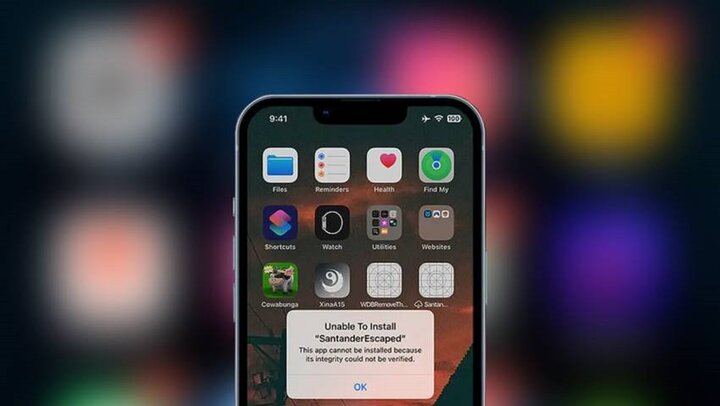
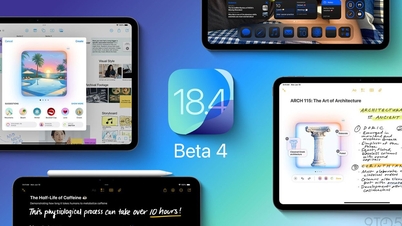
Instructions on how to verify app trust on iPhone. (Illustrative image)
Detailed instructions
First, you need to download the app you want to install from a source outside the App Store. Make sure you download the app's installation file from a reputable source to avoid encountering apps containing malware.
- Install the application
After downloading, open the app to install it. At this point, you may encounter a message stating that the app is not trusted. Don't worry, you just need to follow a few steps to confirm that you trust the app.
- Access Settings
- Scroll down and select "General Settings".
- In General Settings, find and select "VPN & Device Management".
Under "Enterprise App," you'll see the name of the developer of the app you downloaded. Select this developer.
Select "Trust [Developer Name]". Then, press "Trust" again to confirm.
- Use the app
After completing the steps above, the app will be verified and you can use it normally like any other app on your iPhone.
Some things to keep in mind when verifying application trust.
Reliable download sources: Always download apps from reputable sources, avoiding downloads from unfamiliar or unknown websites.
Check reviews: Read reviews from previous users to get a better understanding of the app before installing it.
Update your operating system: Make sure your iPhone is always updated with the latest security patches from Apple for better protection against vulnerabilities.
When should you uninstall an app?
If you notice any unusual behavior from an app or if it negatively impacts your iPhone's performance, uninstall it immediately. This is especially important for apps from unknown sources to protect your personal data and maintain the security of your device.
Source


![[Photo] Prime Minister Pham Minh Chinh presides over a meeting on private sector economic development.](/_next/image?url=https%3A%2F%2Fvphoto.vietnam.vn%2Fthumb%2F1200x675%2Fvietnam%2Fresource%2FIMAGE%2F2025%2F12%2F20%2F1766237501876_thiet-ke-chua-co-ten-40-png.webp&w=3840&q=75)



























































![[Infographic] Controlling rabies in pet dogs and cats](https://vphoto.vietnam.vn/thumb/402x226/vietnam/resource/IMAGE/2025/12/21/1766288809667_infographic-kiem-soat-benh-dai-tren-dan-cho-meo-nuoi20251221091138.webp)




















Comment (0)