

If you encounter problems with your iPhone, you can easily resolve them as follows:
Always up-to-date
This is probably the most common advice because updating really does work. Users not only eliminate any bugs or problems they're experiencing, but they can also add other security updates to keep their iPhones safe.

Software updates can help resolve some issues.
To do this, users can check for the latest updates by going to Settings > General > Software Update .
Restart the device
A simple but still quite effective way to troubleshoot is to restart your iPhone to give it a fresh start and fix any memory issues the device may be experiencing.
To restart, simply press and hold the power button along with one of the volume buttons until the "slide to power off" option appears at the top of the screen. Drag the slider and wait a few seconds, then press/hold the power button until you see the Apple logo on the screen.
Reinstall or update the application.
If you encounter problems with specific apps, the best way to fix them is to update them, as most apps have bugs that developers need to fix through updates. If there are no updates available, users can try deleting and reinstalling the app on their iPhone.
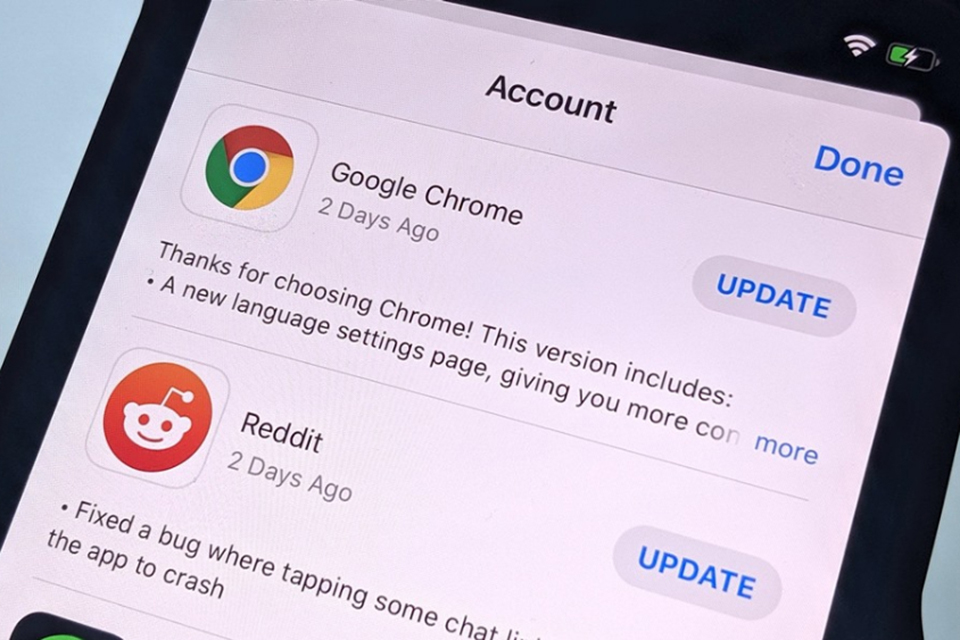
Go to the App Store to check for app updates.
Memory management
Whether your storage is full or your phone is running slower, managing storage is a great way to fix some iPhone problems. There are many ways to clear storage, but users can start by deleting apps they no longer use.
To check which apps you haven't used in a while, go to Settings > General > iPhone Storage . At the bottom, you'll see the apps taking up the most space, as well as those you haven't opened in a while. Delete apps you no longer use to free up some storage.
Keep your phone clean.
If you frequently experience issues with Face ID, Touch ID, or the microphone due to a dirty iPhone, the best solution is to clean your phone regularly. Although it's water-resistant, avoid getting water on it. Instead, use a lint-free cloth and gently wipe your iPhone clean. You can also try using alcohol wipes or Clorox disinfectant wipes.
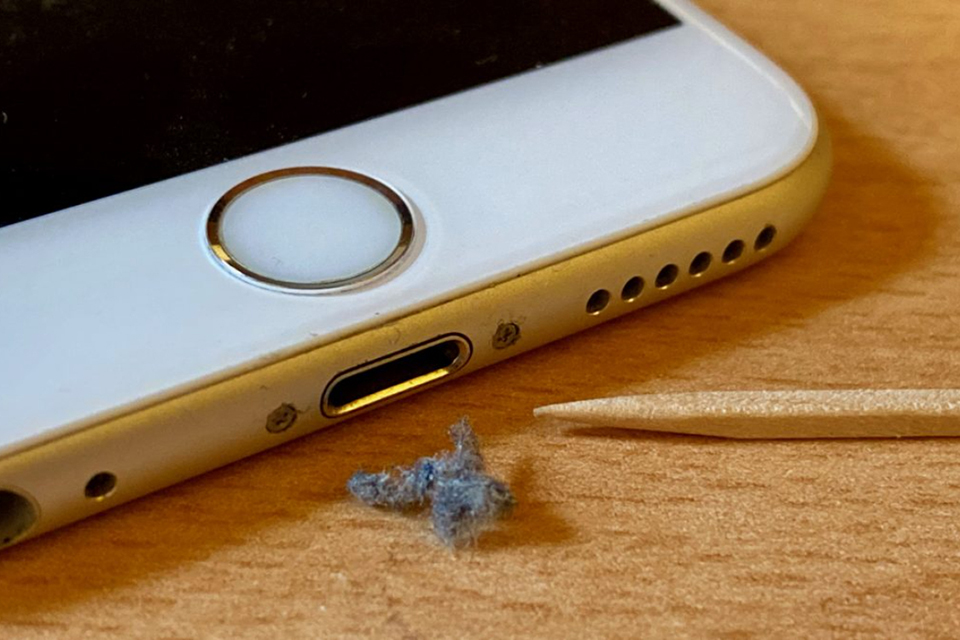
Cleaning your iPhone can help resolve some simple issues like slow charging, Face ID, or unresponsive Touch.
Manage background app refresh
Background app refresh is an iPhone feature that allows certain apps to run in the background. This keeps these apps up-to-date so they're ready to launch when the user opens them and send notifications as soon as needed.
Although useful, it does affect performance and battery life, so manage this feature by going to Settings > General > Background App Refresh and turning it off for apps you don't need, or even disabling it completely.
Delete iPhone
One of the last resort solutions is to factory reset your iPhone and start over. This will eliminate many potential problems but will erase all data on the device, so be sure to back up your data beforehand.
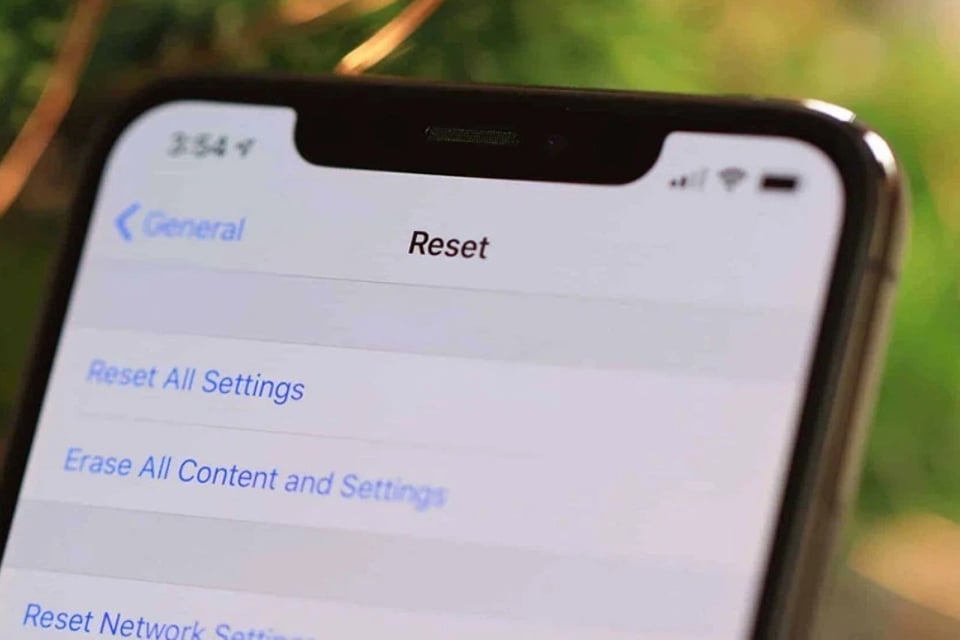
Erasing an iPhone is almost always the last resort before taking the phone to a repair service.
To erase your iPhone, go to Settings > General > Switch or reset iPhone > Erase all content and settings and follow the on-screen instructions. When the iPhone restarts, you will see the initial setup screen, where you can choose to restore from a backup. However, try setting up your iPhone as new to see if the problem persists, as it may be a hardware issue. If not, you can erase your iPhone again and choose to restore from a previous backup.
Source link



![[Image] "Journey of Hope" promotes the organ and tissue donation movement in Vietnam.](https://vphoto.vietnam.vn/thumb/1200x675/vietnam/resource/IMAGE/2026/05/20/1779294400833_1-8910-jpg.webp)
![[Photo] General Secretary and President To Lam works with the Party Committee of the Ministry of Health on the work of Vietnamese traditional medicine.](https://vphoto.vietnam.vn/thumb/1200x675/vietnam/resource/IMAGE/2026/05/20/1779294323718_a1-bnd-2978-3319-jpg.webp)


































































































Comment (0)