

Enabling NFC on your Xiaomi device allows for file sharing, contactless payments, and quick device connectivity. Here's a detailed guide on how to activate it!
 |
Instructions on how to use NFC on Xiaomi phones.
After enabling NFC on your Xiaomi device, you can easily perform many tasks, from sharing data to making electronic payments. Here's how to use NFC to share files:
Step 1: Select the file you want to share on your Xiaomi smartphone and tap Share . In the list of options, select Fast Transfer using NFC to begin.
 |
Step 2: Bring the two NFC-enabled phones close together to establish a connection. Once the two devices recognize each other, data transfer will begin immediately and quickly.
 |
Step 3: On the receiving phone, accept the request by selecting Receive . After the transfer is complete, open your Xiaomi phone and check that the file has been received.
 |
Using NFC for payments at POS machines is efficient.
To make an NFC payment on a Xiaomi device, first ensure that NFC is enabled. Check that the POS machine you are using supports Near Field Communication technology and that your payment card has been added to the Google Pay app. Once everything is ready, follow these instructions:
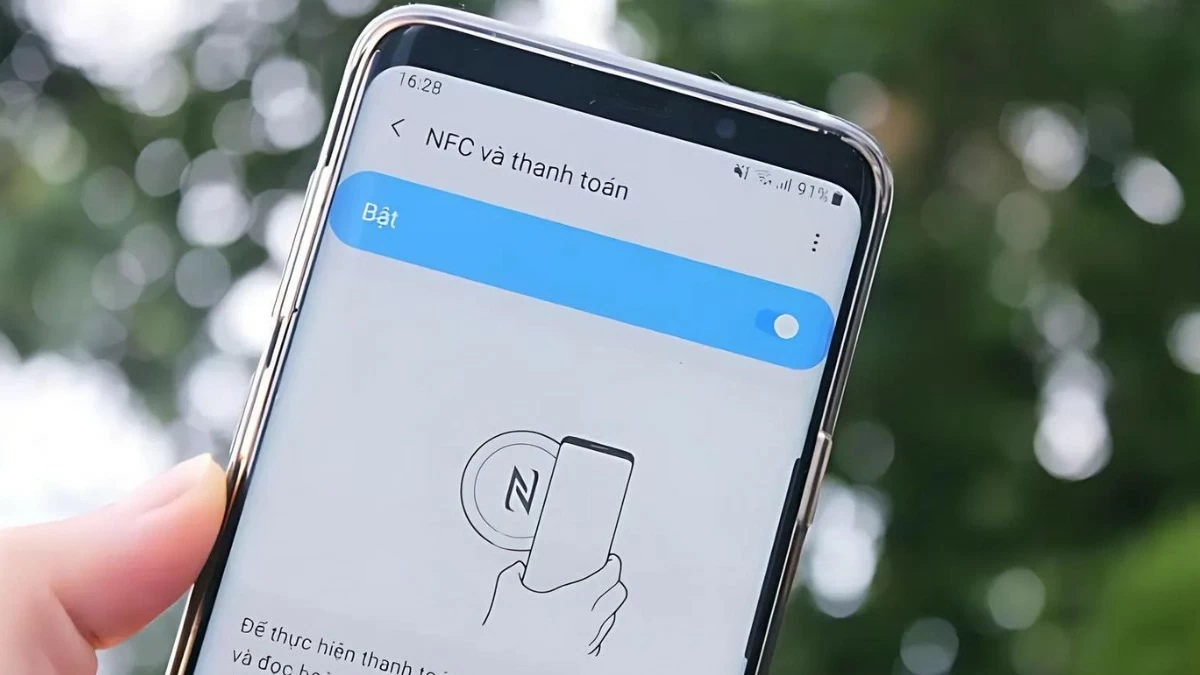
Step 1: First, place the back of your Xiaomi phone near the POS machine (on top of or to the side).
 |
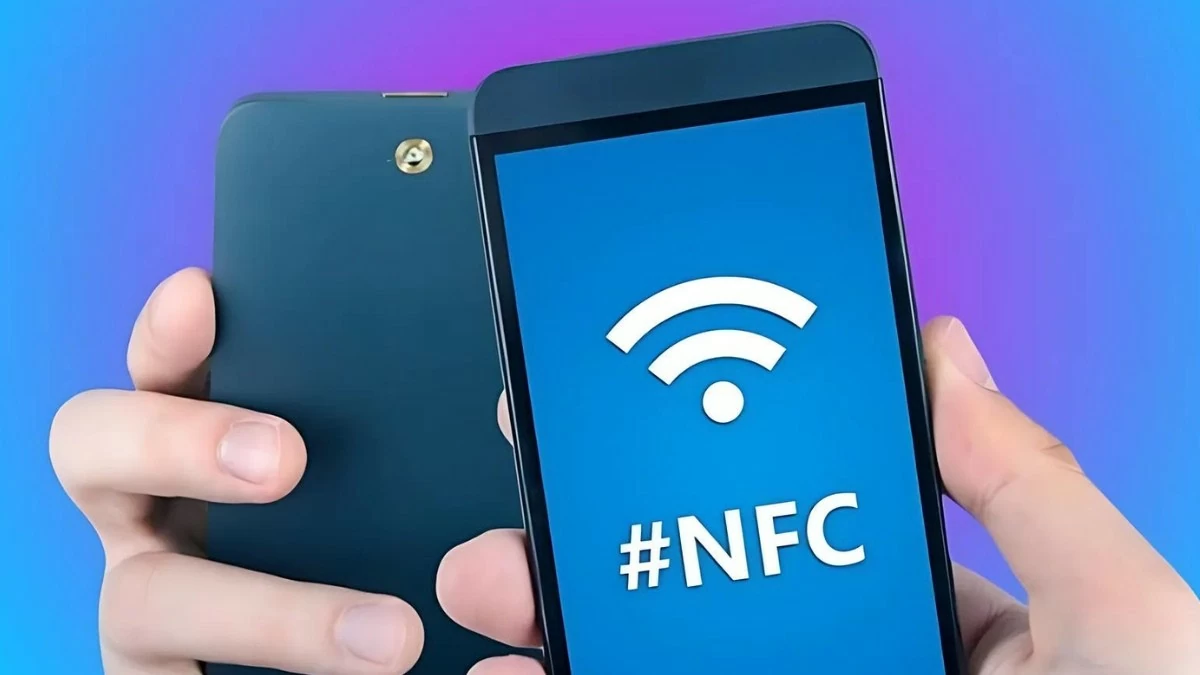
Step 2: Next, when the payment amount appears on the screen, confirm the transaction by scanning your fingerprint or entering your password.
 |
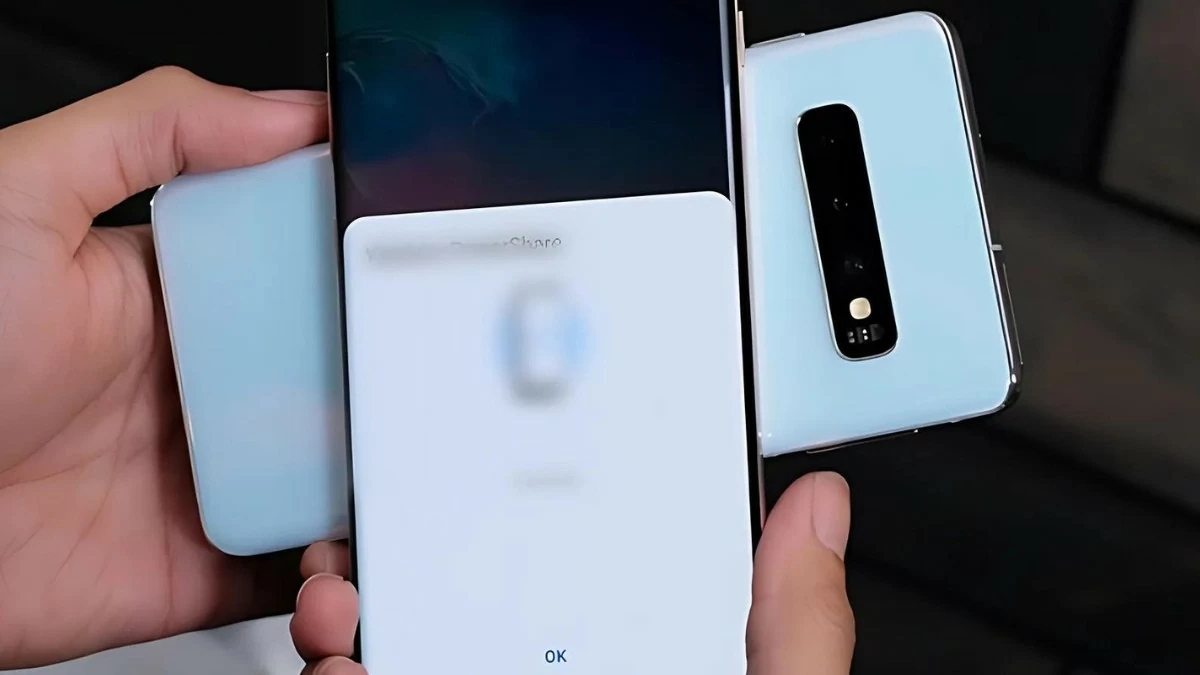
Step 3: On the receiving phone, accept the request by selecting "Receive". Once the transfer is complete, simply open your Xiaomi phone to check that the file has been received.
 |
How to use NFC for quick payments at POS machines.
To easily make NFC payments on your Xiaomi device, ensure that NFC is enabled. Also, check that your POS machine supports Near Field Communication technology and that your payment card has been added to the Google Pay app. Once you're ready, follow the instructions below:
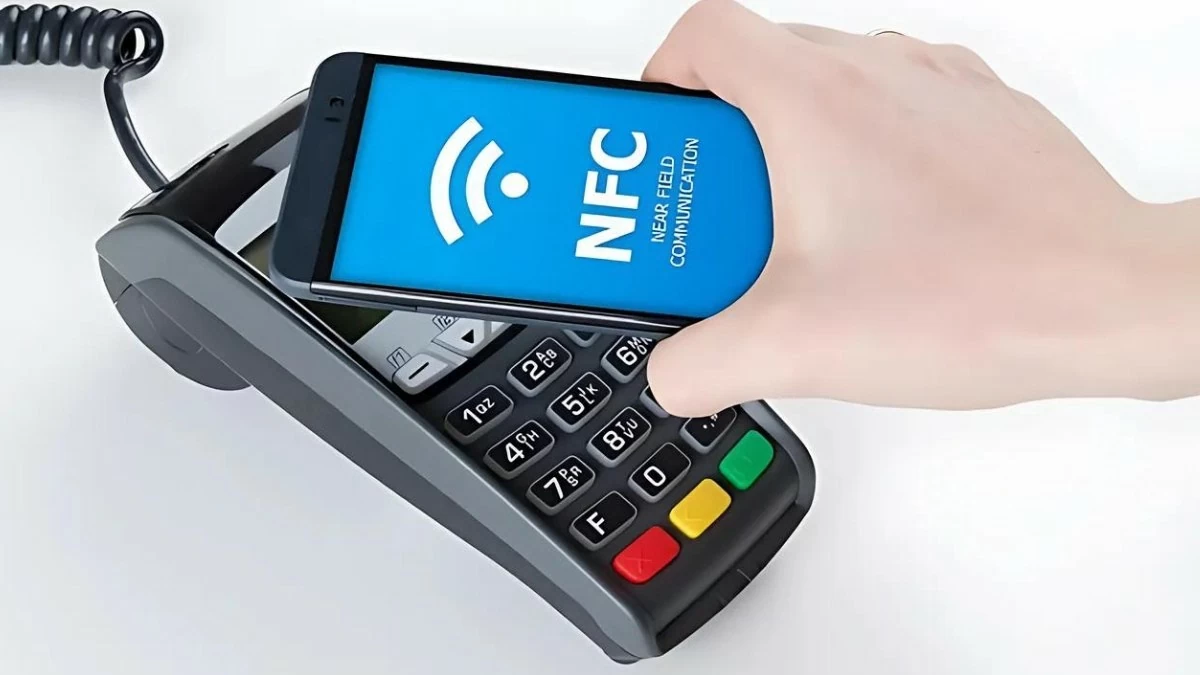 |
Please place the back of your Xiaomi phone near the POS machine (on top of or to the side of the machine).
Connect with other devices
Here are detailed instructions on how to connect to other devices:
Step 1: Turn on NFC on your Xiaomi device and the device you want to connect (such as a Bluetooth speaker, NFC headphones, etc.).
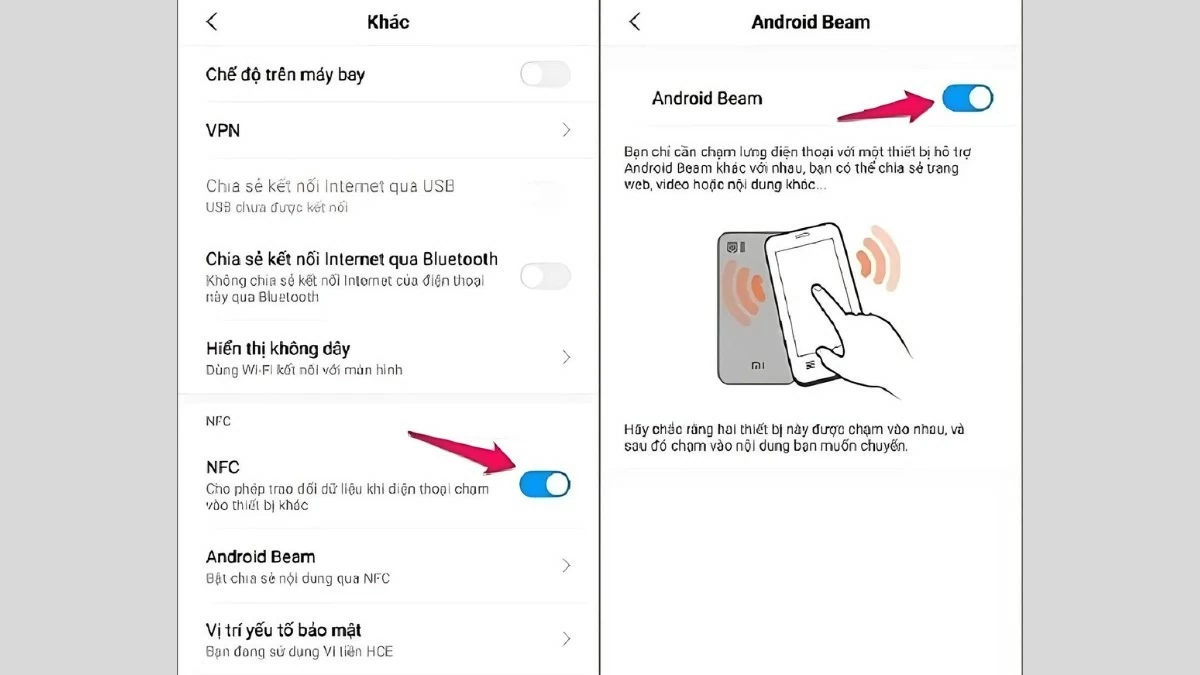 |
Step 2: Bring the two devices close together, ensuring their backs touch.
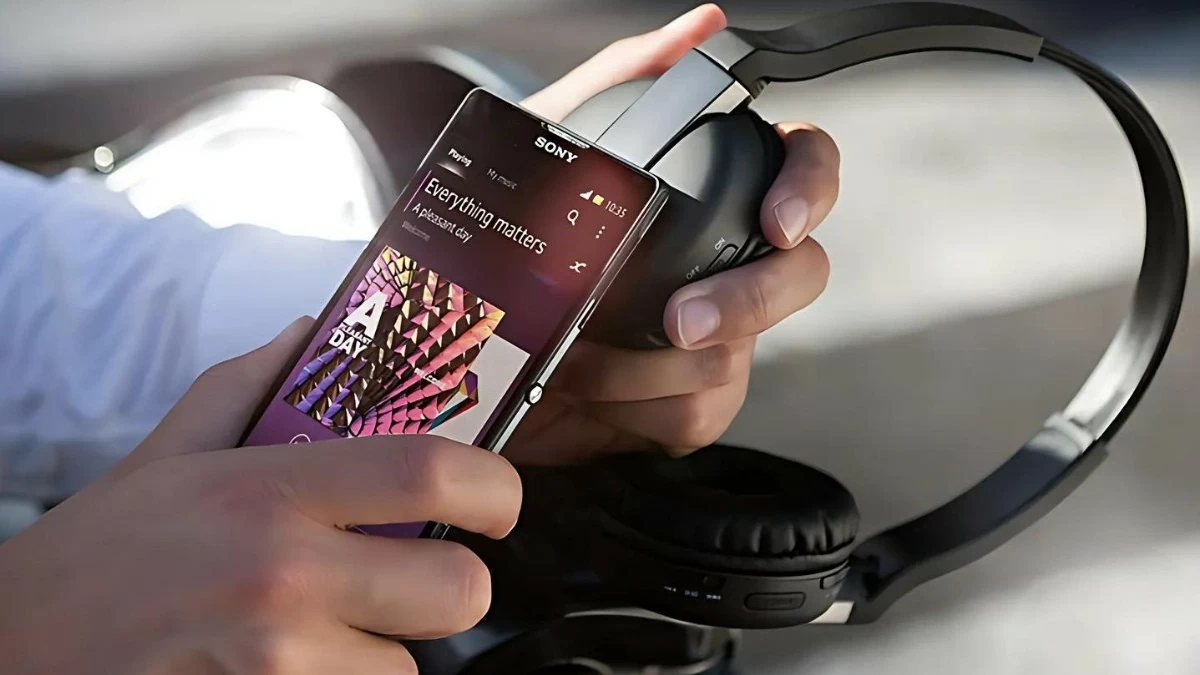 |
Step 3: Once the connection is recognized, follow the on-screen instructions on your phone to complete the pairing process quickly and easily.
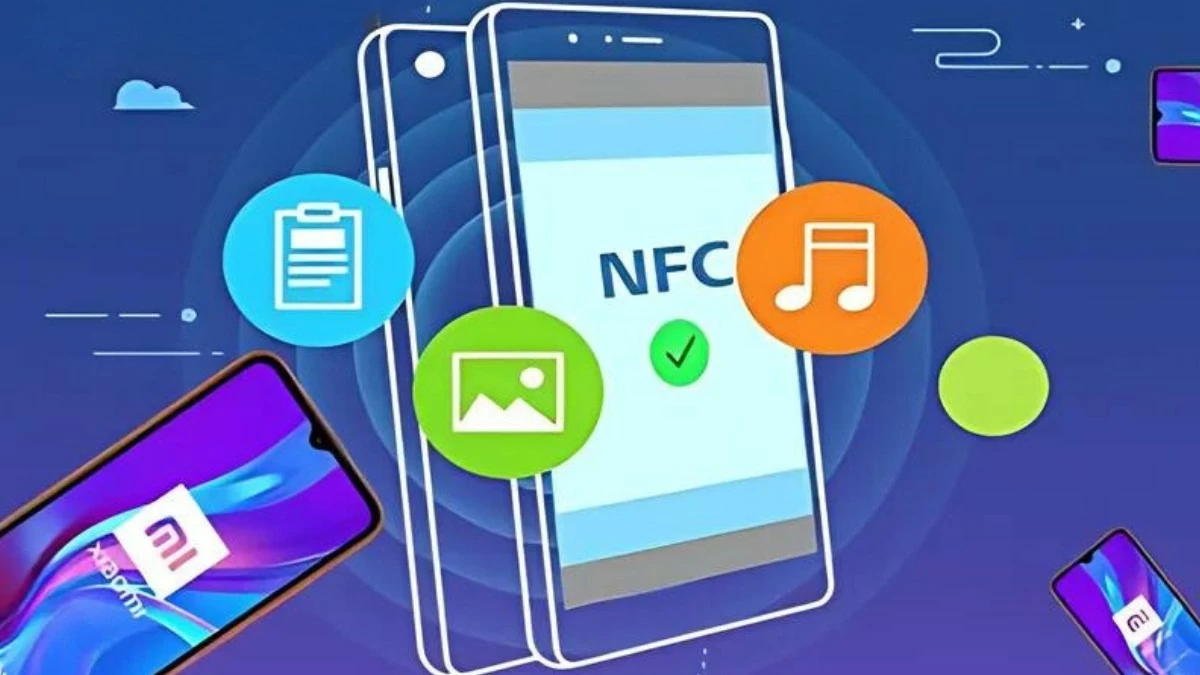 |
Through this article, you've learned how to enable NFC on your Xiaomi phone and take advantage of the benefits this technology offers. From quick data sharing and contactless payments to connecting with other devices, NFC will certainly enhance your phone experience. Try it now to enjoy the convenience this connectivity feature brings to your daily life!
Source






























![[Photo] Reception to welcome General Secretary and President To Lam and his wife on their State visit to the Philippines](https://vphoto.vietnam.vn/thumb/1200x675/vietnam/resource/IMAGE/2026/06/01/1780295488620_vna-potal-chieu-dai-chao-mung-tong-bi-thu-chu-tich-nuoc-to-lam-va-phu-nhan-tham-cap-nha-nuoc-toi-philippines-8798060-7855-jpg.webp)









































































Comment (0)