

 |
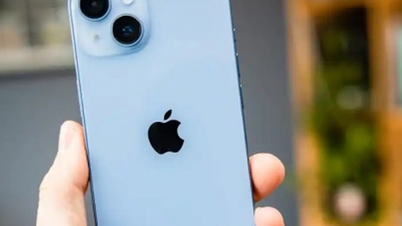
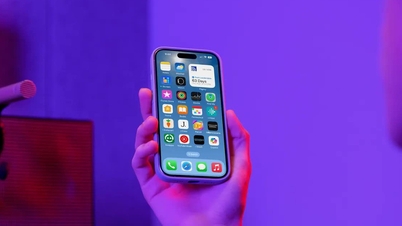
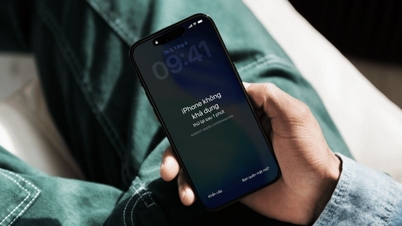
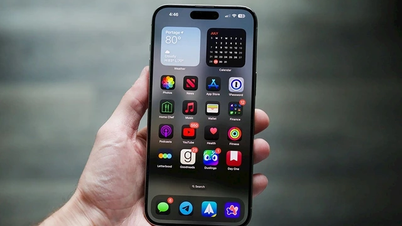
Using your photo album as your iPhone lock screen will give you more options for custom wallpapers, making your phone more interesting. To set your photo album as your iPhone lock screen, follow these steps:
Step 1: First, press and hold your iPhone's lock screen and then select the plus icon at the bottom next to the Customize option. Then, select Erase Muddles.
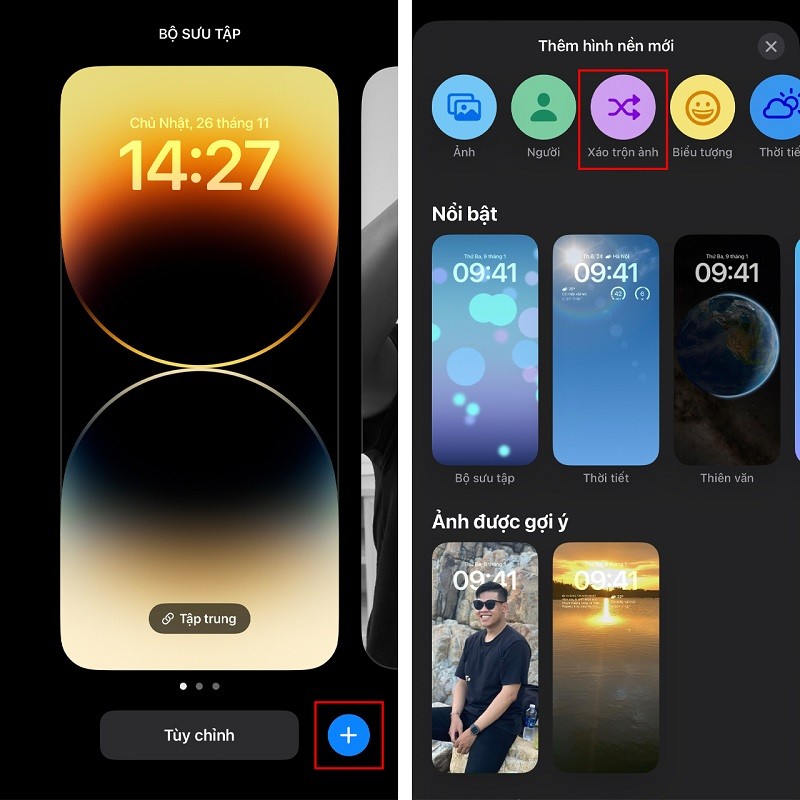 |
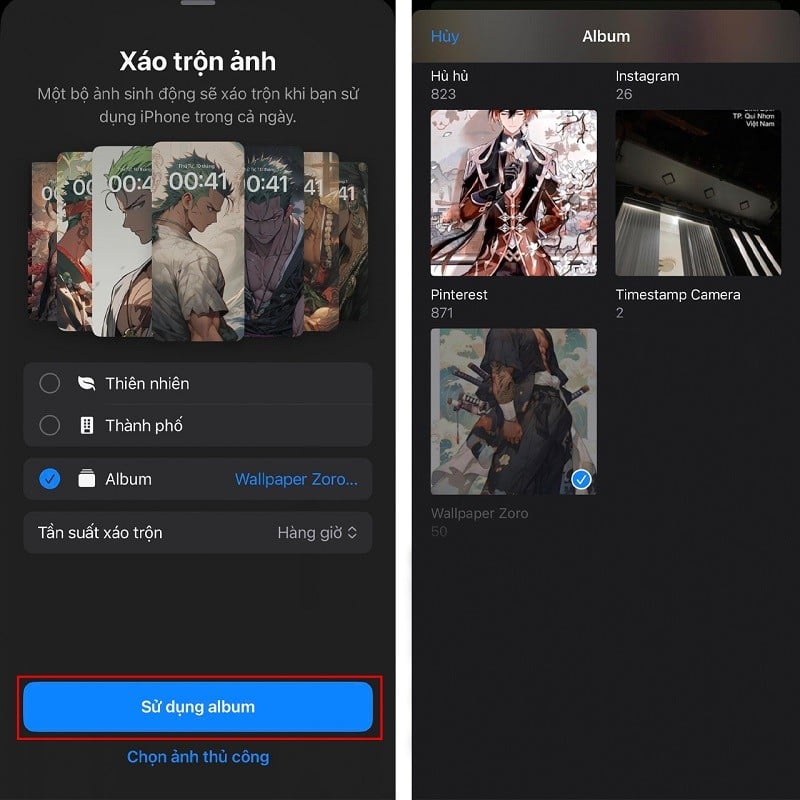
Step 2: Immediately, the system will display options such as manual photos and albums. Now, tap on albums. Here, select the album you want to use as your lock screen image.
 |
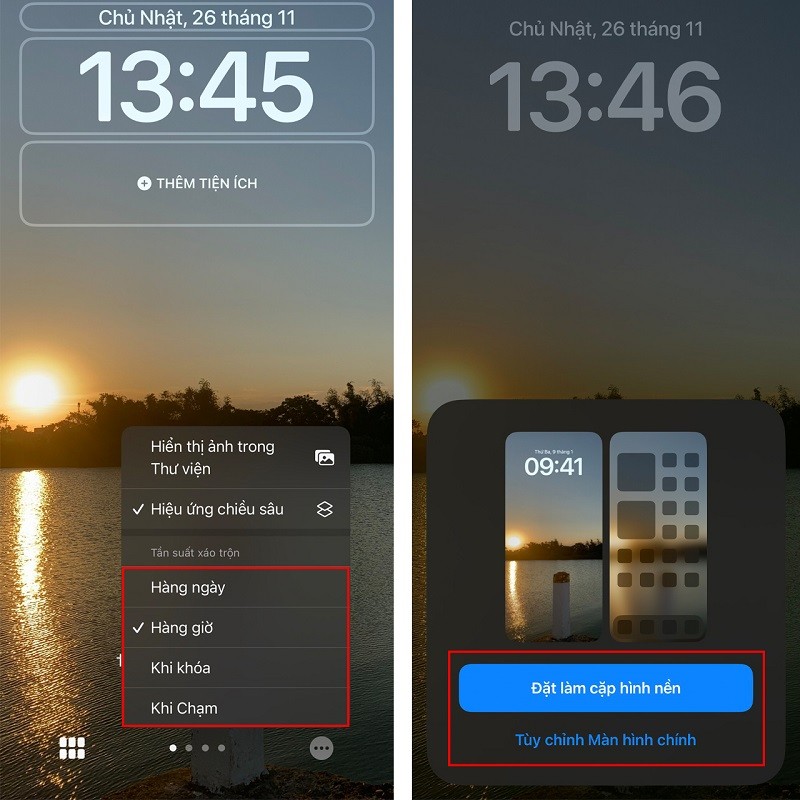
Step 3: Finally, tap the three-dot icon in the bottom right corner of the interface to adjust the frequency of automatic lock screen wallpaper changes on your iPhone to your liking. Tap More to set it as the main lock screen wallpaper or just the lock screen wallpaper, and you're done.
 |
Those were some instructions on how to set your photo album as your iPhone lock screen. We hope you succeed.
Source

![[Photo] Secretary of the National Assembly Party Committee, Chairman of the National Assembly presides over the meeting of the Standing Committee and Executive Committee of the National Assembly Party Committee.](https://vphoto.vietnam.vn/thumb/1200x675/vietnam/resource/IMAGE/2026/06/03/1780480353201_ndo_br_bnd-2585-jpg.webp)
![[Photo] First session of the 14th Congress of the Vietnam Trade Union](https://vphoto.vietnam.vn/thumb/1200x675/vietnam/resource/IMAGE/2026/06/03/1780465947883_ndo_br_img-3852-jpg.webp)
![[Photo] General Secretary and President To Lam presides over a meeting with the Central Organizing Committee.](https://vphoto.vietnam.vn/thumb/1200x675/vietnam/resource/IMAGE/2026/06/03/1780482764658_a1-bnd-4741-3342-jpg.webp)















































![[Video] Sunset at Lap An Lagoon – Where the sun sets over the fishing nets](https://vphoto.vietnam.vn/thumb/1200x675/vietnam/resource/IMAGE/2026/05/31/1780192137701_beach-landscape-sea-water-nature-grass-745871-pxhere-com.jpeg)









































Comment (0)