

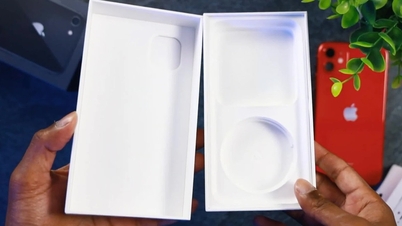
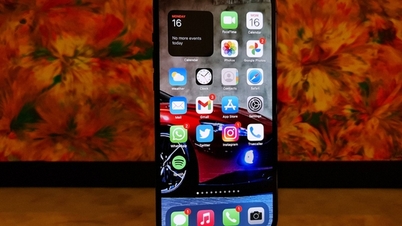
When buying a new iPhone, check the activation status to avoid purchasing a used product. This article will guide you on how to check if an iPhone has been activated and its activation date!
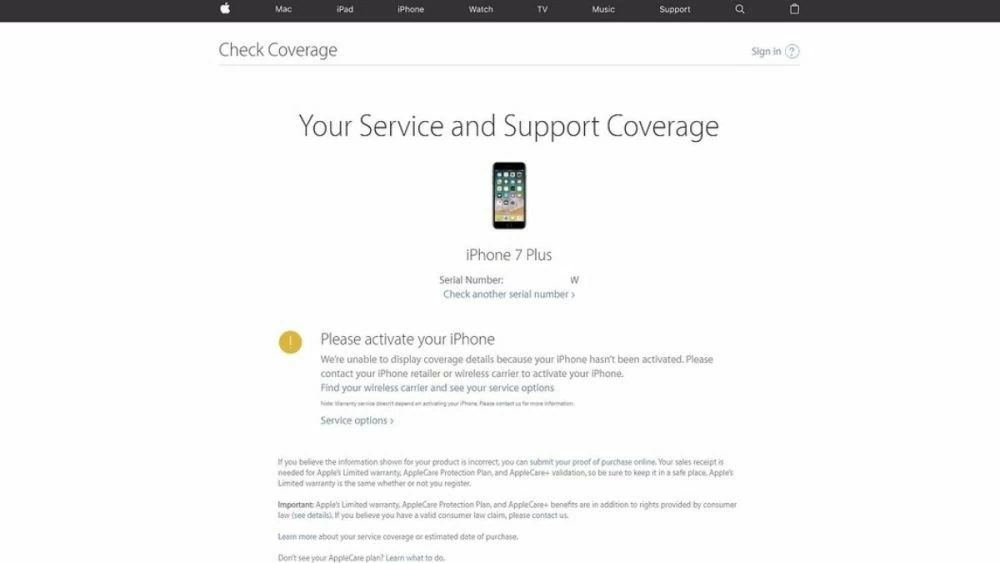 |
Activated iPhones are devices that have been activated and are covered by Apple's official warranty. Activation usually occurs when purchasing a new device from a store or when buying a used device. You can easily check the activation date of your iPhone.
Checking whether an iPhone has been activated is crucial before purchasing it, to ensure its authenticity and avoid counterfeit or refurbished products. Below are three quick and accurate ways to check the activation status of your iPhone.
How to check if your iPhone is active using the update status.
To check the latest iPhone activation date, you can follow these steps:
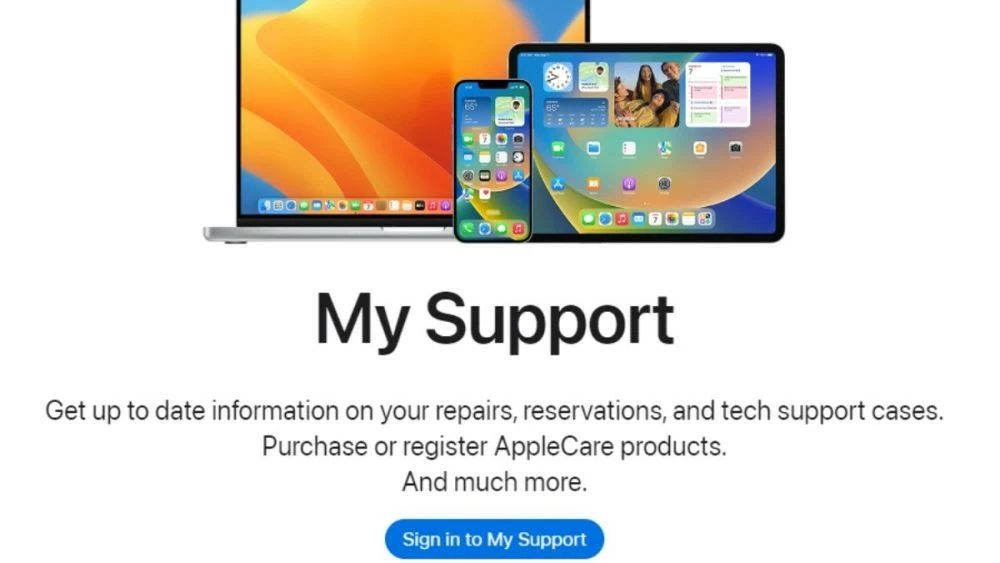
Step 1: Access the link: https://support.apple.com/my-support and select “Sign in to My Support.”
 |
Step 2: Log in to the iCloud account of the iPhone whose activation date you want to check.
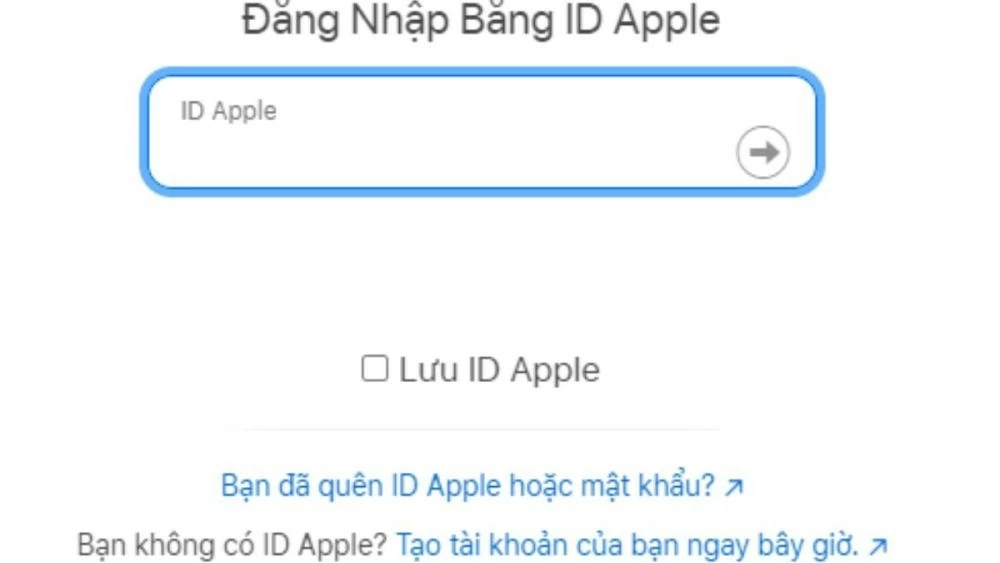 |
Step 3: Perform two-factor authentication according to your iCloud settings to further check the iPhone activation status.
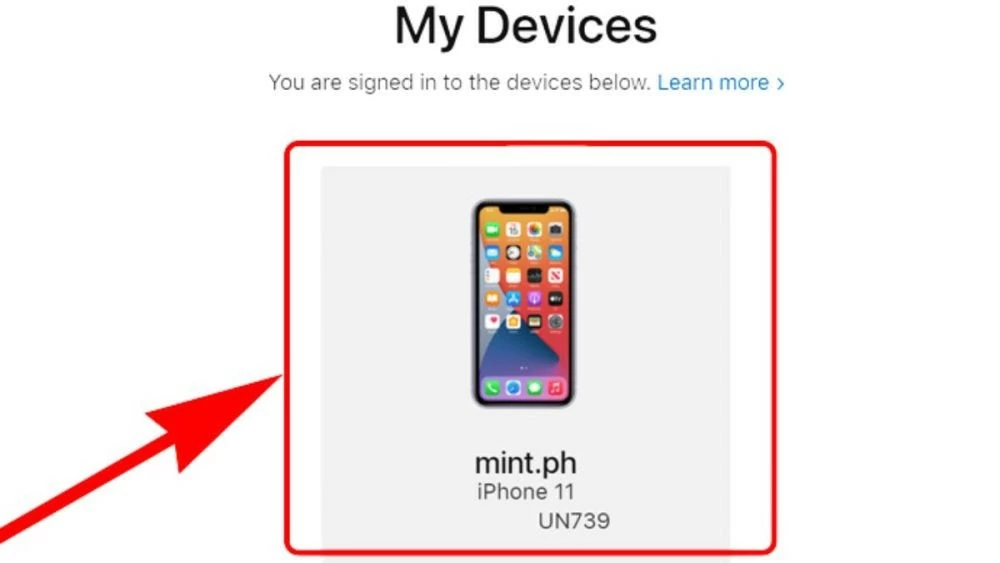 |
Step 4: After successfully logging into iCloud, you will see a list of devices using iCloud. To check the activation status and activation date of your iPhone, tap on each device in the list.
Instructions on how to check iPhone activation using the Apple website.
First, to use this method to check iPhone activation status, you need to know the device's IMEI number. Here are the simple steps to follow:
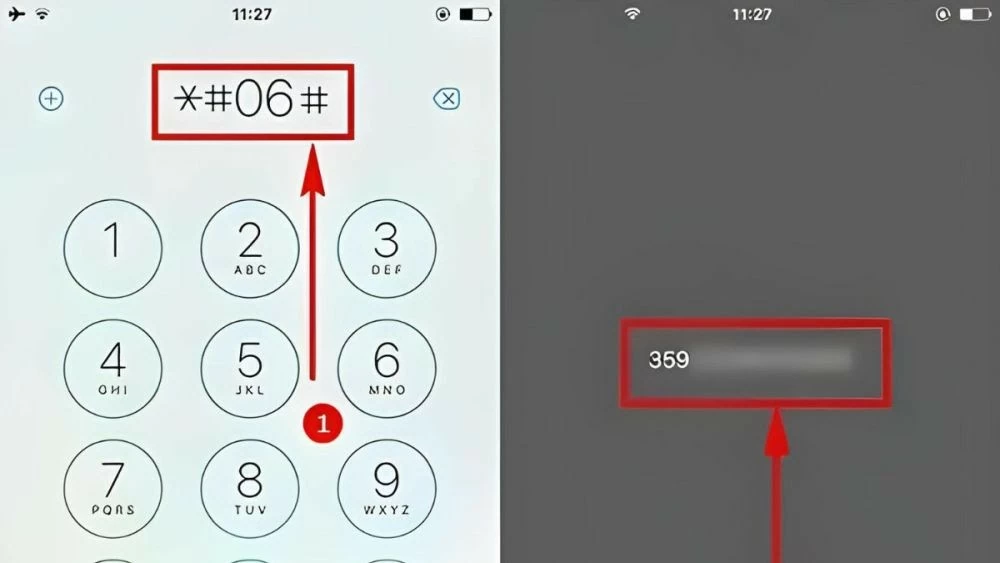
Step 1: Enter the code *#06# and press call. The IMEI number will be displayed on the screen immediately.
 |
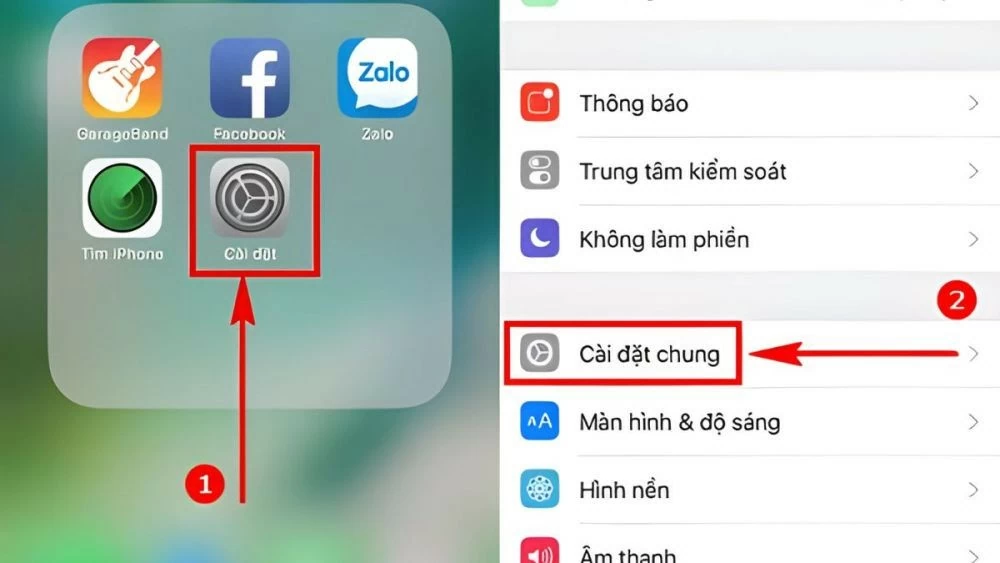
Step 2: Open "Settings," select "General," then select "About." Next, scroll down, and you will see the device's IMEI number.
 |
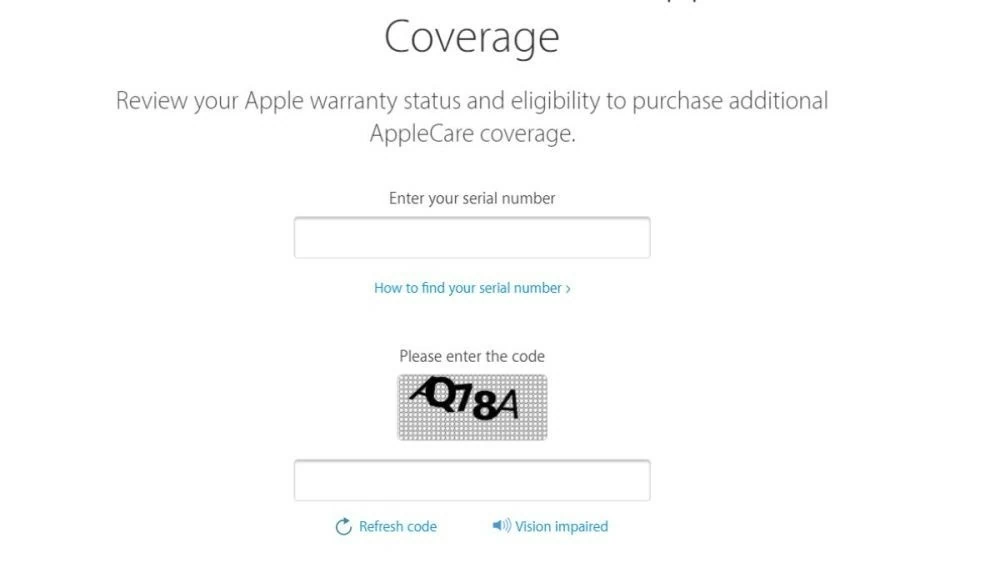
Step 3: After you know the IMEI number, go to https://checkcoverage.apple.com/vn/en/ to check if your iPhone is active.
Step 4: Enter the device's IMEI number to check the activation date and warranty period. You will need to enter the verification code requested by the system. Then, click "Continue" to proceed.
 |
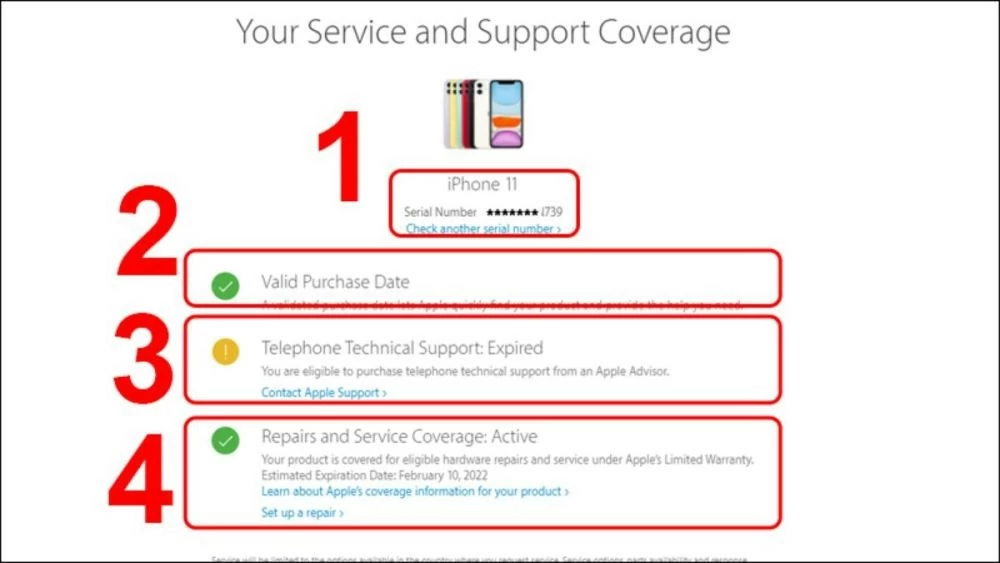
Step 5: The system will take some time to check the information and display the details as follows:
- Device name and serial number.
- Valid activation date (the time the device was activated by Apple).
- Technical support via phone: Expired (software warranty has ended).
- Repair and service warranty: Expired (hardware warranty has ended).
For devices from iPhone 7 onwards, the warranty period may be longer. In the "Repairs and Service Coverage: Expired" section when checking activation status, the system will display information about the device's activation date and warranty expiration date.
 |
Instructions on how to check the activation date of an iPhone using its IMEI.
In addition to the methods above, you can also check your iPhone's activation status using its IMEI number by following these steps:
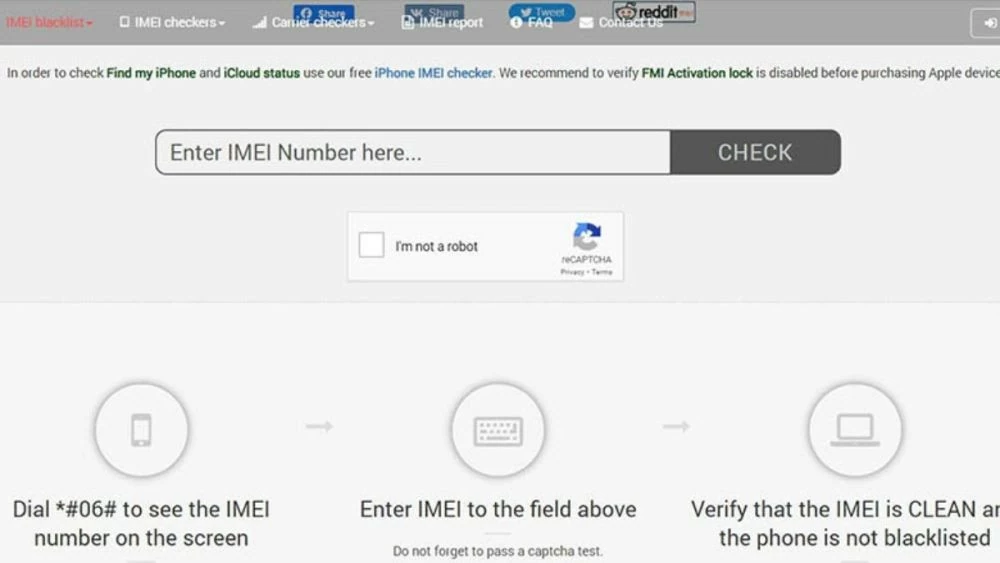
Step 1 : Access the website: https://imeipro.info/. Enter your iPhone's IMEI number and click the "Check" button.
Step 2: Information about your iPhone will appear on the screen, including the activation date in the "Estimated Purchase Date" section. Checking your iPhone's activation status is simple and quick.
 |
This article has guided you on how to check if an iPhone has been activated, as well as its activation date, in a simple and quick way. Checking the activation status of an iPhone helps you avoid risks when buying a device. Apply these methods to ensure your device is new and unused.
Source: https://baoquocte.vn/check-iphone-active-vo-cung-don-gian-285052.html


![[Photo] National Assembly Chairman Tran Thanh Man working with the Standing Committee of the Law and Justice Committee](https://vphoto.vietnam.vn/thumb/1200x675/vietnam/resource/IMAGE/2026/05/21/1779378929214_ndo_br_1-4610-jpg.webp)

![[Photo] General Secretary and President To Lam presides over a working session with the Central Policy and Strategy Committee on the development of the materials industry.](https://vphoto.vietnam.vn/thumb/1200x675/vietnam/resource/IMAGE/2026/05/21/1779359935432_a3-bnd-3129-1412-jpg.webp)























































































Comment (0)