

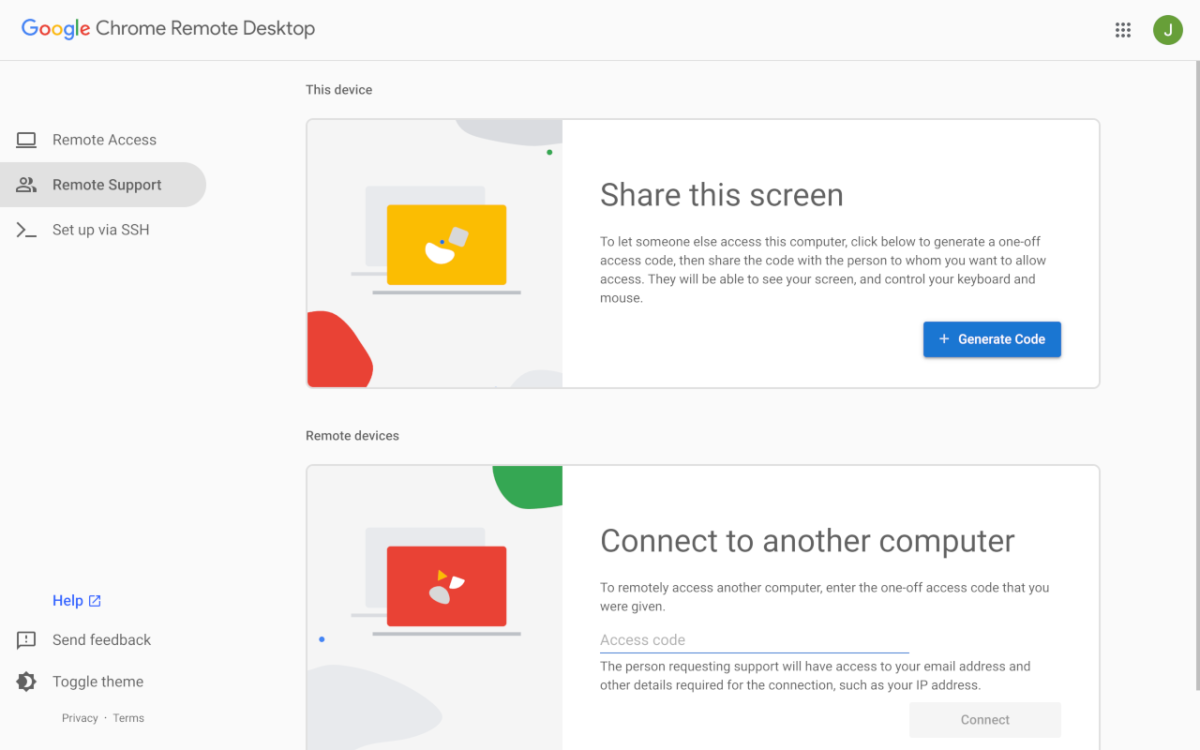
Photo: PCWorld
Remote desktop allows users to control another computer over the internet as if they were sitting directly in front of it. Users can open files, run software, or troubleshoot problems even from hundreds or thousands of kilometers away.
One of the simplest solutions currently available is Chrome Remote Desktop ( https://remotedesktop.google.com/access/ ) - a free tool developed by Google. This service allows remote access to a computer from most devices such as laptops, phones, or tablets. Users only need an internet connection and a Google account.
The setup process is also quite simple. Users only need to install the Chrome Remote Desktop extension on their Chrome web browser, log in with their Google account, and perform a few basic configuration steps to start using it. Requiring no in-depth knowledge of networking or complex technical skills, Chrome Remote Desktop focuses on convenience and accessibility for all users.
Once connected, users can access files, launch programs, or receive remote technical support in real time. This is a useful tool in many situations, such as forgetting important documents on a home computer, needing quick access to an office computer while on the go, or assisting family members with technology issues without being physically present.
Compared to professional paid solutions, Chrome Remote Desktop lacks advanced features like integrated chat or complex multi-user management. However, for basic tasks, it still performs well thanks to its fast, stable connection and minimal configuration requirements.
For those who frequently use the Chrome ecosystem or need a simple remote computer control solution, Chrome Remote Desktop is a worthwhile option. It can be a useful tool for business trips, remote work, or when providing technical support to friends and family far away.
LE PHI (According to PCWorld)
Source: https://baocantho.com.vn/dieu-khien-may-tinh-tu-xa-mien-phi-va-de-dang-voi-chrome-remote-desktop-a205974.html
![[Photo] Solemn bathing ceremony and Buddha procession in Hue](https://vphoto.vietnam.vn/thumb/1200x675/vietnam/resource/IMAGE/2026/05/31/1780228263543_1-jpg.webp)
![[Photo] Admire the coral "masterpiece" amidst the million-year-old heritage of Dak Lak province.](https://vphoto.vietnam.vn/thumb/1200x675/vietnam/resource/IMAGE/2026/05/31/1780221235105_anh-man-hinh-2026-05-31-luc-16-53-27.png)


![[Photo] The General Secretary, President and his wife begin their state visit to the Philippines.](https://vphoto.vietnam.vn/thumb/1200x675/vietnam/resource/IMAGE/2026/05/31/1780230559452_anh-man-hinh-2026-05-31-luc-19-28-11.png)






![[Video] Sunset at Lap An Lagoon – Where the sun sets over the fishing nets](https://vphoto.vietnam.vn/thumb/340x192/vietnam/resource/IMAGE/2026/05/31/1780192137701_beach-landscape-sea-water-nature-grass-745871-pxhere-com.jpeg)






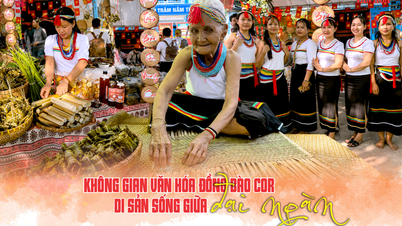





















![[Photo] Admire the coral "masterpiece" amidst the million-year-old heritage of Dak Lak province.](https://vphoto.vietnam.vn/thumb/402x226/vietnam/resource/IMAGE/2026/05/31/1780221235105_anh-man-hinh-2026-05-31-luc-16-53-27.png)























Comment (0)