

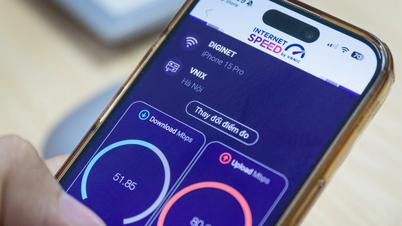
Router placement and antenna arrangement are key factors determining home internet speed. Understanding the principles of electromagnetic wave propagation will help you optimize coverage without incurring the cost of upgrading your internet plan.
Prioritize central location and open space.
WiFi signals are electromagnetic waves that can penetrate but are significantly attenuated when encountering obstacles. Since the signal propagates outwards from the router itself, the ideal location is in the center of the house or living room to ensure even coverage.
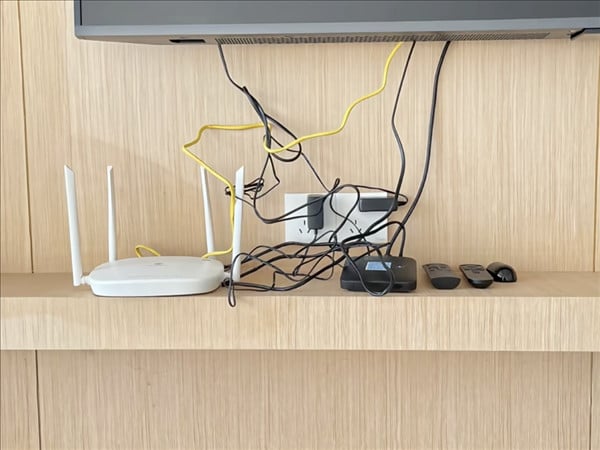
Many people have a habit of hiding routers in cabinets, storage rooms, or electrical boxes for aesthetic reasons. However, this causes signal interference due to layers of wood, plastic, or thick walls. In particular, you should absolutely avoid placing the device near large metal objects such as refrigerators or electrical boxes, as metal severely weakens electromagnetic waves.
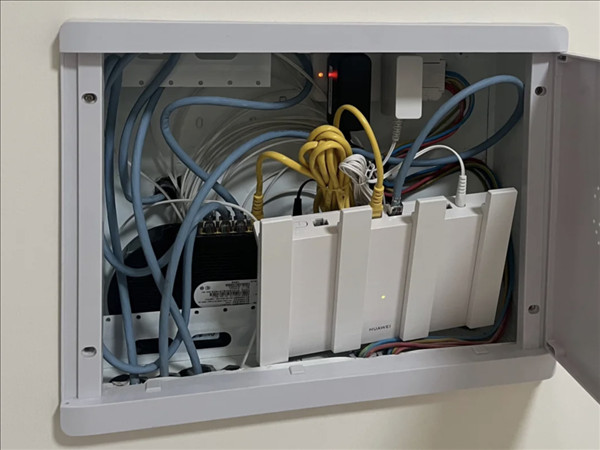
Solutions for multi-story houses and large spaces
For a two-story house, you should place the router on the ground floor, but close to the ceiling, or in a central area on the lower part of the second floor. This arrangement helps the WiFi signal spread effectively to both the upper and lower floors.
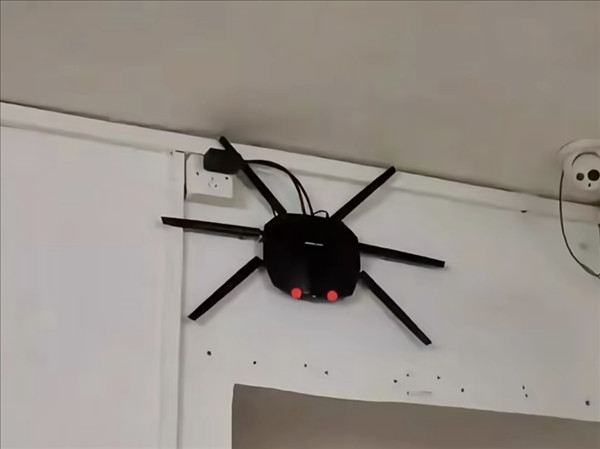
In cases where the house is very large, a single router may not be sufficient to provide adequate coverage. In that situation, you might consider using a repeater or a mesh system to connect multiple routers together, creating a stable and consistent internet network.
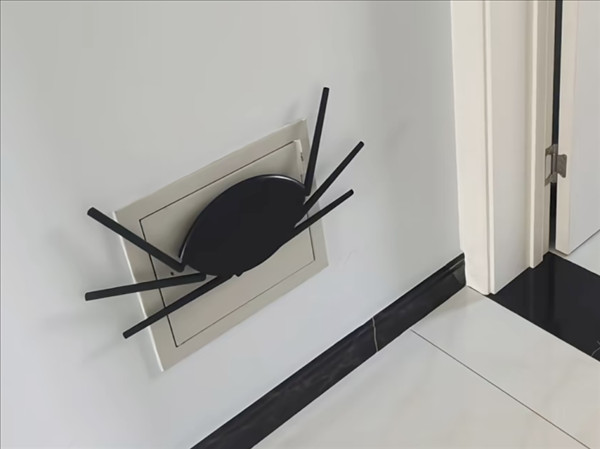
The rule for perpendicular antenna arrangement.
The antenna placement is just as important as the device itself. A common misconception is that pointing all the antennas towards the user will give the fastest speed. In reality, WiFi signals spread in a circular path with the antenna as the central axis. This means that the weakest signal area is precisely where the antenna is pointing.
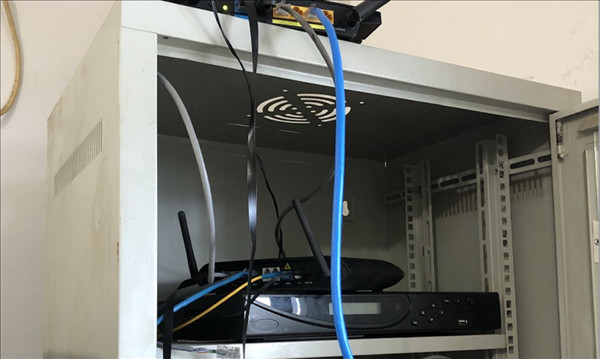
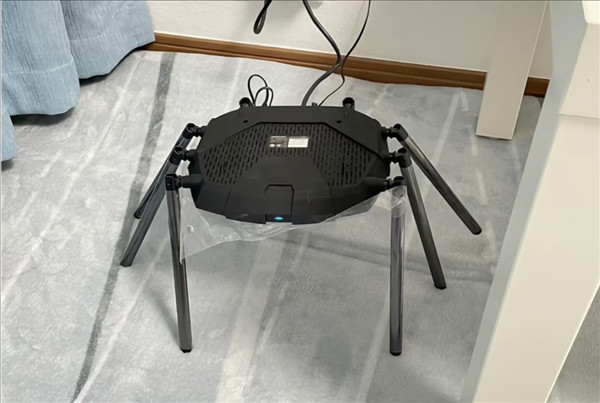
For optimal performance, you should position the antennas perpendicular to the ground. If the router is wall-mounted, adjust it so that the antennas remain vertical or form a spiderweb pattern to cover most of the room.
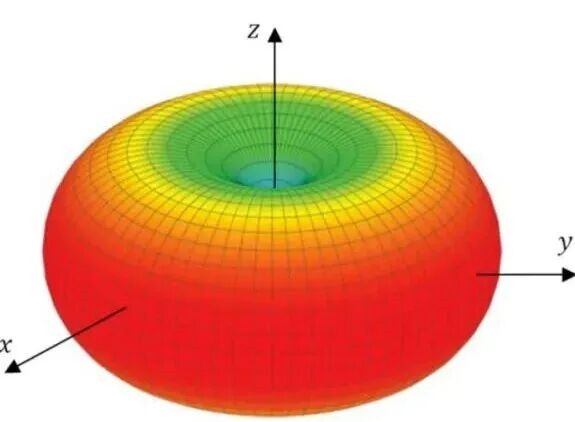
Troubleshooting for routers with integrated antennas.
For box- or column-type routers without external antennas, the manufacturer has pre-calibrated the antennas inside. The best way to use them is to place them upright on a flat surface. If it's a wall-mounted type, strictly follow the instructions in the included manual to ensure the strongest signal.
Technical tips to speed up your internet.
In addition to changing the physical location, you can apply the following two methods to improve network performance:
- Set device priority (QoS): Use your router's management app to set high priority for critical devices like your work computer or phone. This prevents bandwidth from being consumed by secondary devices like cameras or smart speakers.
- Regular restarts: Restarting helps clear the cache and update software patches, resolving most sudden network slowdowns.
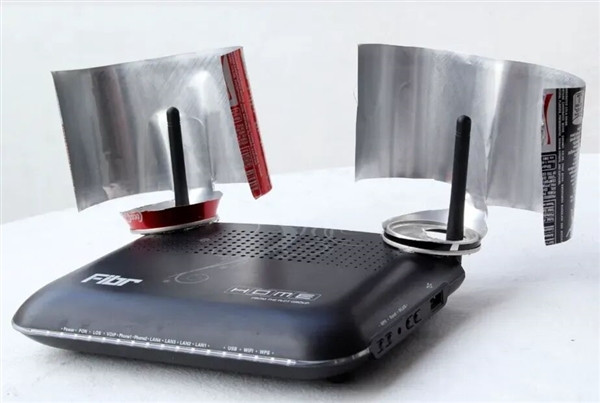
Note regarding frequency bands: 5G offers faster speeds but has poorer wall penetration than 2.4G. If you are close to the router and there are no obstacles, choose 5G. If you need to move to another room through multiple walls, the 2.4G band will be a more stable option.
Source: https://baolamdong.vn/cach-dat-router-wifi-de-dat-toc-do-internet-cao-nhat-trong-nha-445189.html




![[Video] Sunset at Lap An Lagoon – Where the sun sets over the fishing nets](https://vphoto.vietnam.vn/thumb/1200x675/vietnam/resource/IMAGE/2026/05/31/1780192137701_beach-landscape-sea-water-nature-grass-745871-pxhere-com.jpeg)















![[Video] Sunset at Lap An Lagoon – Where the sun sets over the fishing nets](https://vphoto.vietnam.vn/thumb/800x450/vietnam/resource/IMAGE/2026/05/31/1780192137701_beach-landscape-sea-water-nature-grass-745871-pxhere-com.jpeg)









































![[Video] Sunset at Lap An Lagoon – Where the sun sets over the fishing nets](https://vphoto.vietnam.vn/thumb/402x226/vietnam/resource/IMAGE/2026/05/31/1780192137701_beach-landscape-sea-water-nature-grass-745871-pxhere-com.jpeg)






























Comment (0)