

In today's era of rapidly developing digital technology , creativity is no longer limited to traditional drawing tools. Below are some interesting and free online drawing tools.
1. Krita - Professional drawing software
Krita is a very popular open-source digital painting tool, trusted by many digital artists. Not only is it notable for its diverse range of drawing tools and brushes, but Krita also offers a user-friendly interface. Importantly, you can download and use Krita completely free. This software supports multiple layers, customizable brushes, and, notably, the ability to work with large-scale projects without slowing down.
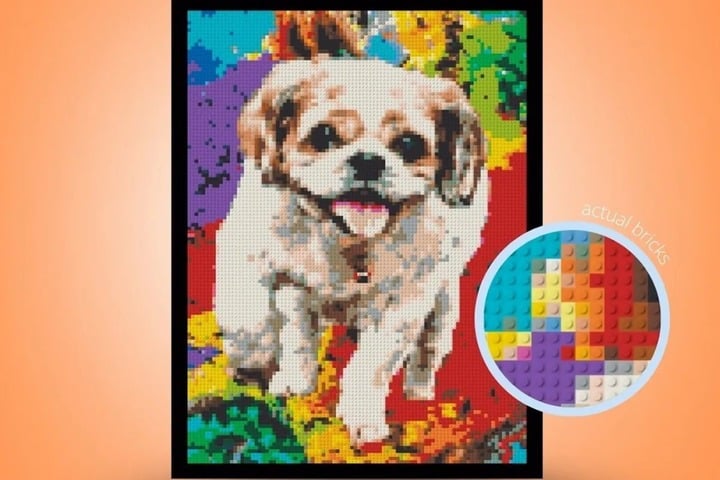
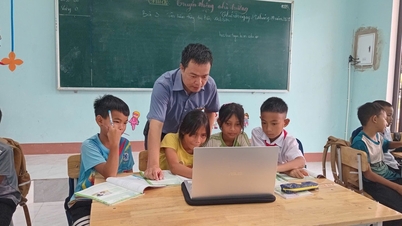
A fun and free online drawing tool. (Illustrative image)
2. Sketchpad - Draw anytime, anywhere
Sketchpad is a simple yet effective online drawing tool. With Sketchpad, users don't need to register an account to access all of its features. The interface is very intuitive and easy to understand, even for beginners. This tool offers a range of drawing options, from pencils and pens to brushes, making it easy to create unique works of art.
3. Pixilart - The meeting place of pixel art
For those who love pixel art, Pixilart can be considered a creative paradise. This tool is specifically developed for designing and creating pixel art. Pixilart is not just a drawing tool, but also a vibrant community where pixel artists can share and learn from each other. In addition, Pixilart supports community features such as forum participation and art design competitions.
4. Canva - A versatile design tool
Canva is not just a drawing tool, but also a powerful assistant for graphic design with its rich array of ready-made templates. From poster design to presentation creation, Canva provides maximum support. Although some features require payment, the free version of Canva is still powerful enough to help you create beautiful and professional products.
5. Autodraw - For Non-Professionals
Autodraw is a revolutionary product from Google for those who lack drawing skills. This tool uses artificial intelligence to help you perfect your sketches. With just a few simple strokes, Autodraw will suggest detailed and professional drawings for you to choose from. It's a great tool to turn ideas into reality without requiring advanced drawing skills.
Source


![[Photo] Prime Minister Pham Minh Chinh attends the Conference on the Implementation of Tasks for 2026 of the Industry and Trade Sector](/_next/image?url=https%3A%2F%2Fvphoto.vietnam.vn%2Fthumb%2F1200x675%2Fvietnam%2Fresource%2FIMAGE%2F2025%2F12%2F19%2F1766159500458_ndo_br_shared31-jpg.webp&w=3840&q=75)








































































Comment (0)