

 |
Authenticating VNeID using NFC on your phone is quite simple, you can refer to the steps below.
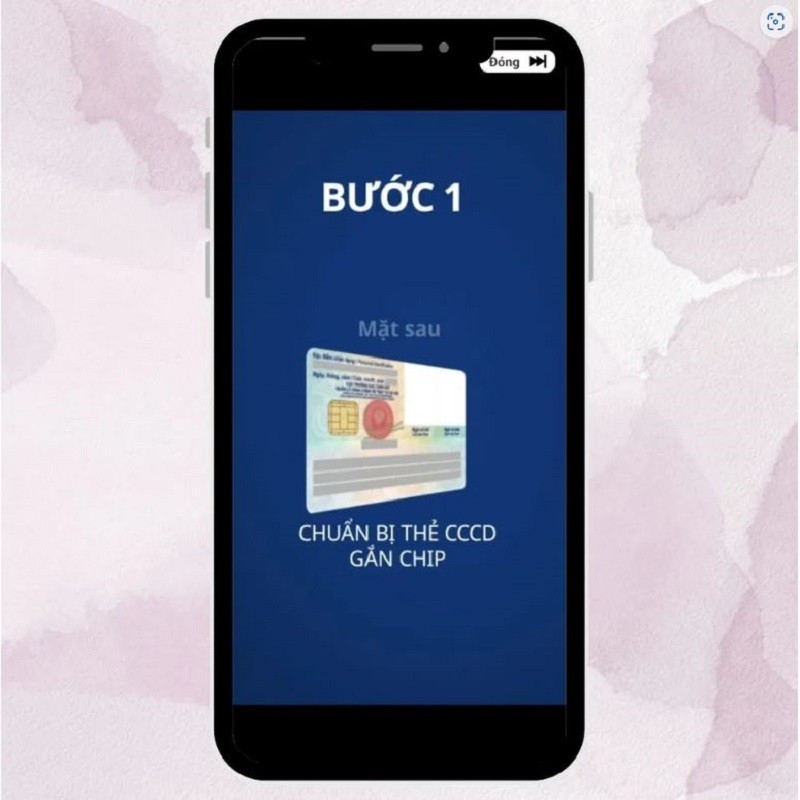
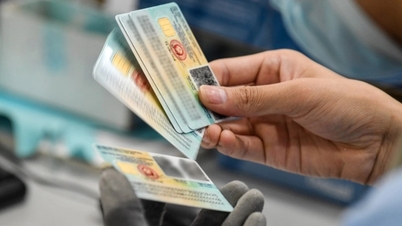
Step 1: First, prepare your Citizen Identification Card (CCCD). Next, enable the NFC feature in the settings on your mobile device.
 |
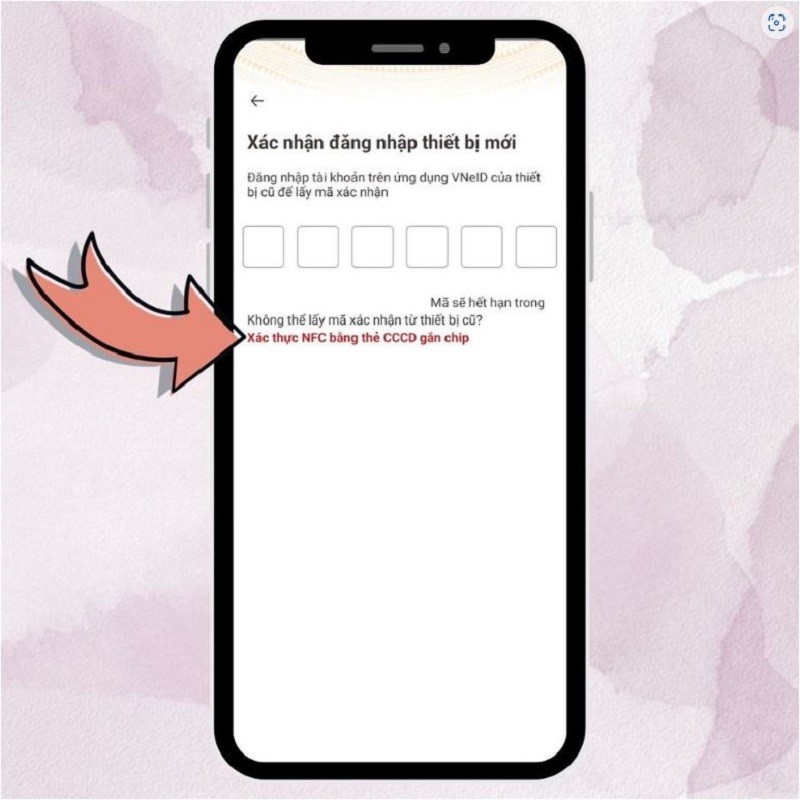
Step 2: When you need to log in to VNeID on another device, you choose the authentication method via NFC using a chip-embedded CCCD card.
 |
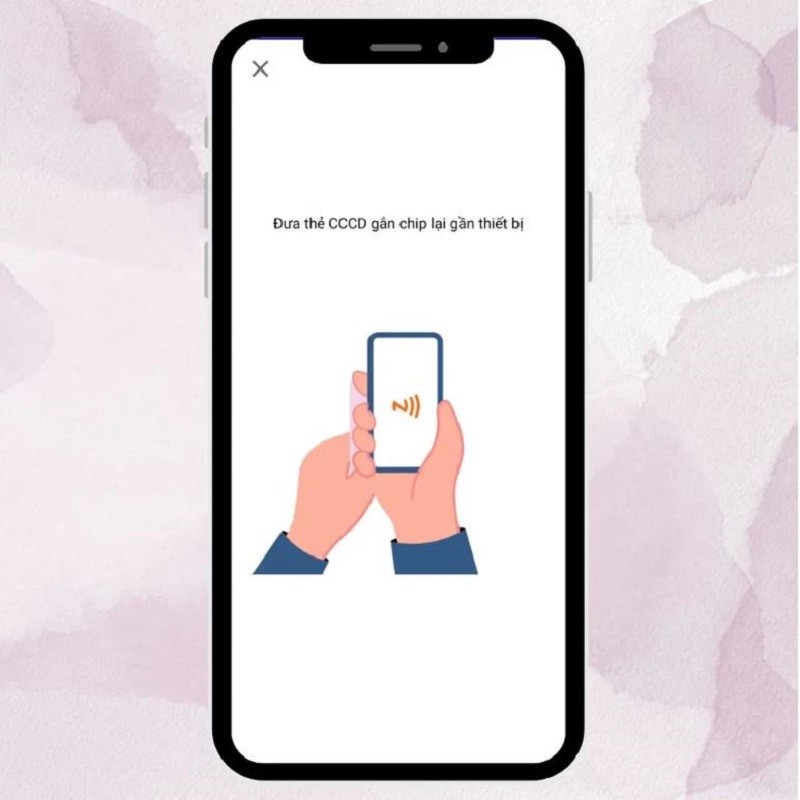
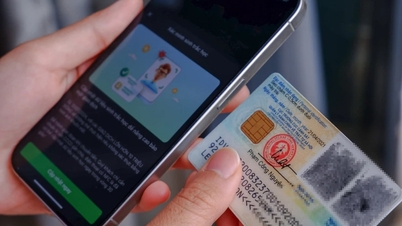
Step 3: To authenticate, place the chip holder on the CCCD card in the center and at the top of the back of the phone, near the camera area. Keep the CCCD card and phone in this position. If the authentication application does not show a notification that it is reading information from the chip, you just need to gently move the CCCD card from top to bottom, along the length of the phone.
 |
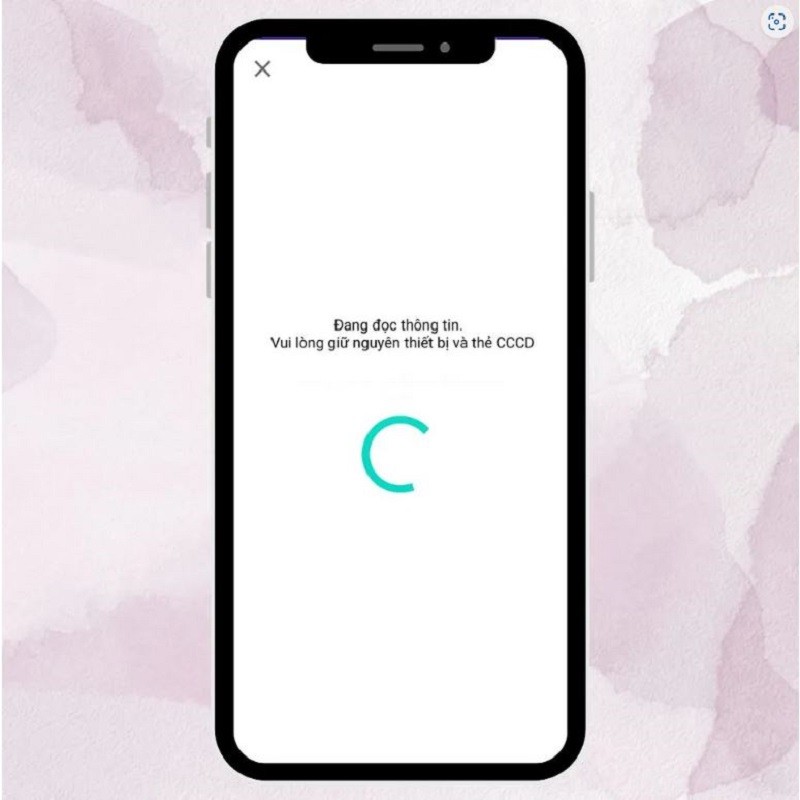
Step 4: When the application displays a warning that it is reading information from the chip, keep the CCCD card and phone in the same position. This process will continue until the application notifies that the information reading has been successful.
 |
Authenticating VNeID using NFC on the phone not only brings convenience to users but also ensures safety in protecting personal information.
Source
































































































Comment (0)