

If you're looking to relive your childhood memories of classic Game Boy Advance (GBA) games, your iPhone can easily do so. This article will list four of the best GBA emulators currently available for iPhone, helping you transform your smartphone into a powerful classic gaming console.
Delta - A versatile emulator with a rich game library.
Delta stands out for its ability to emulate not only GBA games but also popular titles from the SNES, Nintendo DS, N64, and Sega Genesis. This emulator boasts many attractive features such as game controller support, save game progress, speed boost, and local multiplayer. Notably, Delta also integrates AirPlay, allowing you to connect your iPhone to your TV and transform your living room into a mini-cinema.
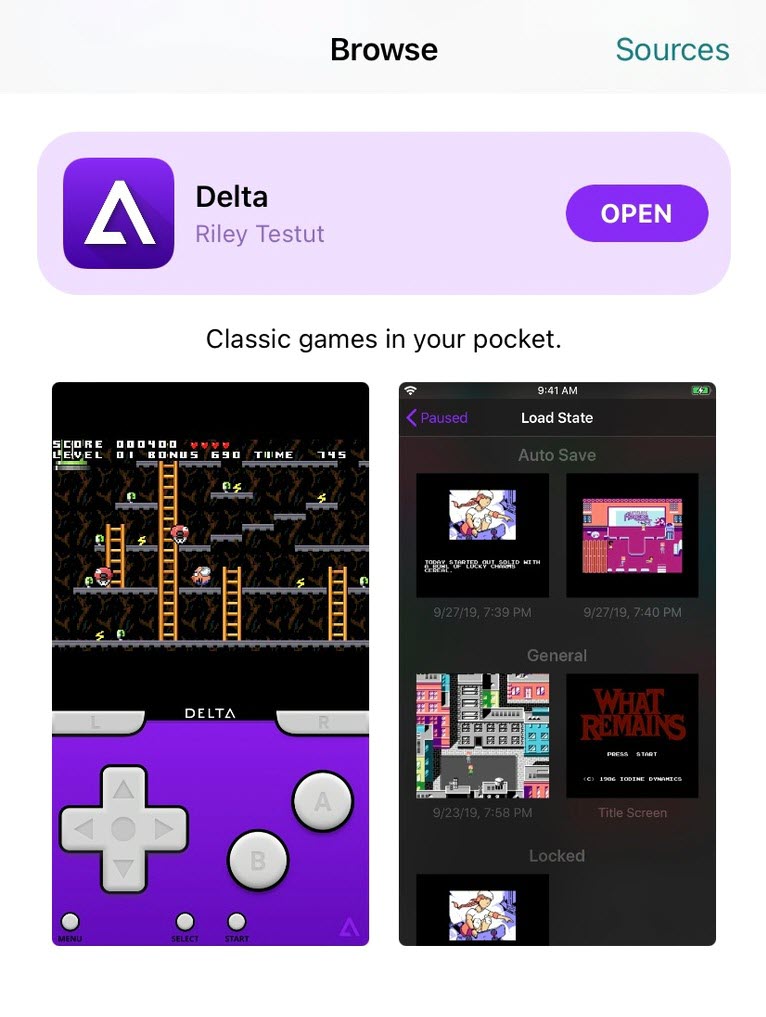
Delta emulator
Provenance EMU - Bringing the GBA experience to Apple TV
Provenance EMU is the perfect choice for those who love playing GBA games on a big screen. This emulator has a dedicated version for tvOS, turning Apple TV into a true retro gaming console. Provenance EMU also supports saving games to iCloud, making it easy for players to sync data between devices.
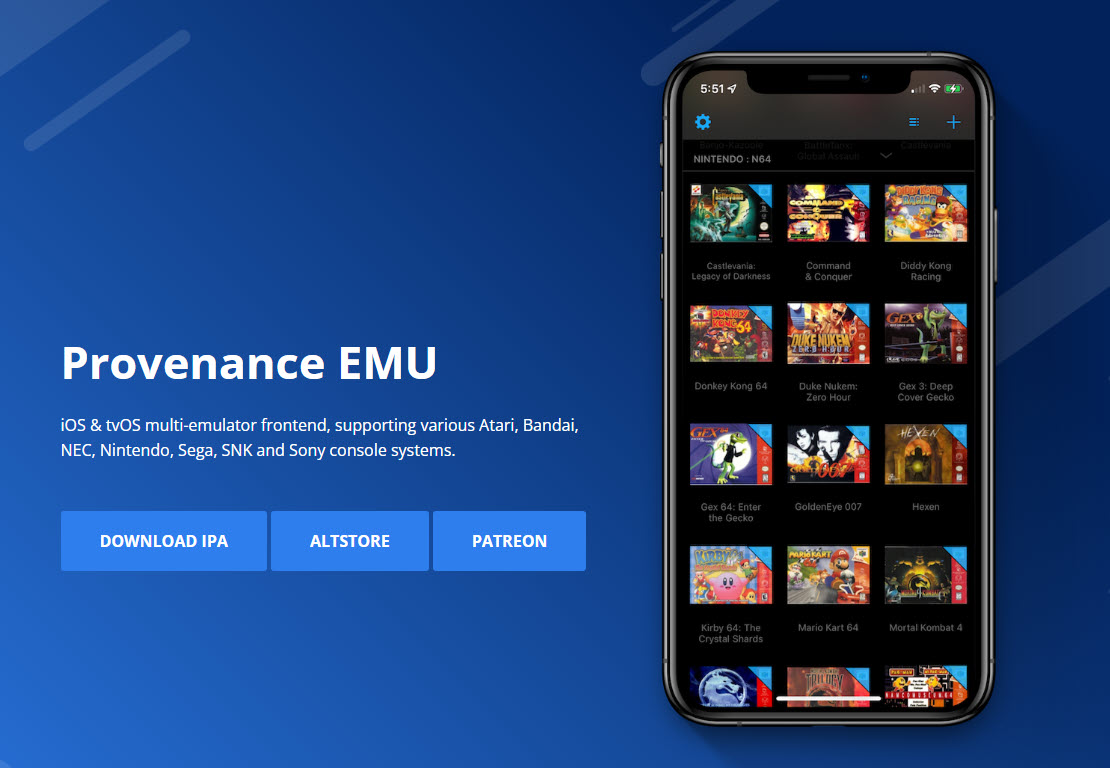
Provenance EMU emulator
In addition, Provenance EMU is compatible with many other console systems such as PlayStation 1, providing access to a huge game library to explore .
RetroArch - A powerful emulator with many customization options.
RetroArch is the choice for hardcore gamers who want to optimize their gaming experience. This emulator boasts a rich set of visual filters, mimics the interface of classic CRT TVs, and supports online multiplayer.
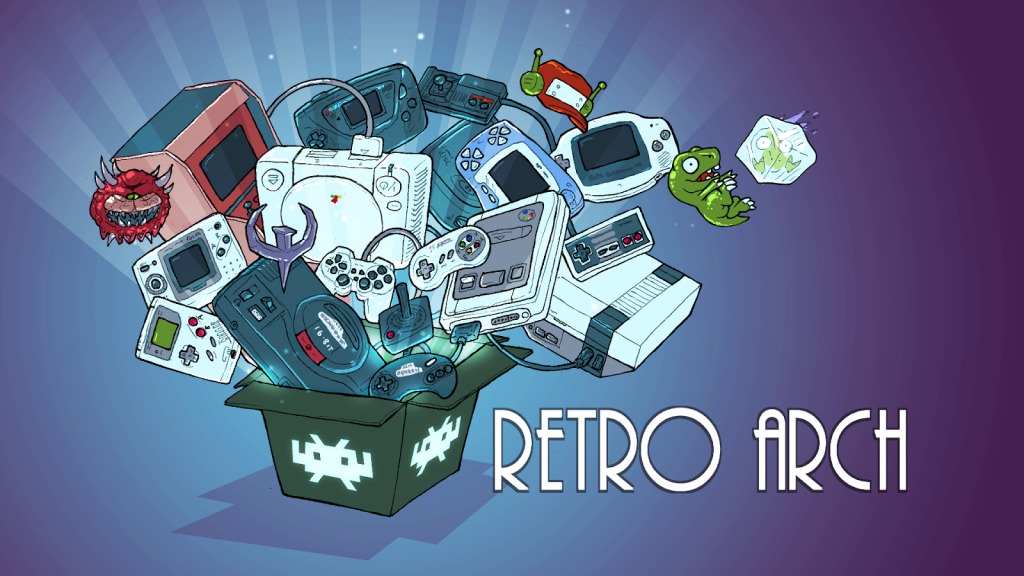
RetroArch emulator
RetroArch is compatible with many classic console systems, including PSP and PS2, allowing for a diverse experience of your favorite games. However, RetroArch has a complex user interface and requires some technical knowledge to set up.
AfterPlay - A simple GBA emulator solution
AfterPlay is a browser-based GBA emulator that allows you to play games directly through Safari or any other web browser without needing to download an application. AfterPlay has a simple, easy-to-use interface and supports automatic game saving to the cloud. However, AfterPlay's performance may not be as good as other emulators due to its browser-based nature.
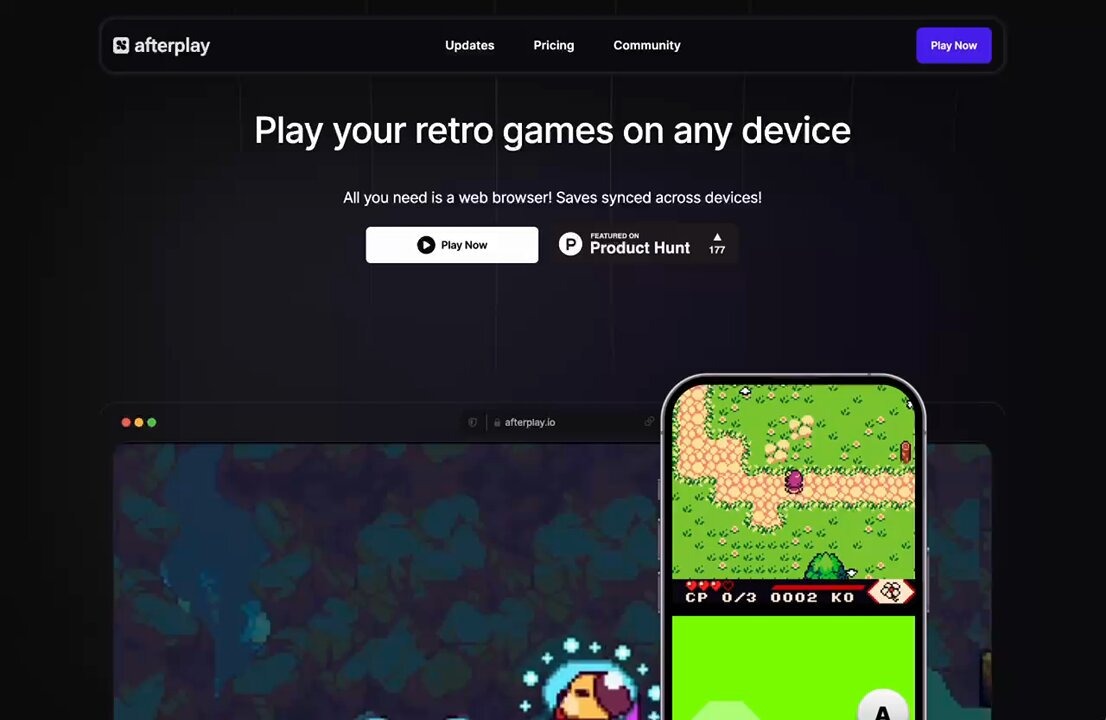
AfterPlay emulator
Note: Due to Apple's policy, GBA emulators are not allowed on the App Store. However, you can safely download them via AltStore. With these four excellent GBA emulators, you can immerse yourself in the captivating world of classic childhood games right on your iPhone.
Source link


![[Image] Central Party Office summarizes work in 2025](/_next/image?url=https%3A%2F%2Fvphoto.vietnam.vn%2Fthumb%2F1200x675%2Fvietnam%2Fresource%2FIMAGE%2F2025%2F12%2F18%2F1766065572073_vptw-hoi-nghi-tong-ket-89-1204-jpg.webp&w=3840&q=75)































































































Comment (0)