

 |
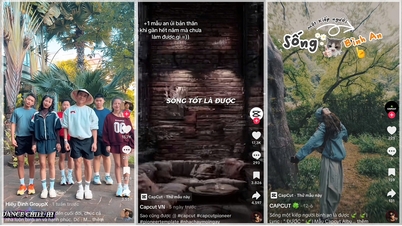
Knowing how to use AI photo enlargement effects on TikTok helps you transform everyday moments into unique works of art. Check out the simple steps below on how to use AI photo enlargement effects on TikTok.
Step 1: First, you need to update the TikTok app on your phone to the latest version. This new effect is only available in the latest update. You can access the Google Play Store or the App Store to update the app.
 |
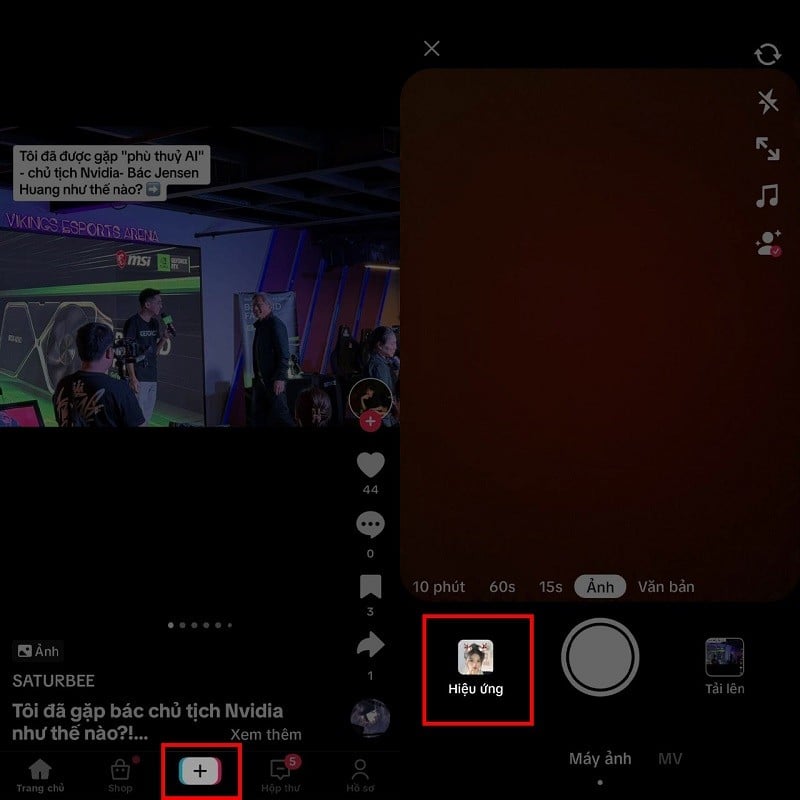
Step 2: After the update is complete, open the app and select the "+" icon to create a new video at the bottom of the screen. Then, tap the "Effects" option located to the left of the capture button.
 |
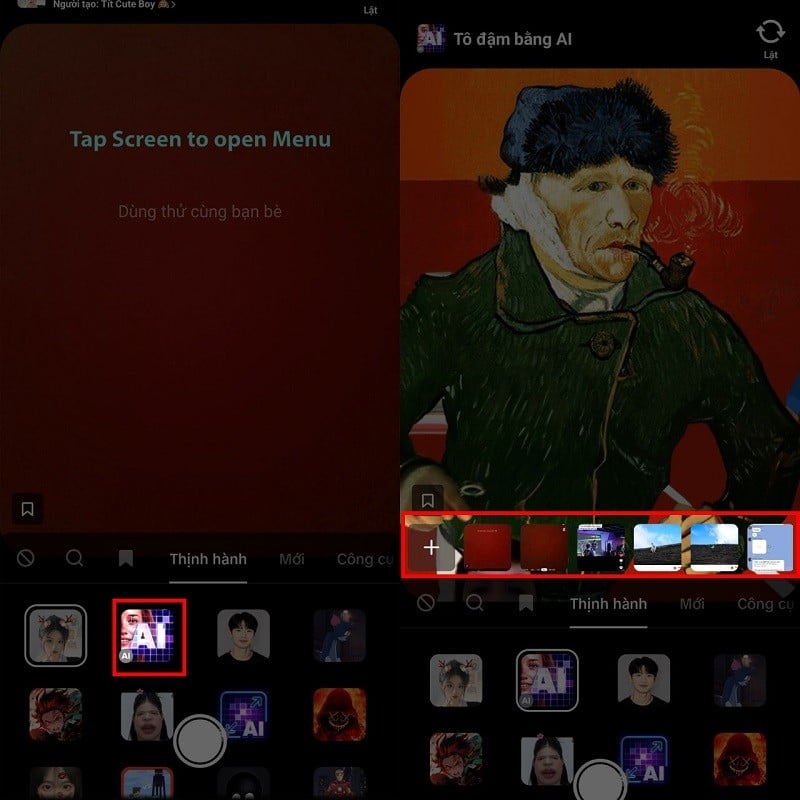
Step 3: Here you will see the trending effects, and among them is the AI effect in the second box. This is the effect we need to find, so click on it. Wait a moment for the application to load the effect. After the effect has finished loading, you need to select your photo. You can choose from the photos displayed above or press the gray "+" sign to select an older photo.
 |
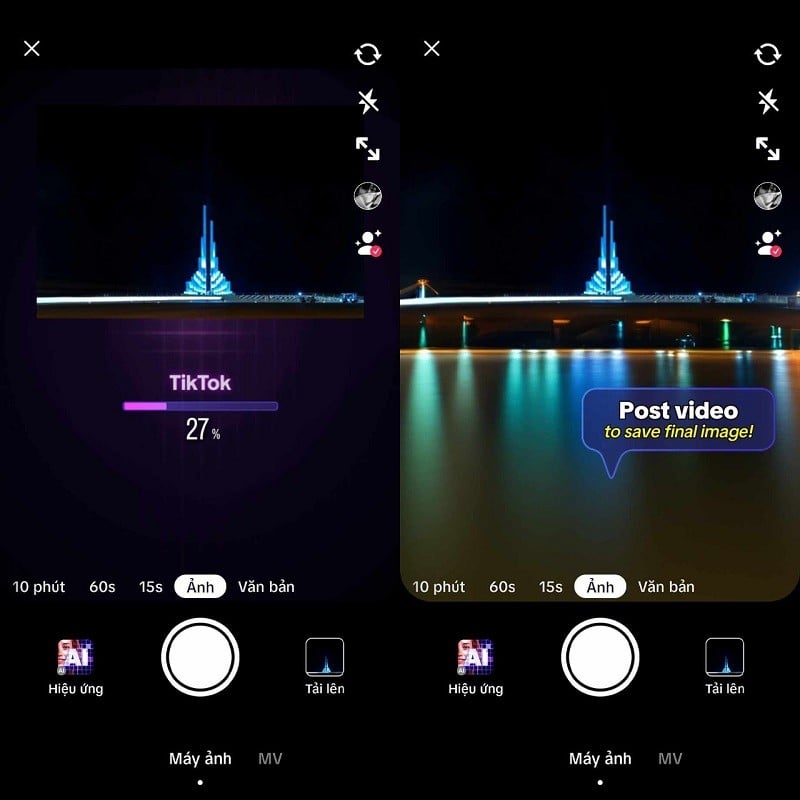
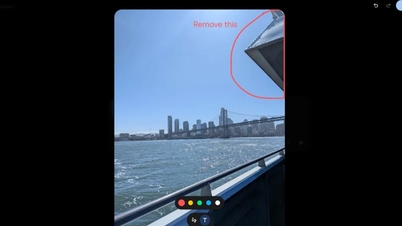
Step 4: After you've selected the image, the app will start applying the effects. Wait a moment, and you'll see the result. Finally, you can share this photo on TikTok and save the result to your device.
 |
That's how to use the AI photo enlargement effect on TikTok. We hope you succeed and create unique and impressive photos and videos.
Source
![[Image] Central Party Office summarizes work in 2025](/_next/image?url=https%3A%2F%2Fvphoto.vietnam.vn%2Fthumb%2F1200x675%2Fvietnam%2Fresource%2FIMAGE%2F2025%2F12%2F18%2F1766065572073_vptw-hoi-nghi-tong-ket-89-1204-jpg.webp&w=3840&q=75)
















































































Comment (0)