

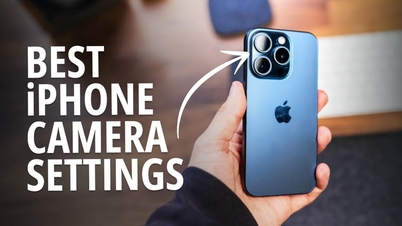
On iPhones, photo and video quality depends not only on the hardware but also directly on the settings in the Camera app. If certain important options are not enabled, the device may not be able to fully utilize its recording capabilities.
With just a few taps in the settings, users can upgrade video recording quality to a higher resolution, improve the smoothness of slow-motion mode, increase sharpness in cinematic mode, and enable high resolution for regular photos.
In addition, adjusting the storage format, maintaining the familiar shooting mode, and enabling grid lines to aid composition also makes the photography process more convenient and professional.
The video below will guide you step-by-step through checking and adjusting key settings to help your iPhone camera deliver its best possible image quality.
8 camera settings to help your iPhone take sharper photos (Video: Doan Thuy).
Source: https://dantri.com.vn/cong-nghe/8-cai-dat-camera-giup-iphone-chup-anh-sac-net-hon-20260215043500088.htm

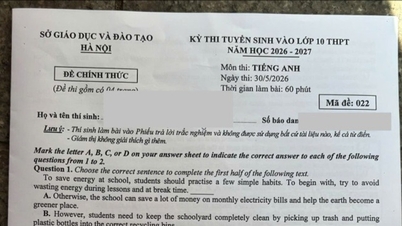
![[Image] Nearly 125,000 Hanoi students completed the Literature exam for the 10th grade entrance exam.](https://vphoto.vietnam.vn/thumb/1200x675/vietnam/resource/IMAGE/2026/05/30/1780117233041_ndo_br_thiet-ke-chua-co-ten-2-png.webp)


























![[Photo] Admire the coral "masterpiece" amidst the million-year-old heritage of Dak Lak province.](https://vphoto.vietnam.vn/thumb/1200x675/vietnam/resource/IMAGE/2026/05/30/1780107638639_y25-jpg.webp)

























































Comment (0)